1. Getting Started
Reading Diagnostic Trouble CodesThe procedure for reading diagnostic trouble code(s) is to use a diagnostic Scan tool. When reading DTC(s), follow instructions supplied by tool manufacturer.
Getting Started
Before operating the Isuzu PCMCIA card with the Tech 2, the following steps must be performed:
- The Isuzu 98 System PCMCIA card (1) inserts into the Tech 2 (5).
- Connect the SAE 16/19 adapter (3) to the DLC cable (4).
- Connect the DLC cable to the Tech 2 (5)
- Make sure the vehicle ignition is off.
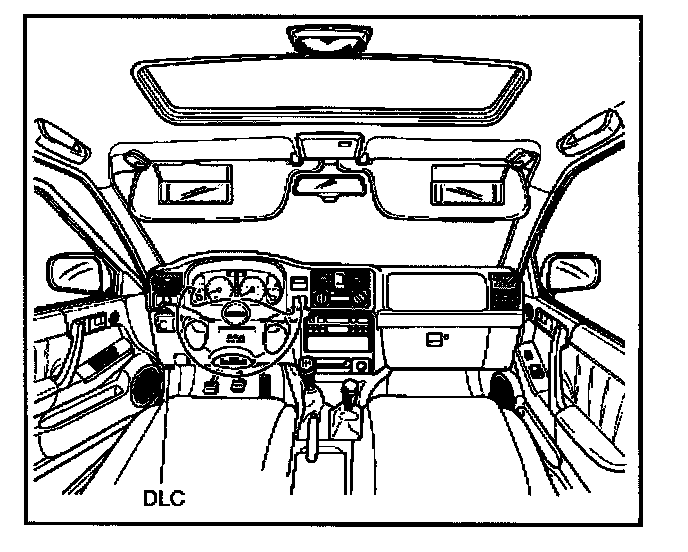
- Connect the Tech 2 SAE 16/19 adapter to the vehicle DLC.
- Turn on the vehicle ignition.
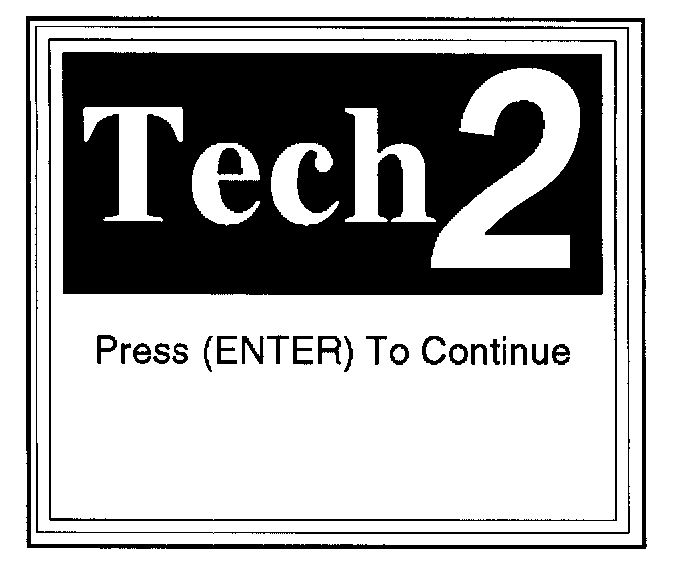
- Power the Tech 2 ON and Verify the Tech 2 power up display.
NOTE: The RS232 Loop back connector is only to use for diagnosis of Tech 2 and refer to user guide of the Tech 2.
Operating Procedure (Example):
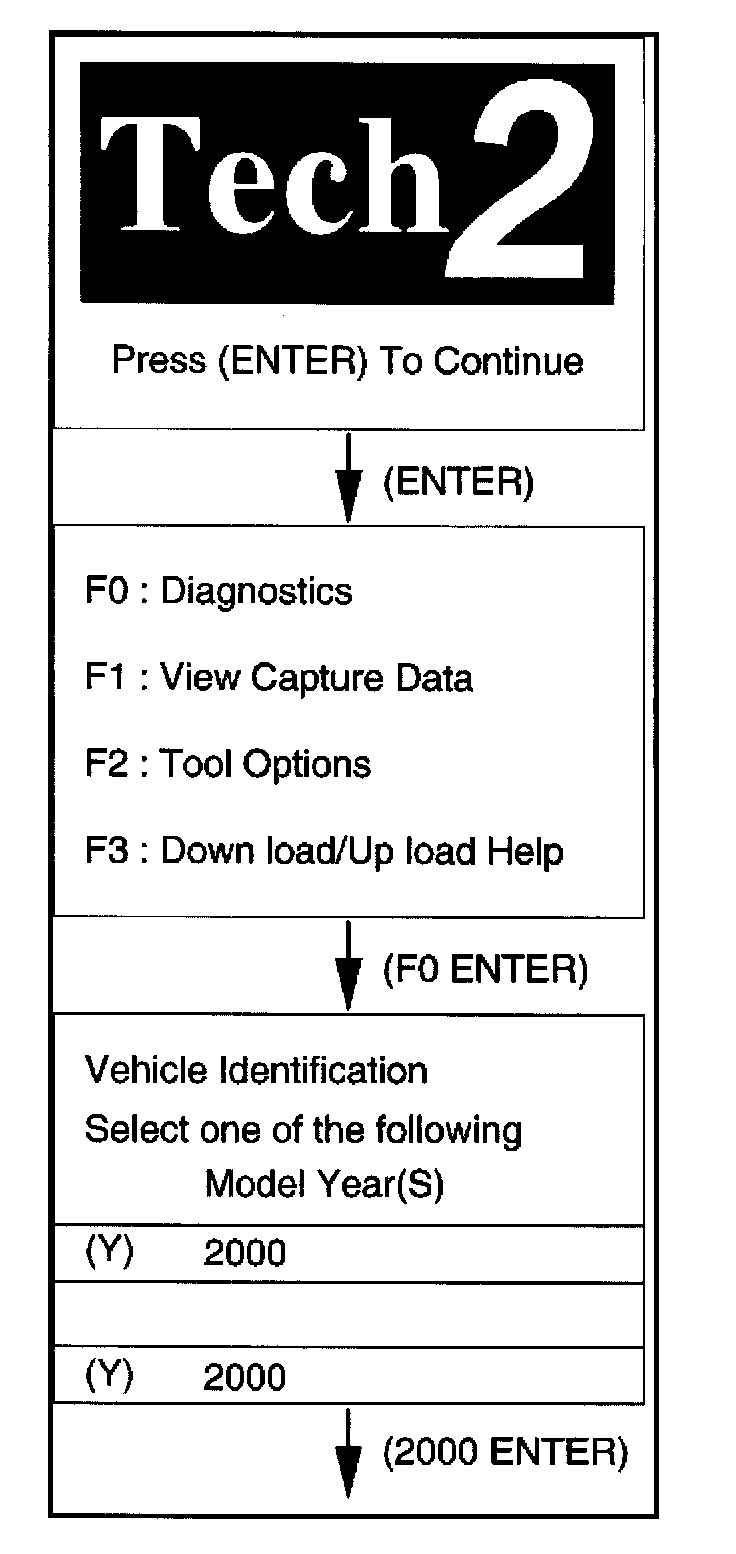
Menu:
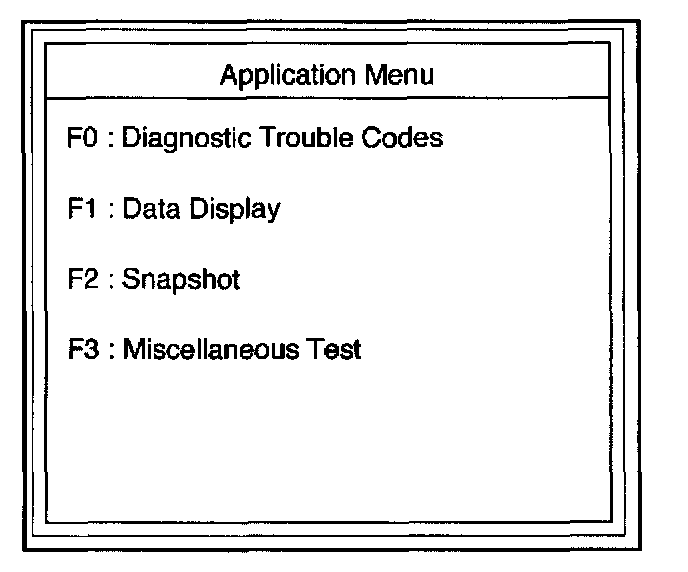
Operating Procedure (Example)
The power up screen is displayed when you power up the tester with the Isuzu system PCMCIA card. Follow the operating procedure.
The table shows which functions are used for the available equipment versions.