Telephone/Telematic Control Module -J526-, Removing and Installing
Telephone/Telematic Control Module -J526-, Removing And Installing
NOTE:
- If the Telephone/Telematic Control Module is replaced, the OnStar(R) system needs to be reconfigured.
- DO NOT exchange Telephone/Telematic Control Modules between vehicles. Each module contains specific Station Identification (STID) and Electronic Serial Number (ESN) data unique to the VIN. This data is used by OnStar(R) and National Cellular Telephone Network to identify the vehicle and administer the customer's account.
Removing
- Move driver's seat to rearmost position.
CAUTION:
- Activate Telematics Service Mode
- Switch off all electrical consumers
- Switch off ignition and remove ignition key
- Fold back carpeting ahead of driver's seat
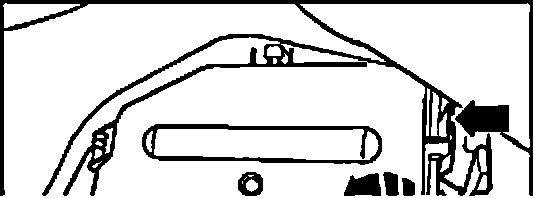
- Unclip electronics box cover and open box -arrows-.
The Telephone/Telematic Control Module and auxiliary battery are clipped into place.
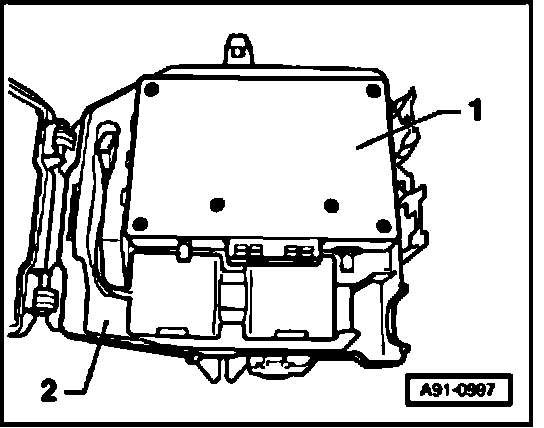
- Disconnect all electrical and antenna connections.
- Remove control module -1- from foam bracket in electronics box -2-.
Installing
- Install in reverse order of removal.
- Deactivate Telematics Service Mode.
NOTE:
- Ensure correct seating and fit of electrical connections.
- Antenna connections (couplings) must be properly aligned and tight to ensure proper reception.