Scan Tool Connecting
VAS 5051 Scan Tool (ST), Connecting
Test conditions
- Battery voltage at least 11 V
- Ground connections at engine and transmission OK
- Fuse OK
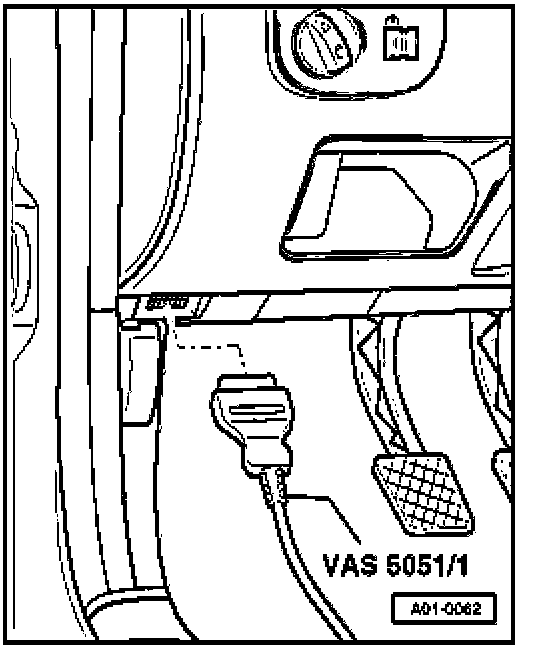
- Connect up VAS 5051 Scan Tool (ST) using cable VAS 5051/1 and K wiring adapter VAS 6017.
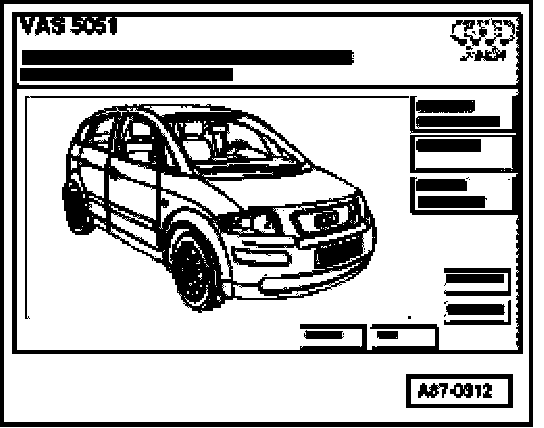
Display on VAS 5051:
- Press the "vehicle self-diagnosis" button.
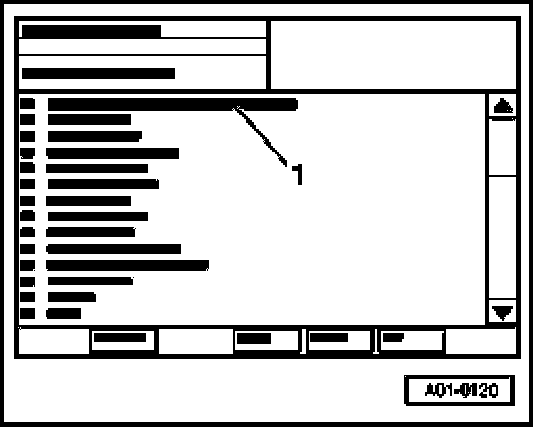
Display on VAS 5051:
- Select vehicle system "15 - Airbag" -1-.
NOTE: If one of the adjacent messages appears on the display, perform troubleshooting in line with troubleshooting program for diagnostic wire.
Indicated on display
Rapid data transfer HELP
No control module response
Indicated on display
Rapid data transfer HELP
Error in communication link
Indicated on display
Rapid data transfer HELP
K-wire not switched to Ground
Indicated on display
Rapid data transfer HELP
K-wire not switched to positive
NOTE: If display remains blank:
- Press Print button to switch on printer (lamp in button lights).
- Press button -1- for "Rapid data transfer".
Indicated on display:
Rapid data transfer HELP
Enter address word XX
NOTE: Address word 00 implements automatic test sequence, i.e. the DTC memories of all vehicle systems with On Board Diagnostic (OBD) capability are checked by way of rapid data transfer.