Final Software Update
Final Software Update1. Eject CD#1 and insert CD#2 of CD bundle 4F0 998 961 in the single CD drive or in the first slot of the vehicle's CD changer.
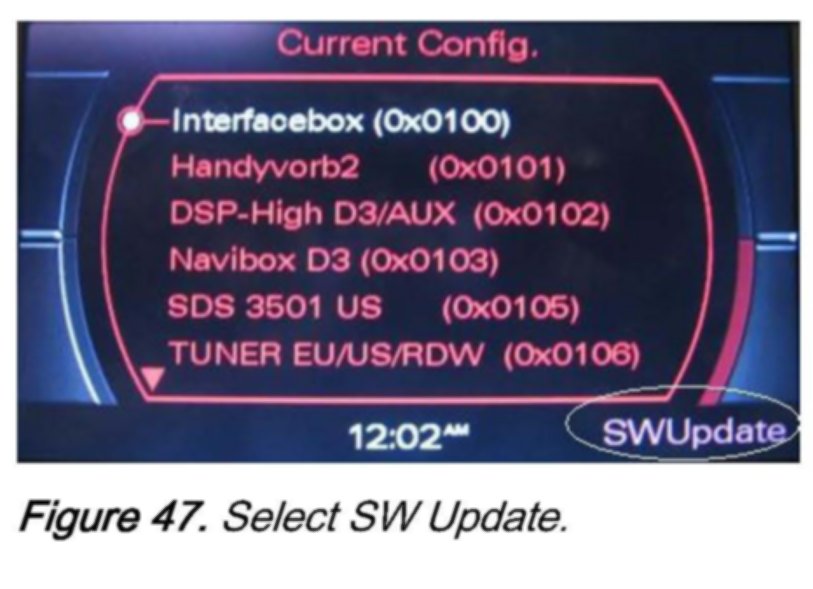
2. Wait 30-60 seconds until the MMI system recognizes the CD. Then access the red update menu (press and hold the SETUP and RETURN buttons) and select the function SW Update with the lower right soft button.
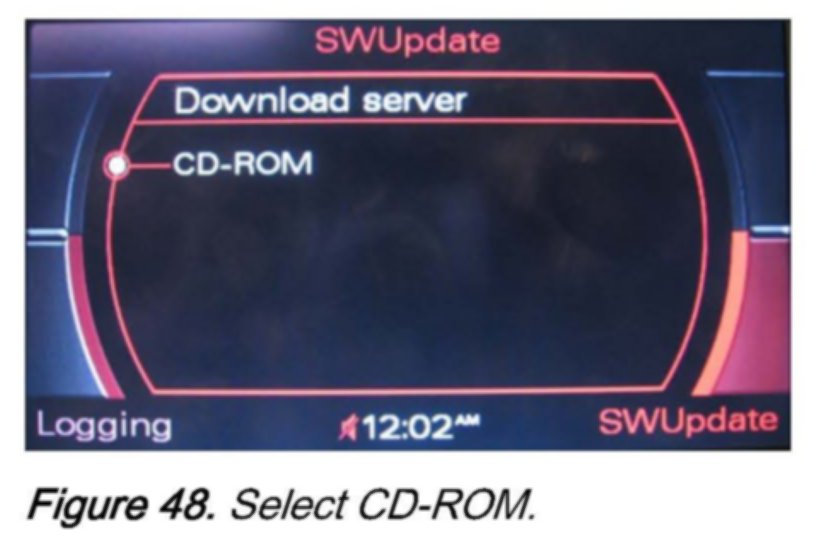
3. Select CD-ROM.
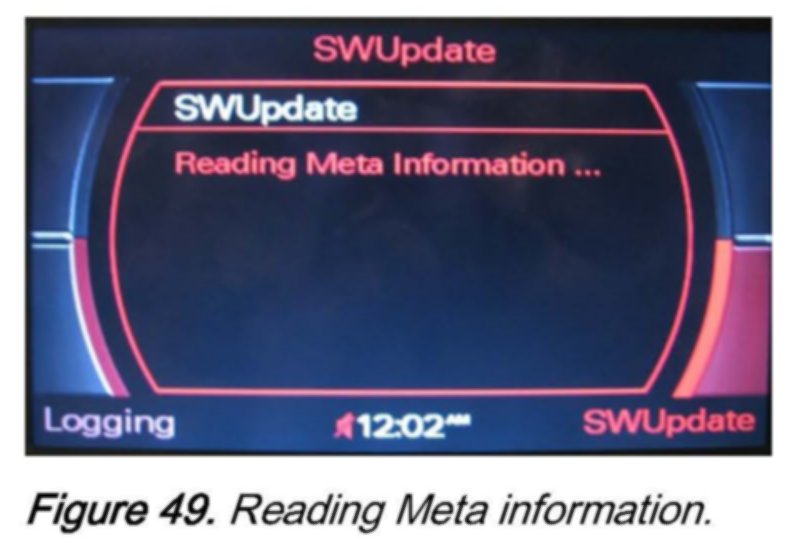
Wait until the META-Information is read.
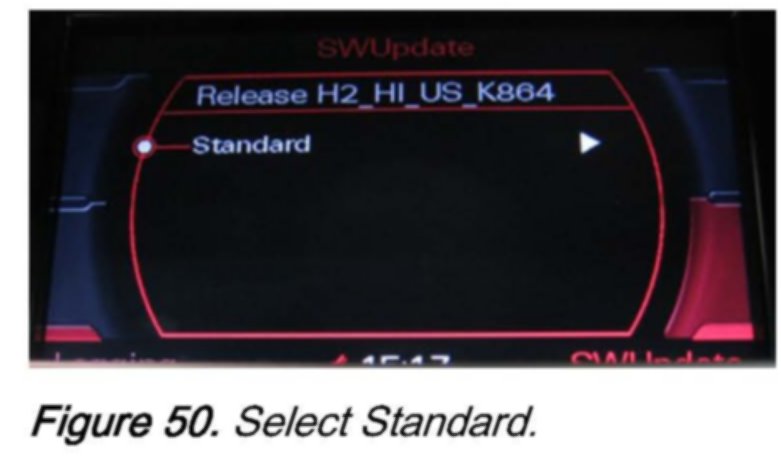
4. Select Standard to access the MMI component list.
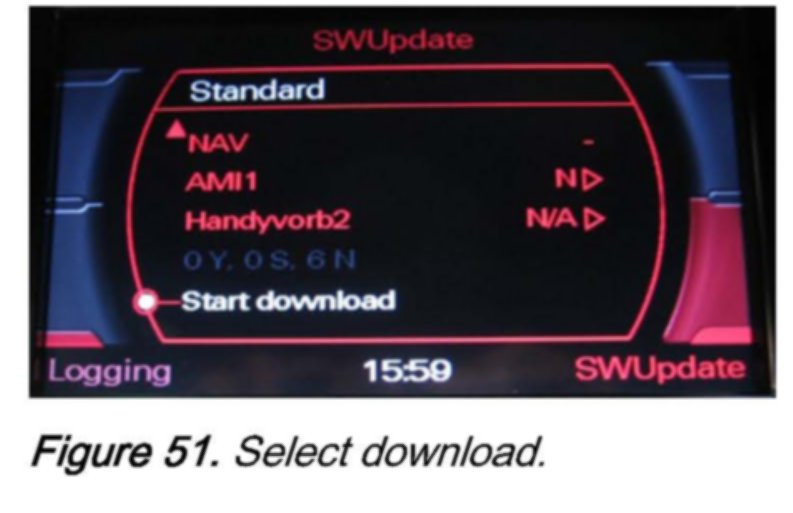
5. Scroll down and select Start download.
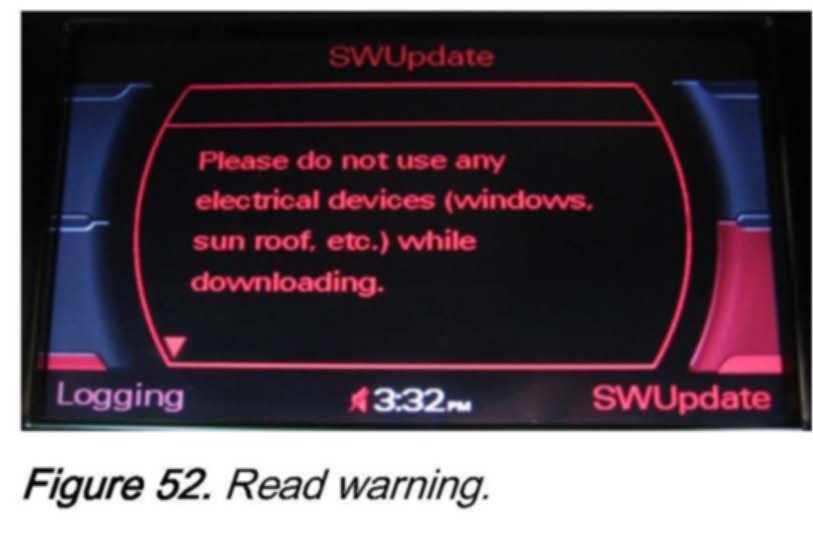
6. Read and obey the warning.
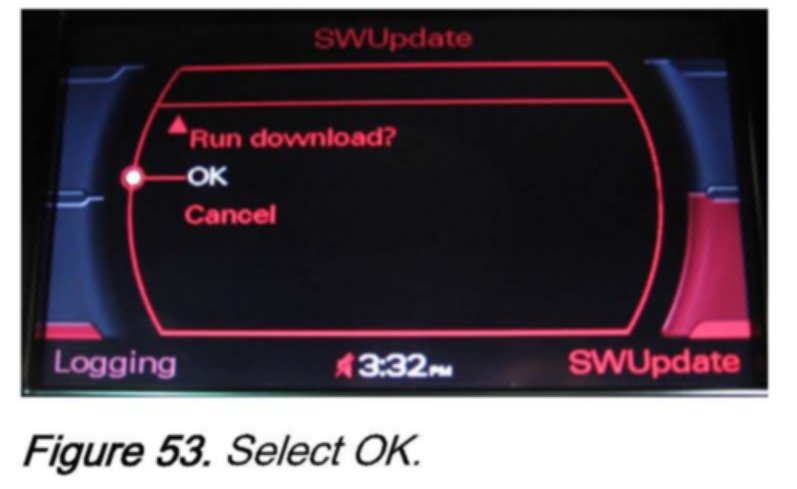
7. Scroll down to the next screen and select OK.
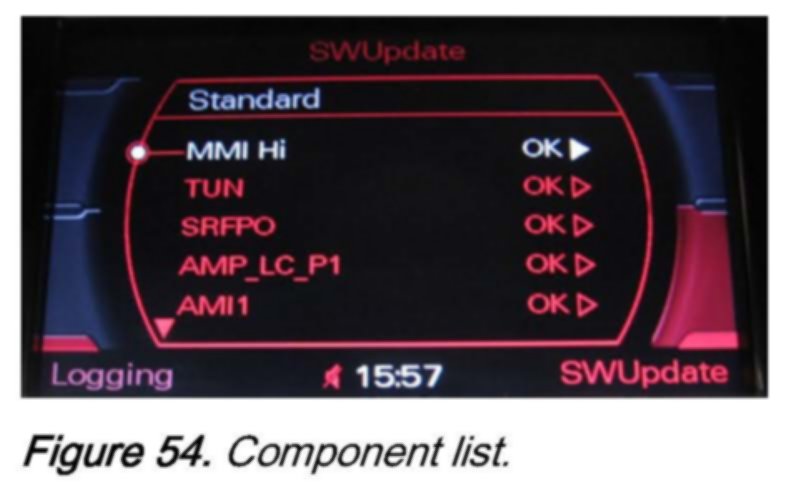
8. The update of the components may take more than 30 minutes.
When finished, a component list will appear. Scroll down the list.
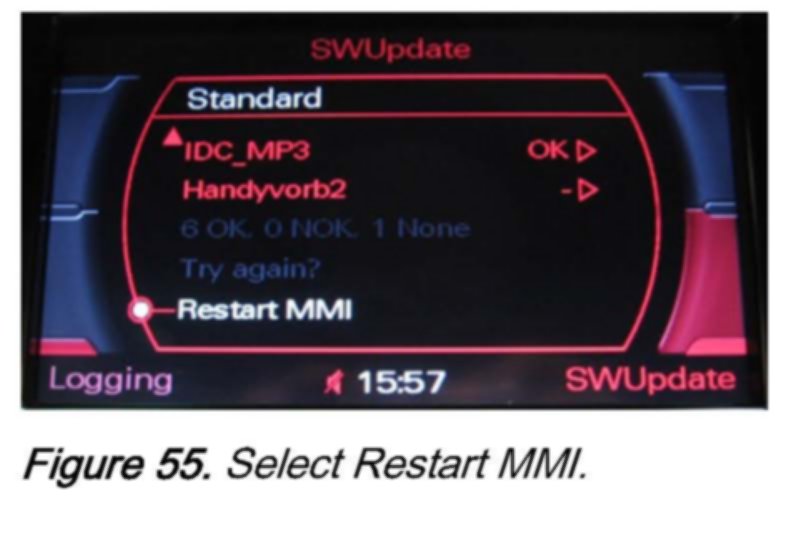
9. Select Restart MMI.
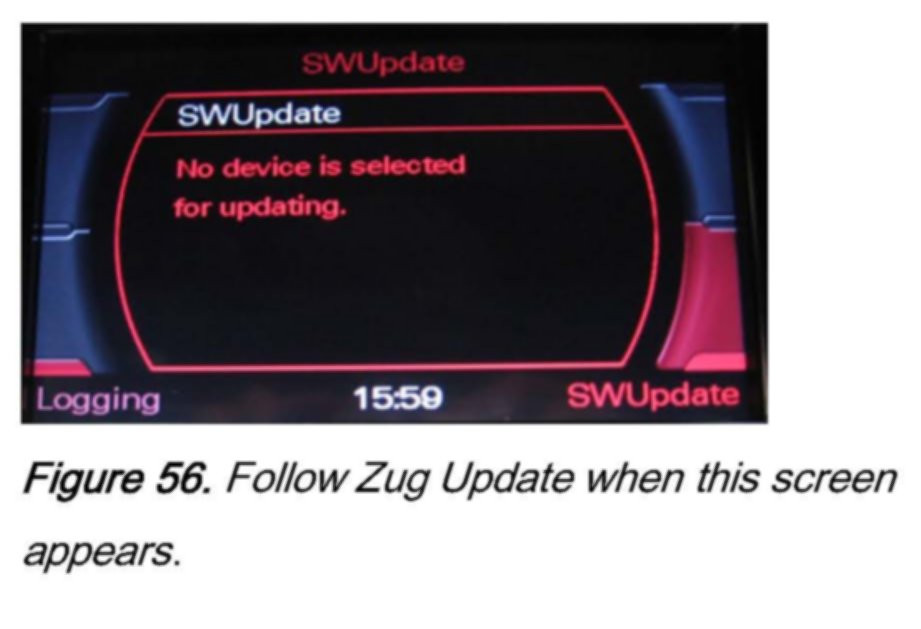
10. To ensure that all components were updated successfully, follow the steps of the Zug Update procedure again until the adjacent screen appears.
11. Remove CD#2 from the CD changer.
12. Connect vehicle diagnostic, testing and information system VAS 5051, VAS 5051B, or VAS 5052 (with online capability) to the vehicle and erase all communication faults.