Unit Check
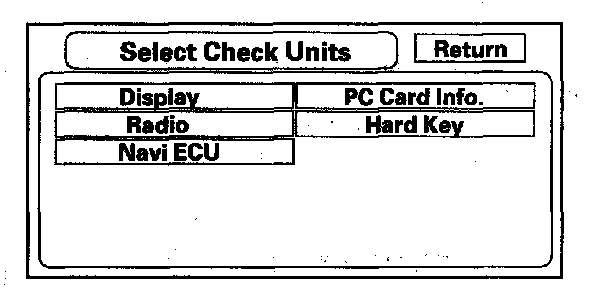
Unit CheckTo start the test, select the item you want to check.
- Display
- Radio
- Navi ECU
- PC Card Info
- Hard Key
Display
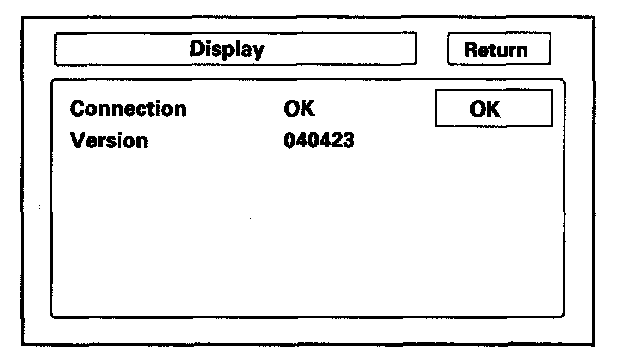
This diagnostic does additional checks on the communication bus between the navi CPU and the display. In addition, the internal electronics and touch screen functionality are confirmed.
If the connection is NG, replace the navigation unit.
- Connection verifies internal communications.
- Version represents the software version for the display.
Radio
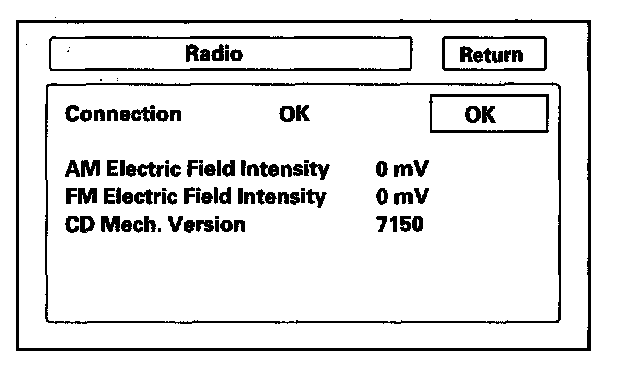
This diagnostic screen checks the internals of the radio (AM and FM) and CD player. If NG, replace the navigation unit.
Navi ECU
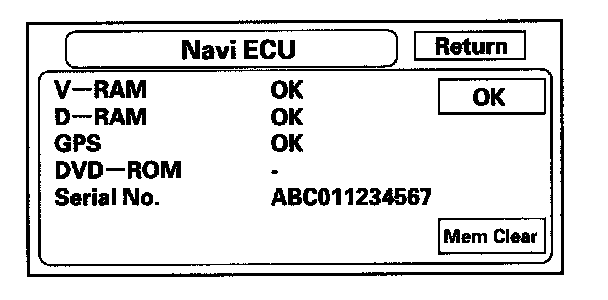
This screen looks for problems with the navigation unit. When you initiate this diagnostic, the navigation unit may delay up to a minute while the diagnostic runs.
- If V-RAM or D-RAM is NG, then replace the navigation unit.
- If GPS indicates NG (ANT), then check the entire GPS antenna wire from the navigation unit to the antenna. If the wire is crushed or damaged, try a known-good antenna. If this diagnostic reads OK, then order a new GPS antenna. If the diagnostic still reads NG (ANT), then replace the navigation unit.
- DVD ROM represents the database version on the DVD. You can also find this information in Setup by selecting System Information.
- Serial No. should be the same as the serial number found on the underside of the navigation unit. You needs this number to obtain the security code from the Interactive Network (iN) system.
- Mem Clear is for factory use, and should never be used unless instructed by the factory. Accidental selection will erase the customer's personal data, PINS, and settings. If selected, a popup box appears asking if you want to clear the memory. If so, select Yes.
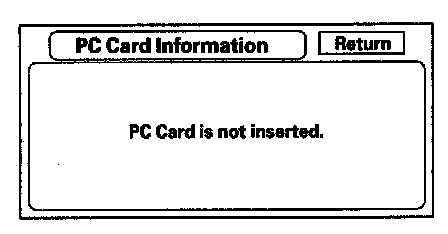
PC Card info
There is no PC Card in the PC slot, and the screen should say, "PC Card is not inserted".
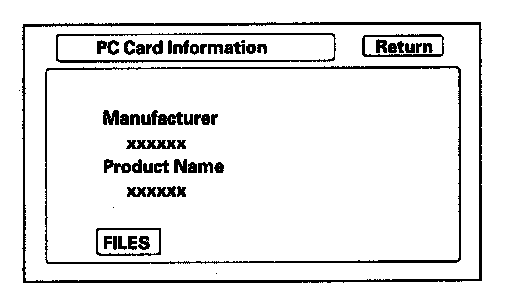
If the factory provides a PC card and instructs you to insert a card, then the screen displays the Manufacturer, and Product Name as shown in the following screen. Touch the FILES button to see the contents of the card.
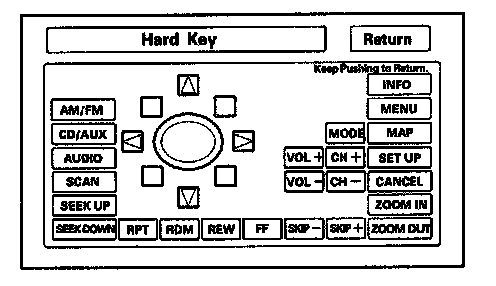
Hard Key
This diagnostic screen checks the status of each of the hard buttons surrounding the navigation display. When you press each hard button, the corresponding item on the screen should flash blue. Touch the return key, or press and hold the joystick to exit.
NOTE: VOL/PWR knob operation (turn, push) and OPEN/CLOSE button operation are not displayed.