Symptom Troubleshooting
Symptom Troubleshooting: System always comes up in in-line diagnostic mode
System always comes up in in-line diagnostic mode
NOTE:
- Check the vehicle battery condition first.
- Check the connectors for poor connections or loose terminals.
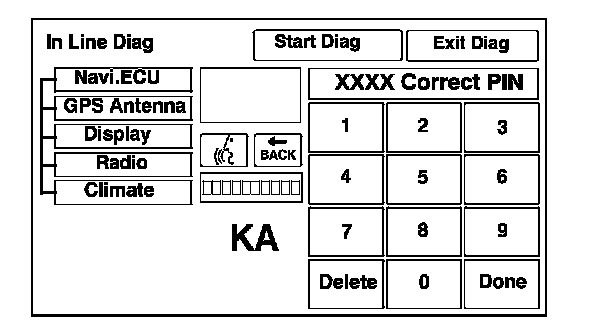
1. When a navigation control unit is powered up for the first time at the factory, the factory diagnosis screen (In Line Diag) appears. Normally the factory does the steps necessary to verify proper operation and terminate the factory diagnostic. Until the proper confirmation sequence is done, the screen appears every time the vehicle is started.
2. Follow the steps to prevent the screen from showing up in the future:
- Hold down the buttons (Menu+Map/Guide+Cancel) for about 5 seconds (the Select Diagnosis Items screen will appear).
- Hold down the Map/Guide button for 5-10 seconds (A screen with a Complete button, will appear).
- Touch Complete, and then the Return button (the system may re-boot).
- Restart the vehicle, and confirm normal operation by completing the PDI of the navigation system service bulletin.
'07 model
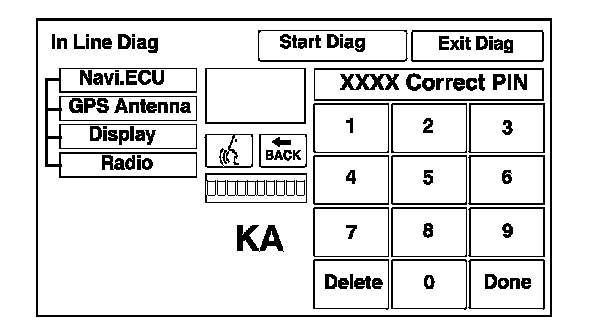
'08-09 models