Maintenance Indicator Reset
Resetting the Engine Oil Life Display Maintenance Minder
The dealer will reset the display after completing the required maintenance service. You will see "OIL LIFE 100%" on the information display the next time you turn the ignition switch to the ON (II) position.
NOTE:
If you have the required service done but do not reset the display, or reset the display without doing the service, the system will not show the correct maintenance intervals. This can lead to serious mechanical problems because you will no longer have an accurate record of when maintenance is needed.
If maintenance service is done by someone other than your dealer, reset the Maintenance Minder as follows:
On Models Without Navigation System
1. Turn the ignition switch to the ON (II) position.
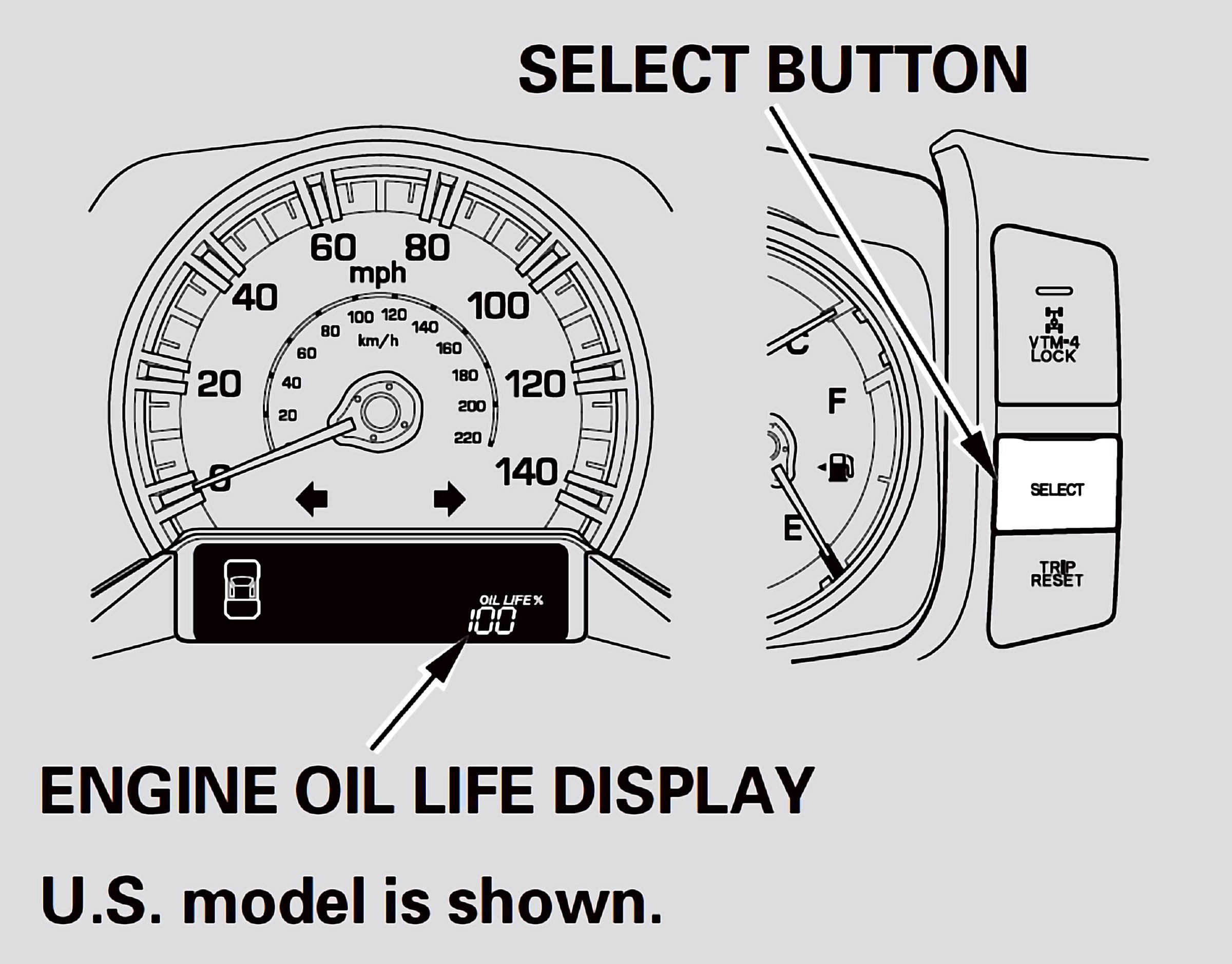
2. Press the SELECT button repeatedly until the engine oil life is displayed.
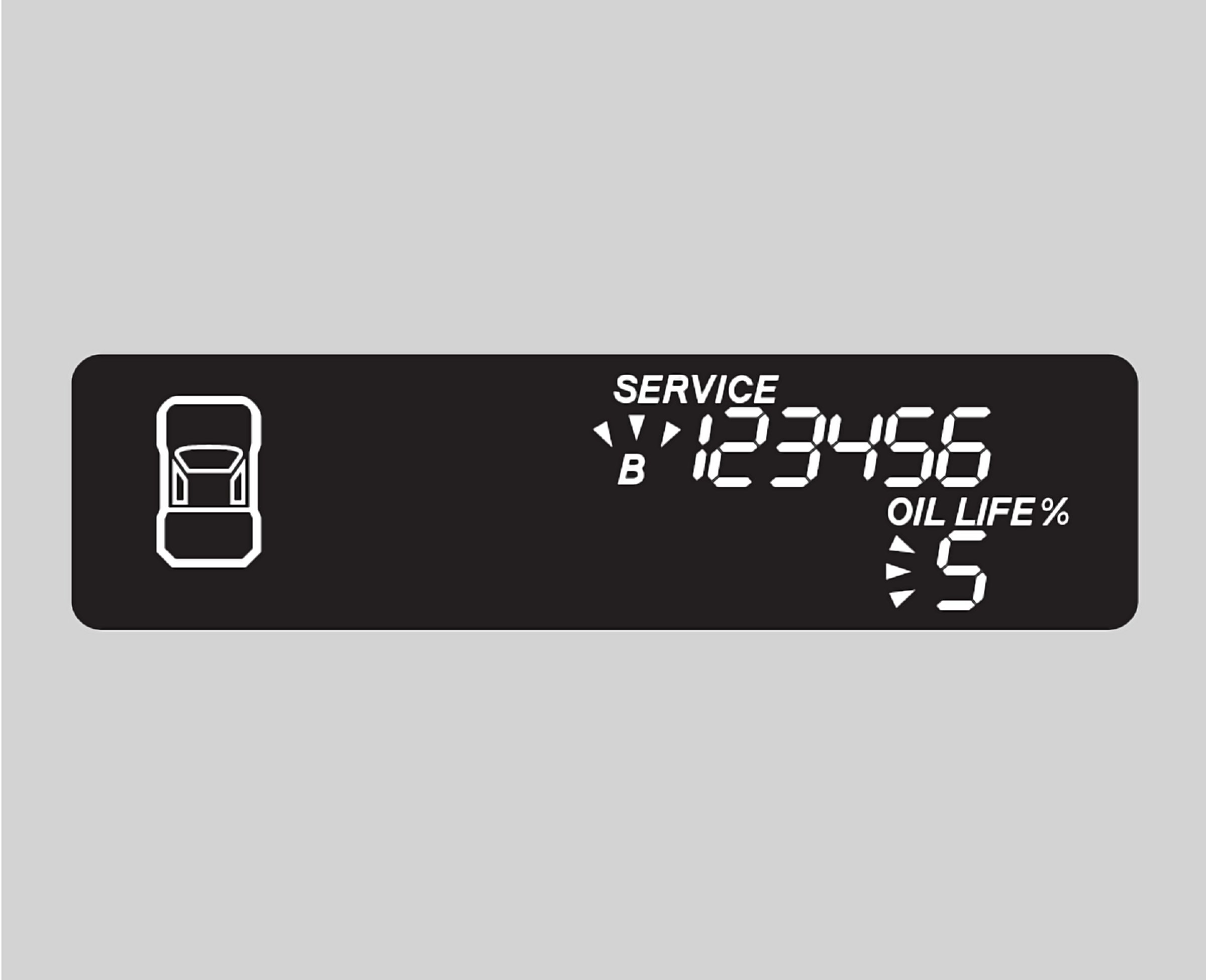
3. Press the TRIP/RESET button for about 10 seconds. The engine oil life and the maintenance item code(s) will blink.
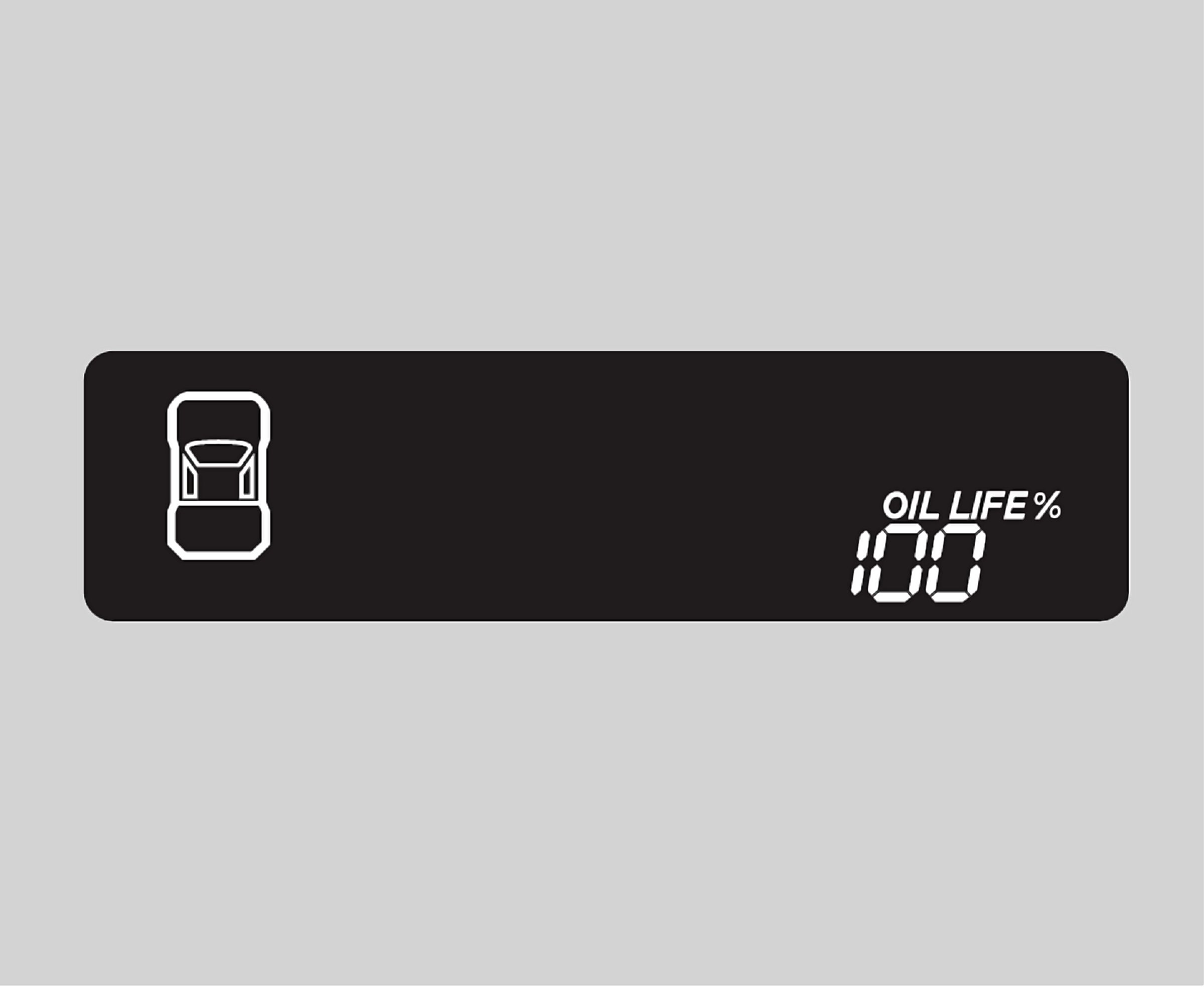
4. Press the TRIP/RESET button for another 5 seconds. The maintenance item code(s) will disappear, and the engine oil life will reset to "100."
On Models With Navigation System
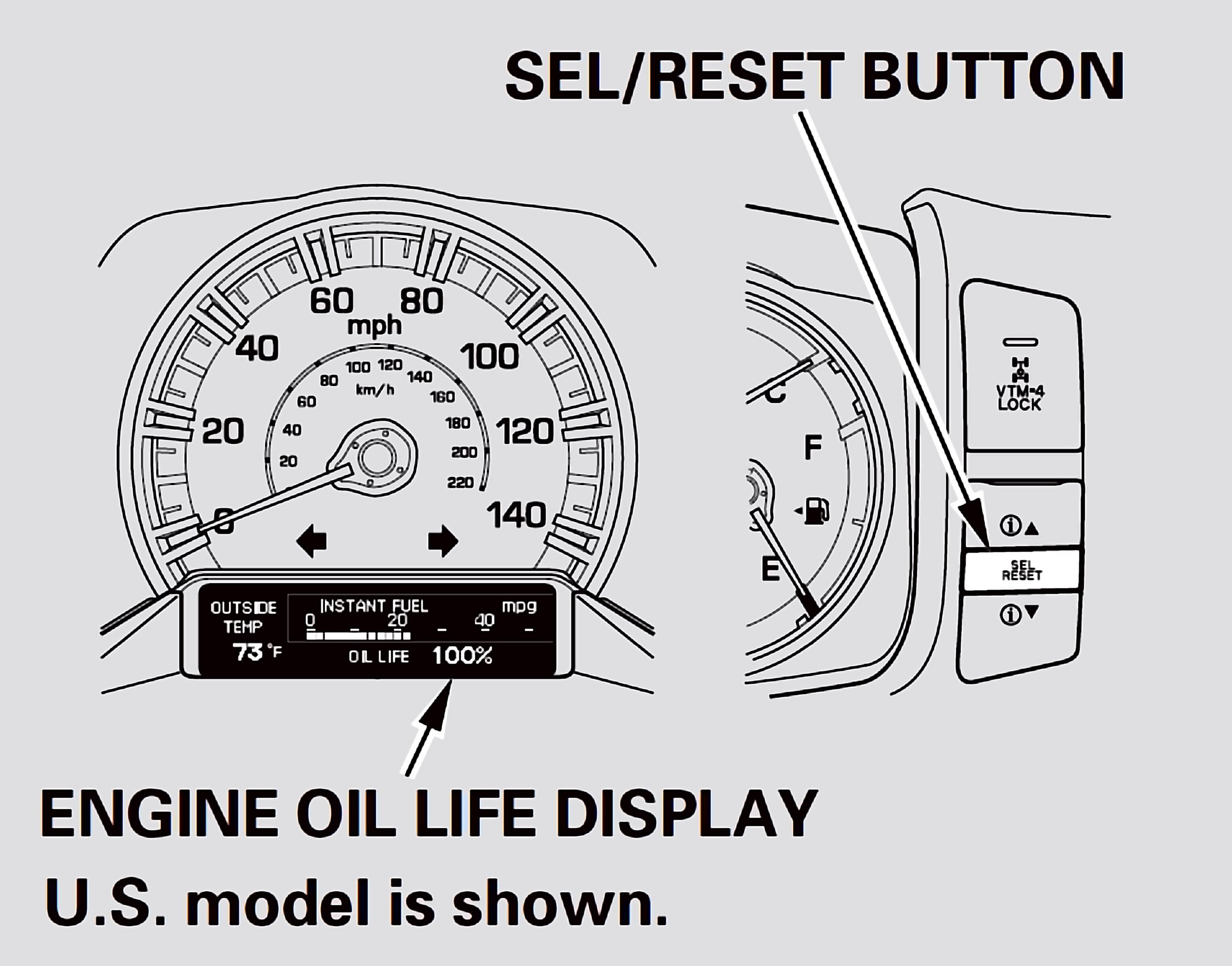
To see the current engine oil life, turn the ignition switch to the ON (II) position, and push and release the SEL/RESET button on the dashboard repeatedly, until the engine oil life is displayed.
1. Turn the ignition switch to the ON (II) position.
2. Press the SEL/RESET button on the dashboard until you see the engine oil life display.
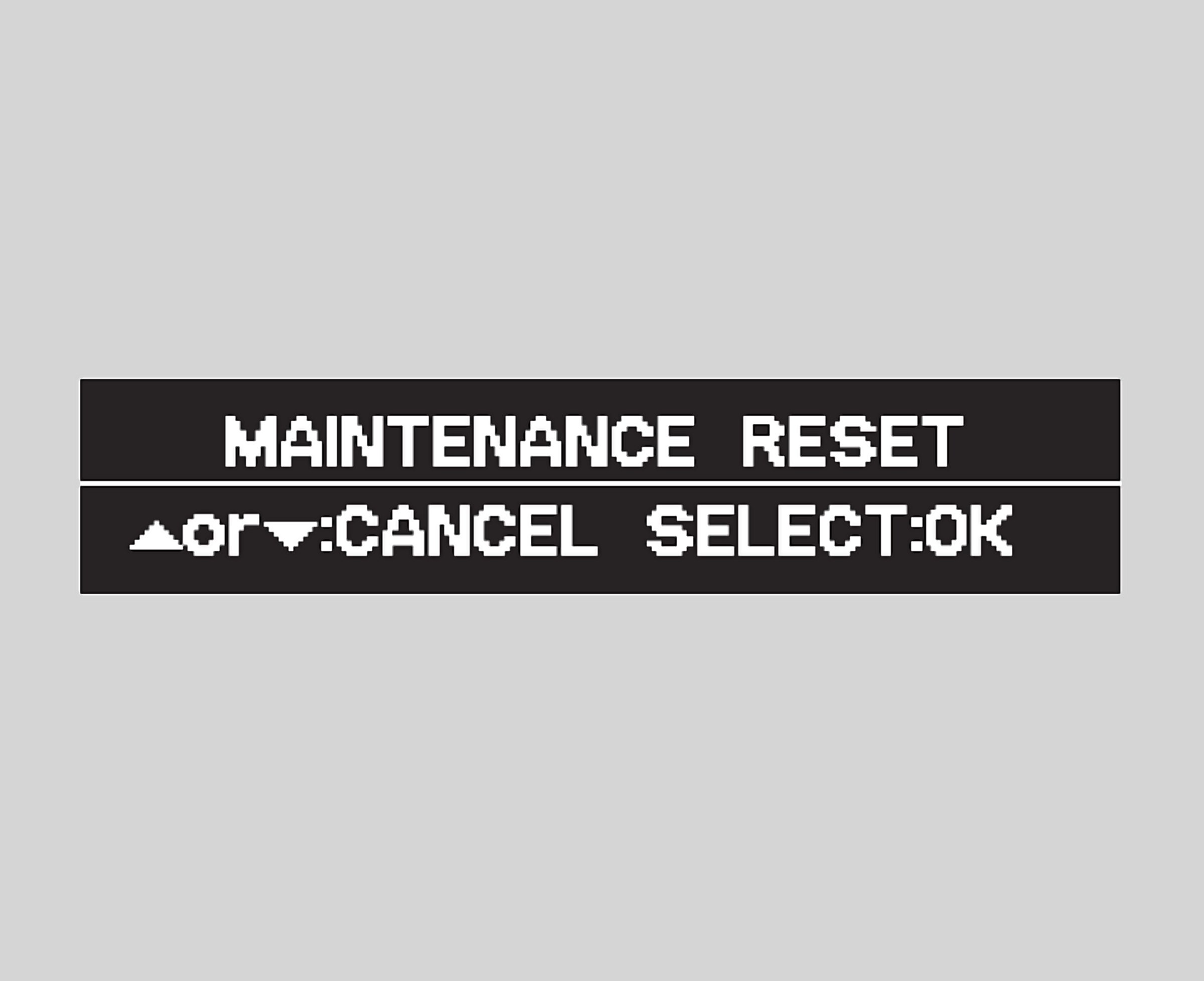
3. Press and hold the SEL/RESET button for 10 seconds. The multiinformation display will ask for a confirmation.
- If you are sure you want to reset the display, press the SEL/RESET button to select "OK.'
- If you do not want to reset the display, press the INFO button to select "Cancel."