Manual Update Procedure
NOTE:In the menu option "01. LC 1.58 ACCELERATION (AUTO MODE)" fails to download the new ECM program, option "02. LC 1.58 ACCELERATION (ERROR MODE)" must be used.
1. Turn the ignition to the ON position.
2. Turn the Hi-Scan Pro ON and press Enter.
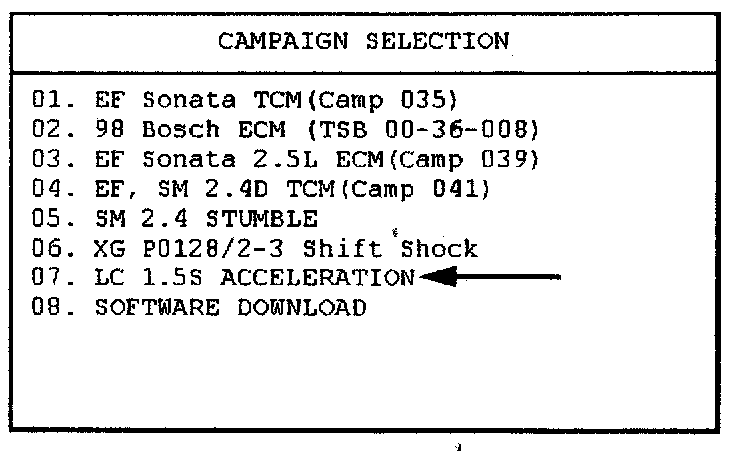
3. Select menu option "07. LC 1.58 ACCELERATION" and press ENTER.
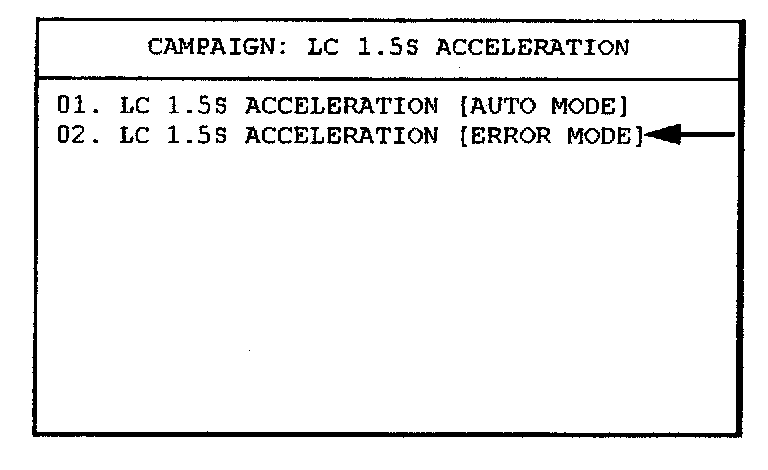
4. Select option "02. LC 1.5S ACCELERATION [ERROR MODE]" for manual update.
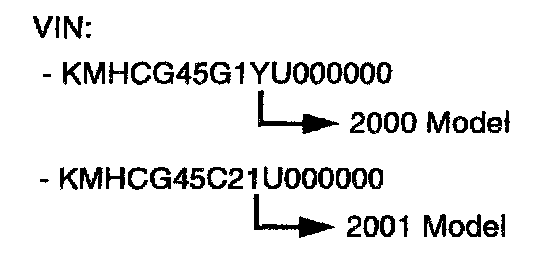
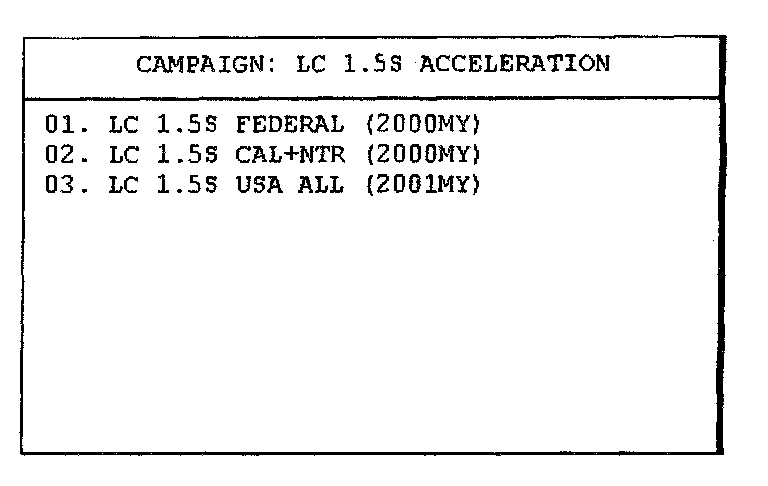
5. Choose the correct specification for your vehicle by identifying the VIN and referring to the attached ECM specification table.
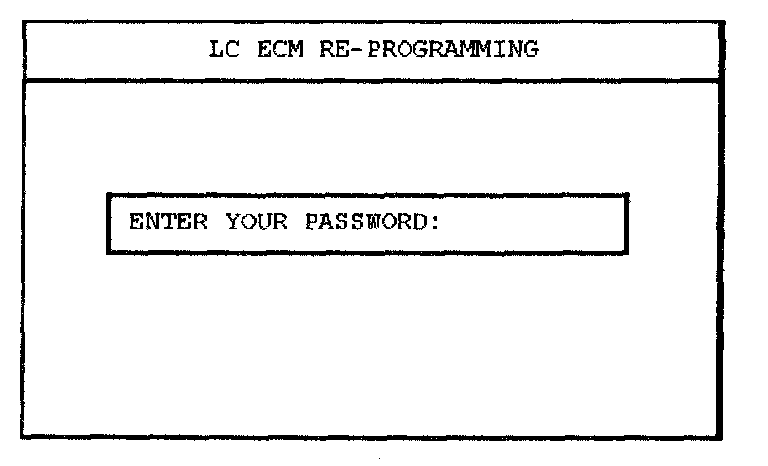
6. Select the correct password for Manual Update from the "ECM SPECIFICATION TABLE".
^ Enter the correct password and press ENTER.
WARNING:
If an incorrect password is used, the correct ECM software will not be downloaded.
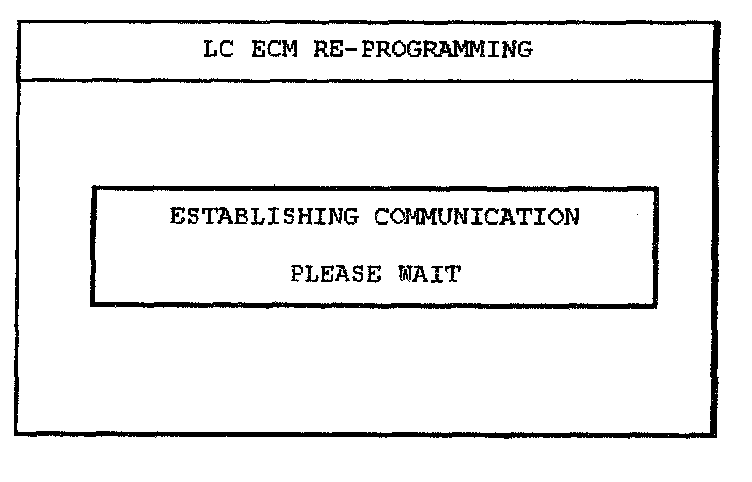
7. Wait until the reprogramming is completed. The Hi-Scan Pro will reprogram the ECM.
NOTE:
Once the password is entered and accepted, the rest of procedure is exactly the same as the automatic update procedure
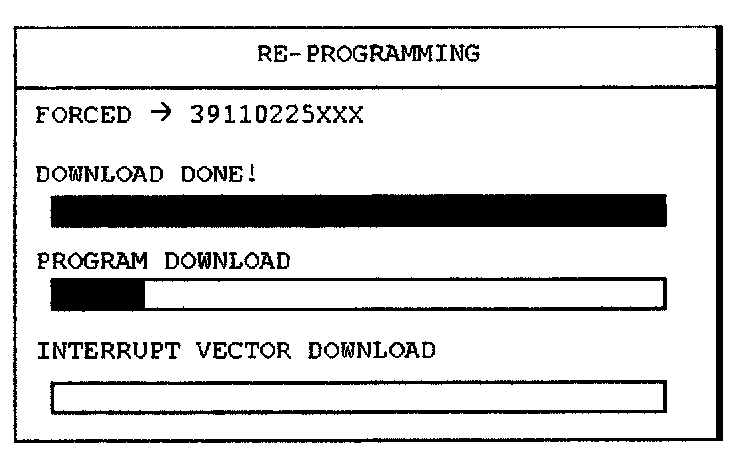
8. Compare the new ECM ID displayed on the Hi-Scan Pro screen with the one that was recorded during the automatic update reprogramming procedure to confirm that the correct ECM software has been installed.
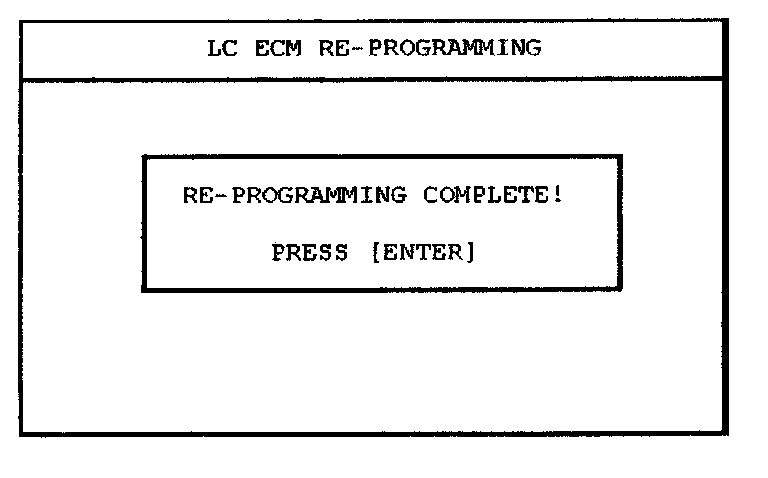
9. When the RE-PROGRAMMING COMPLETED!" message is displayed, turn the Hi-Scan Pro OFF and the process is over.
NOTE:
When reprogramming has been completed successfully, turn the ignition to the OFF position for 20 seconds and then start the engine.