Procedure
1. Consult the customer and obtain the exact nature of the problem (e.g. completely inoperative, sound quality is poor, etc.) and the make & model of their cellular phone.2. Check phone compatibility at www.jciblueconnect.com or by calling 1-888-528-7930. If the phone is not listed as compatible, advise the customer that their phone is not compatible.
3. If the phone is listed as being compatible, proceed with the following diagnostic steps.
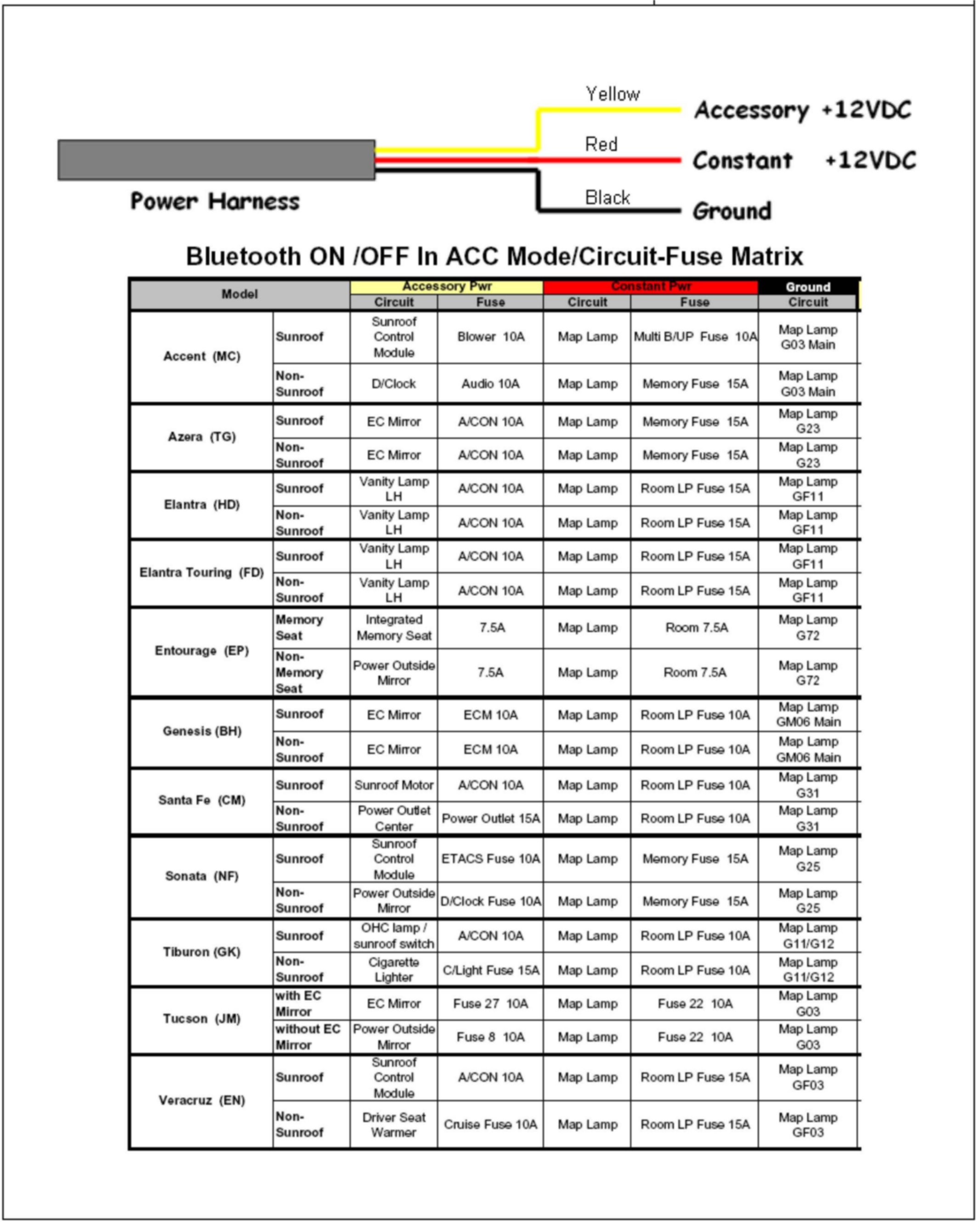
4. Refer to the power harness diagram and circuit-fuse matrix (shown above) to check the BATT, ACC, and GND circuits.
5. Once these circuits are determined to be good, proceed to the following pages for detailed diagnostic steps.
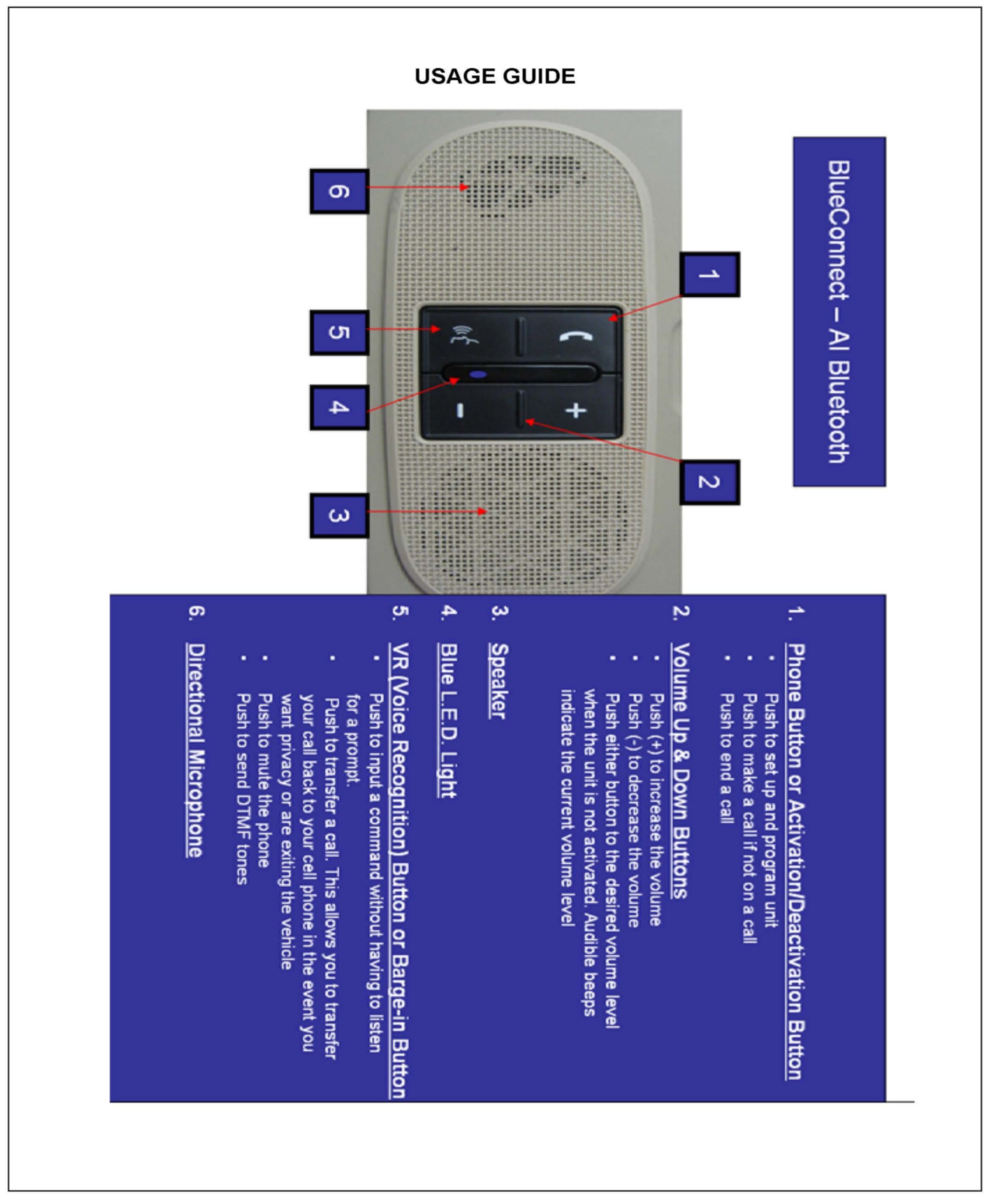
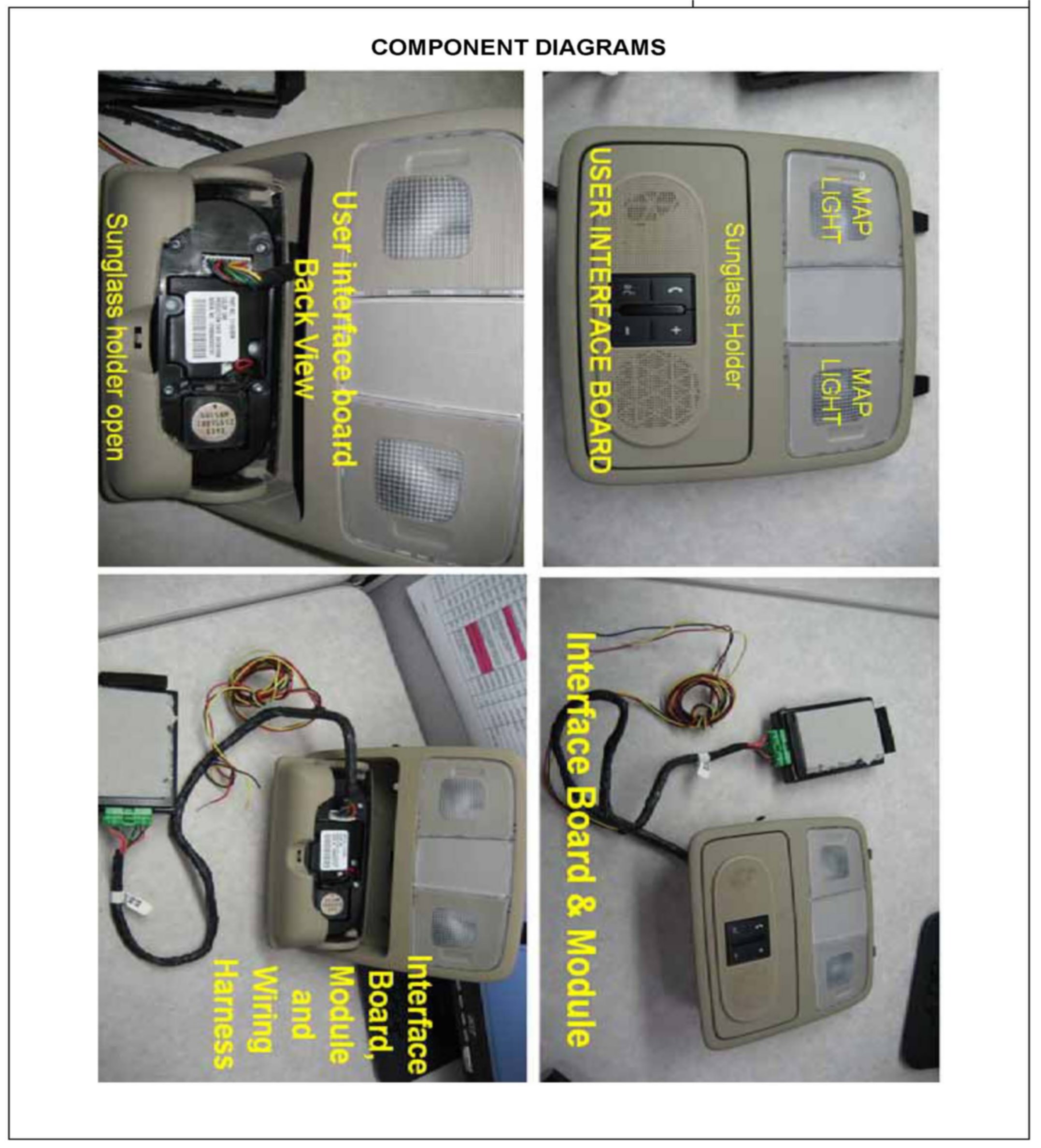
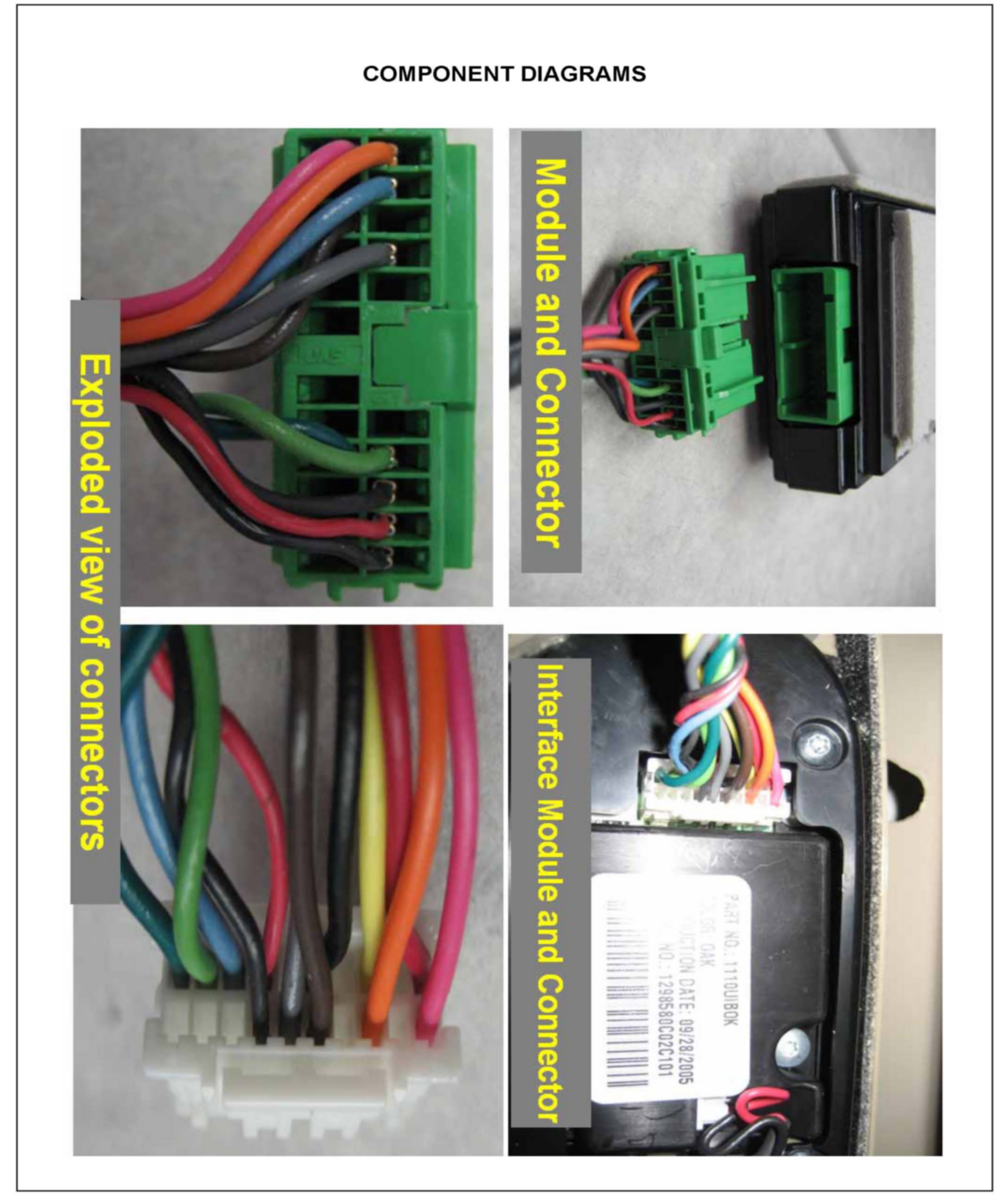
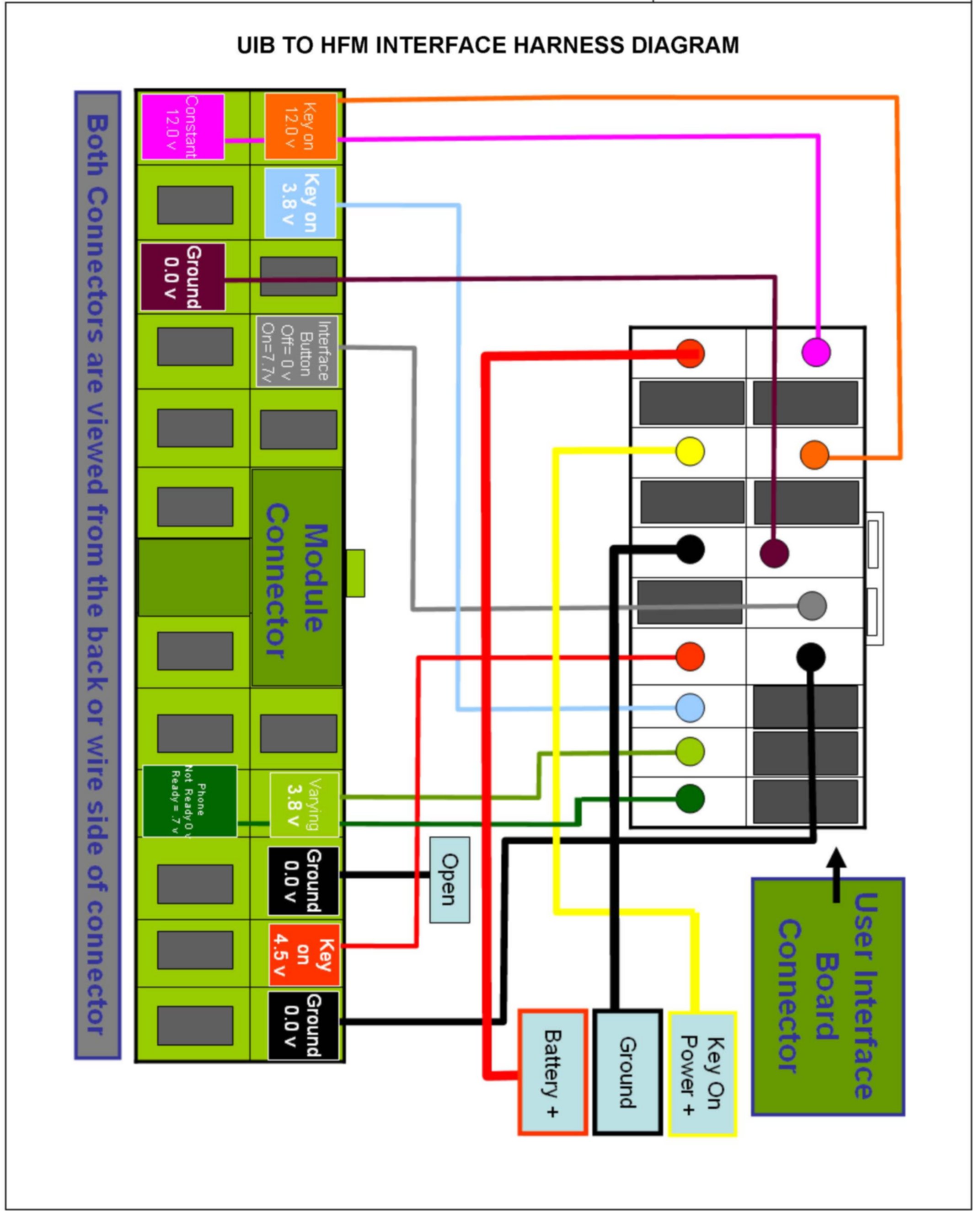
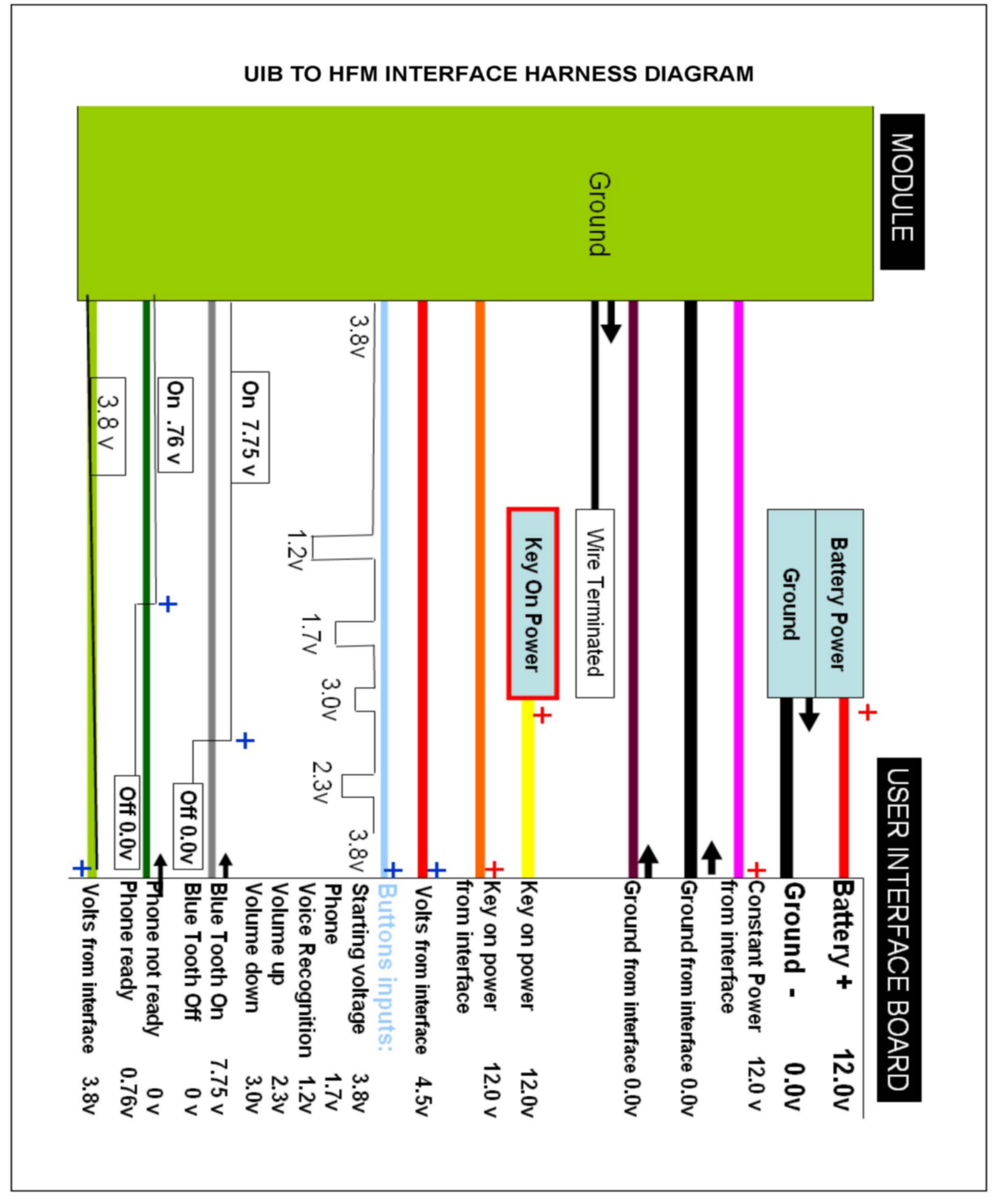
Page 3 - 7 Usage guide, component diagrams, and wiring diagrams
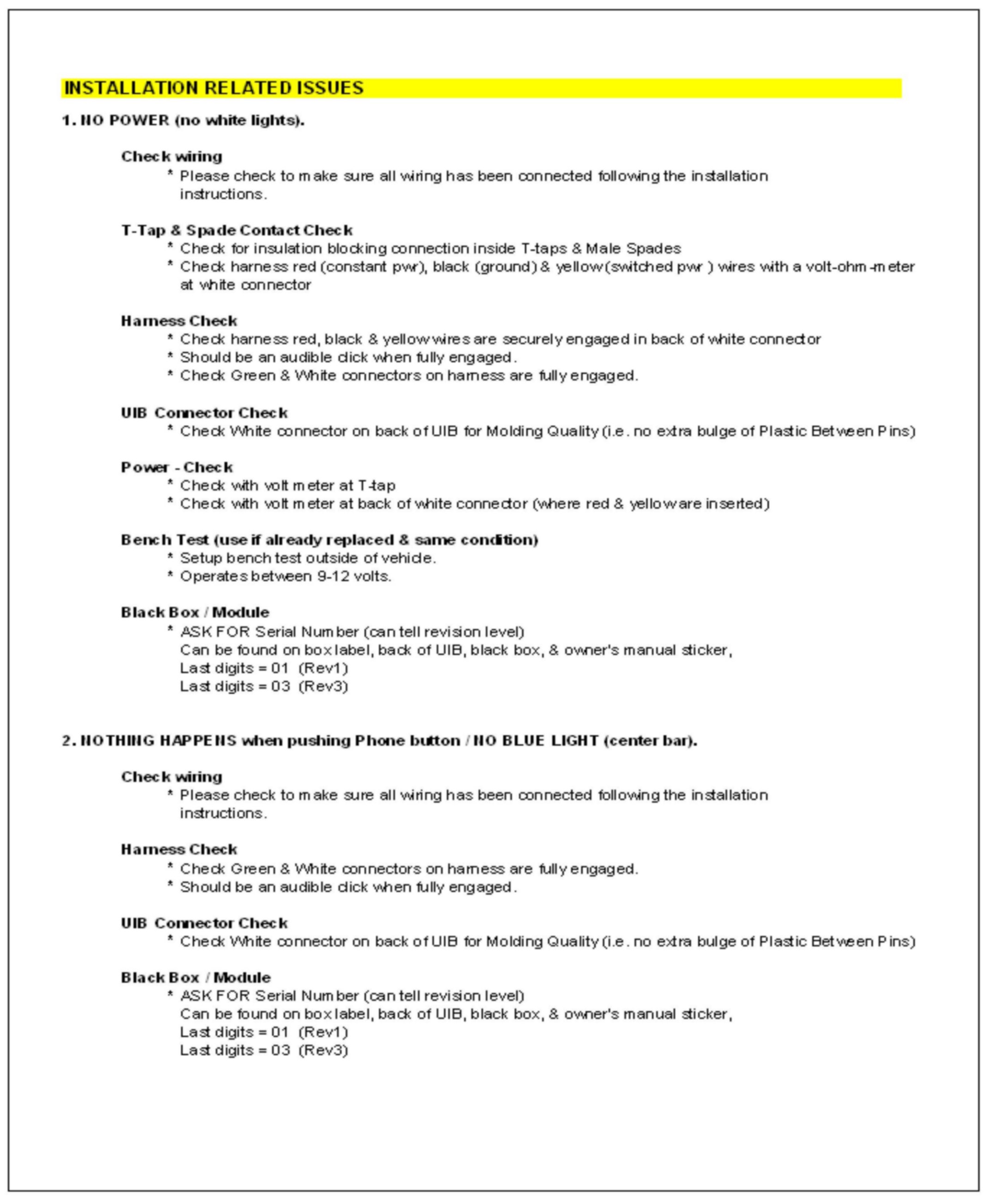
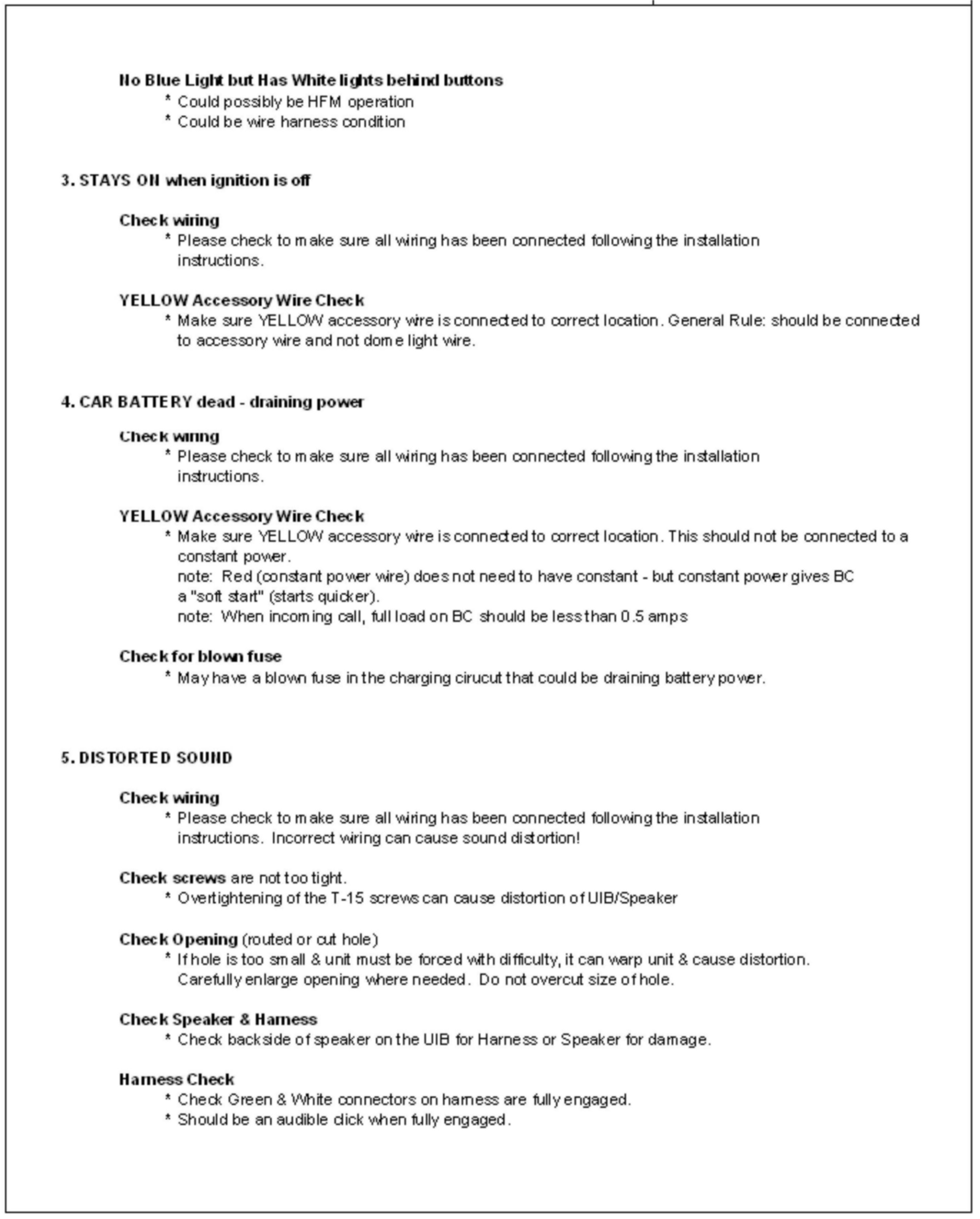
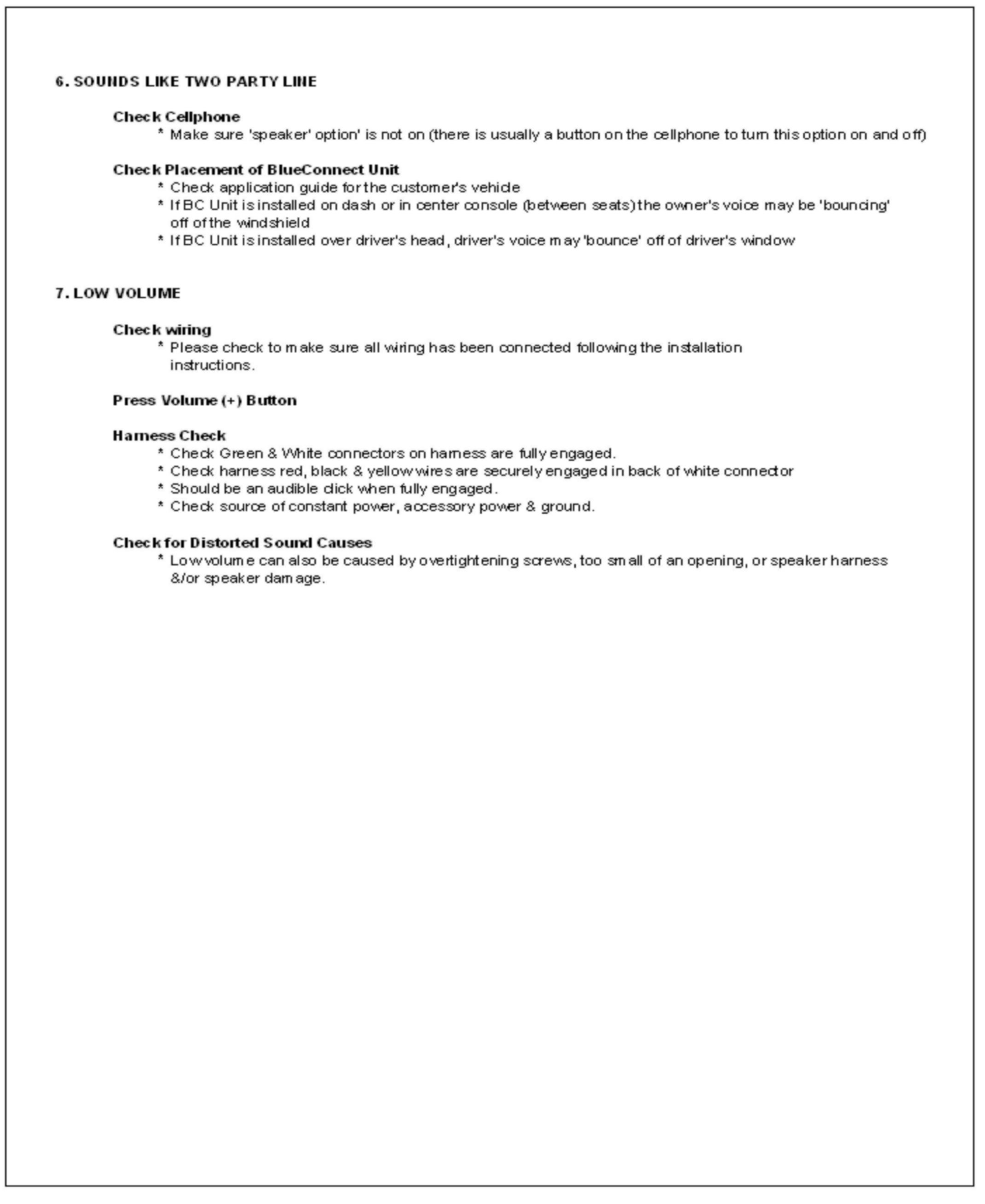
Page 8 - 10 Installation related issues
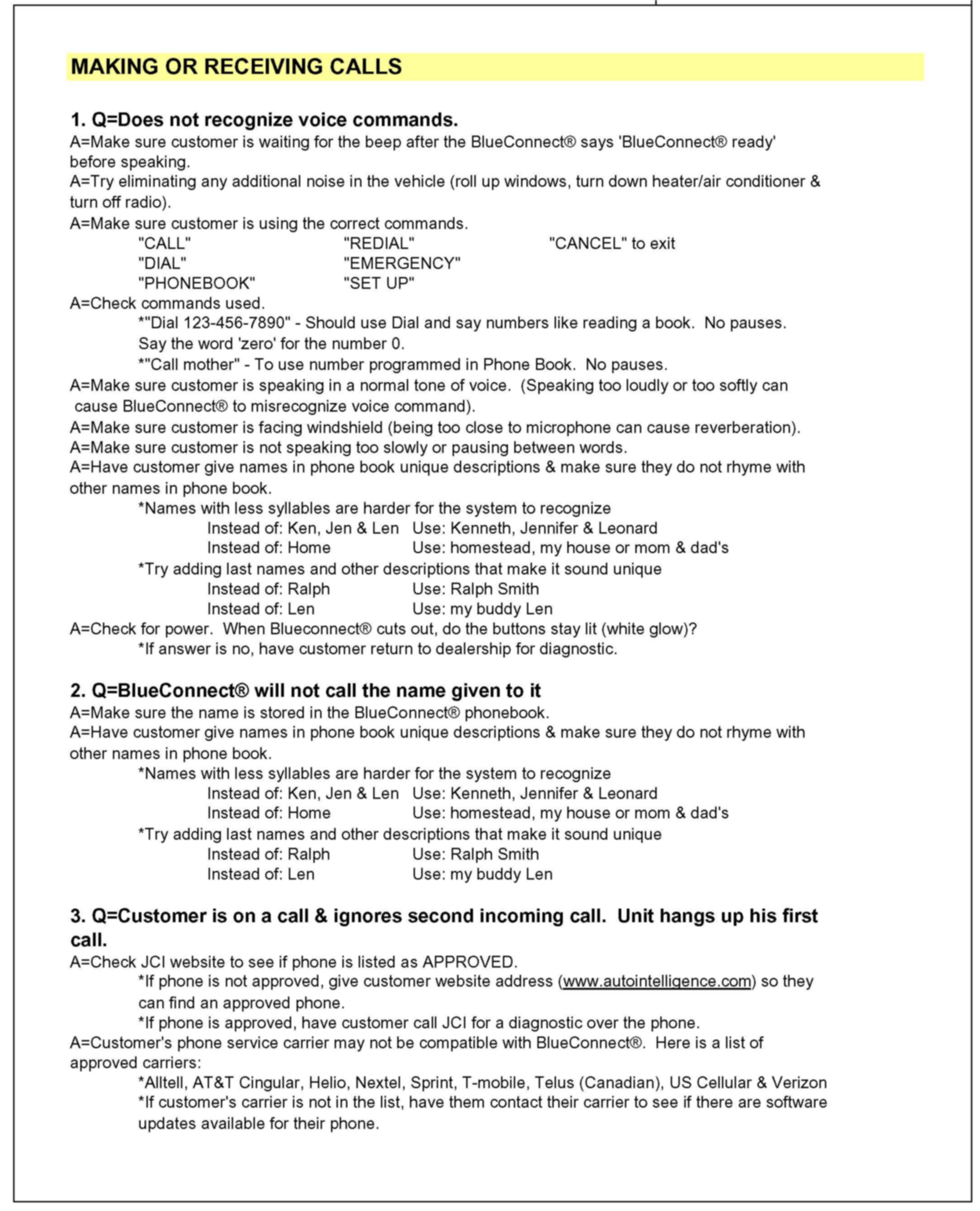
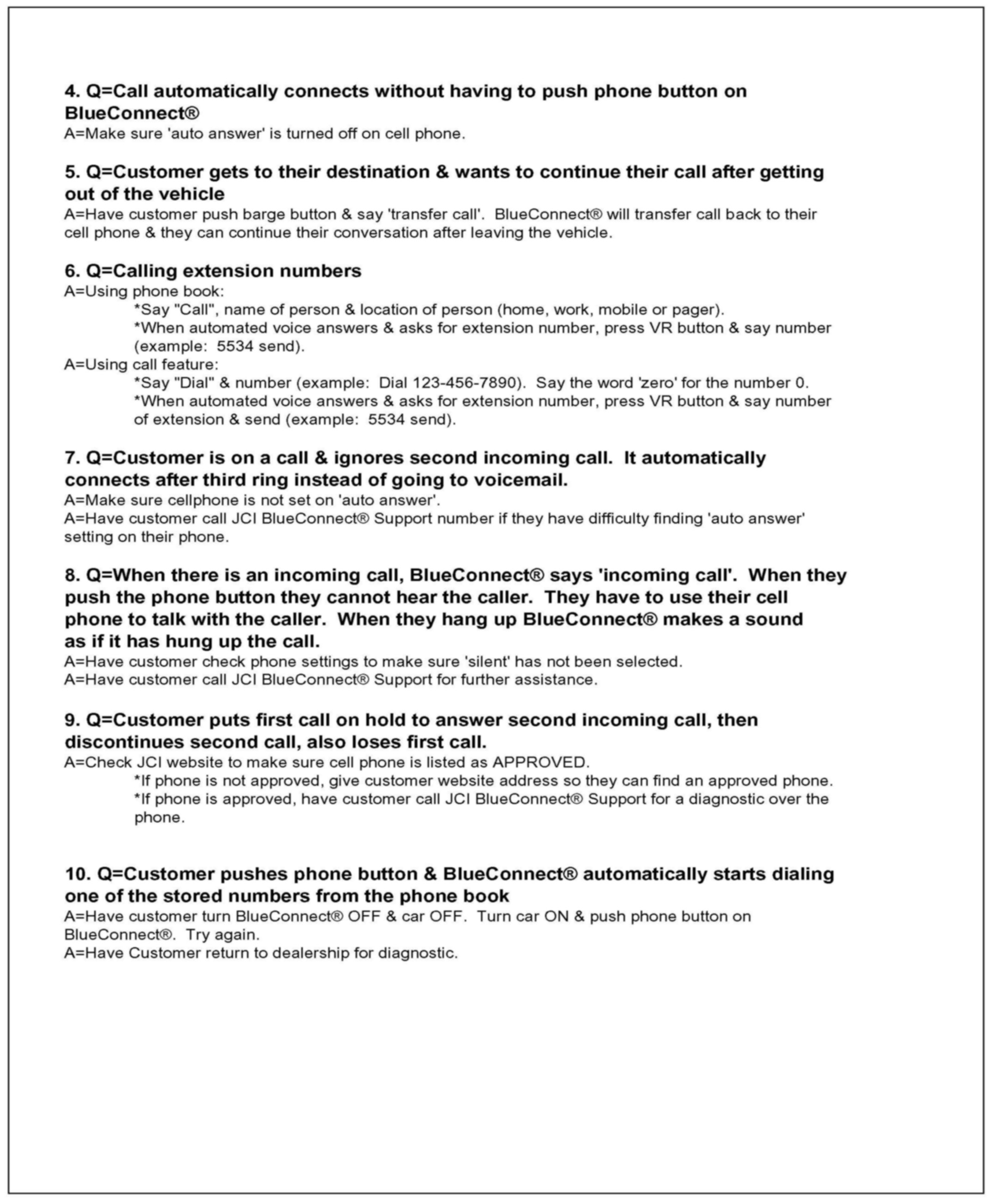
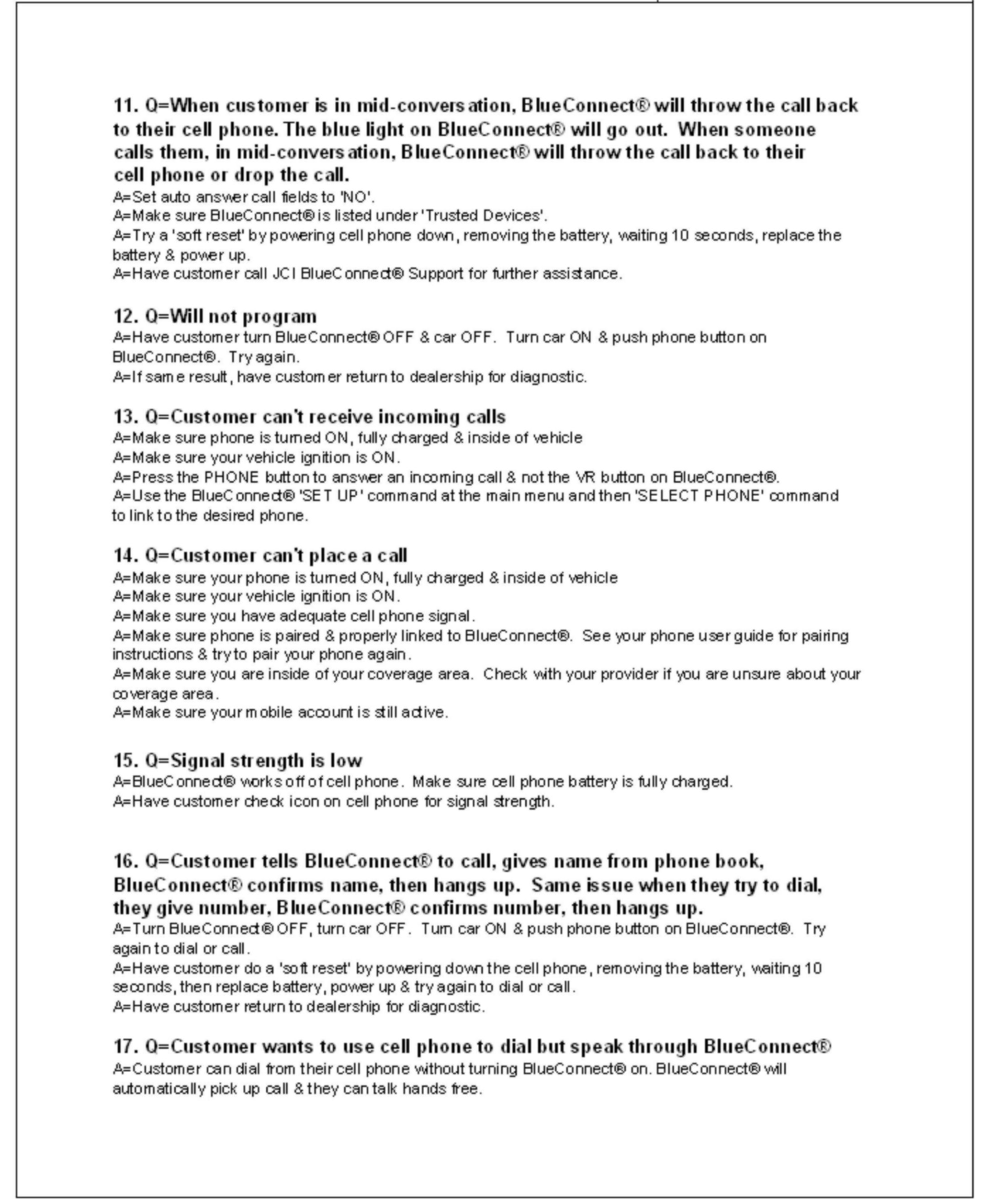
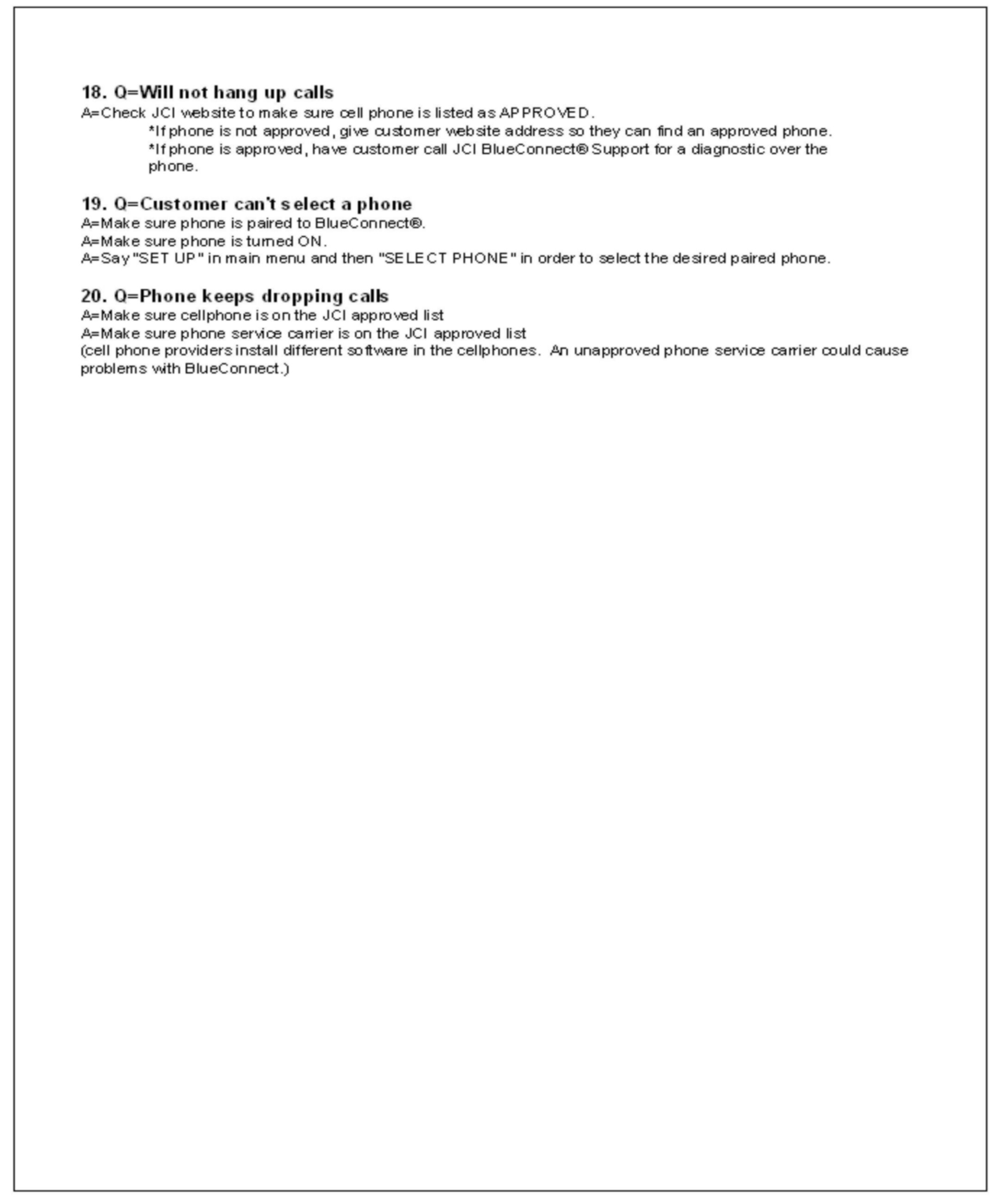
Page 11 - 14 Making or receiving call issues
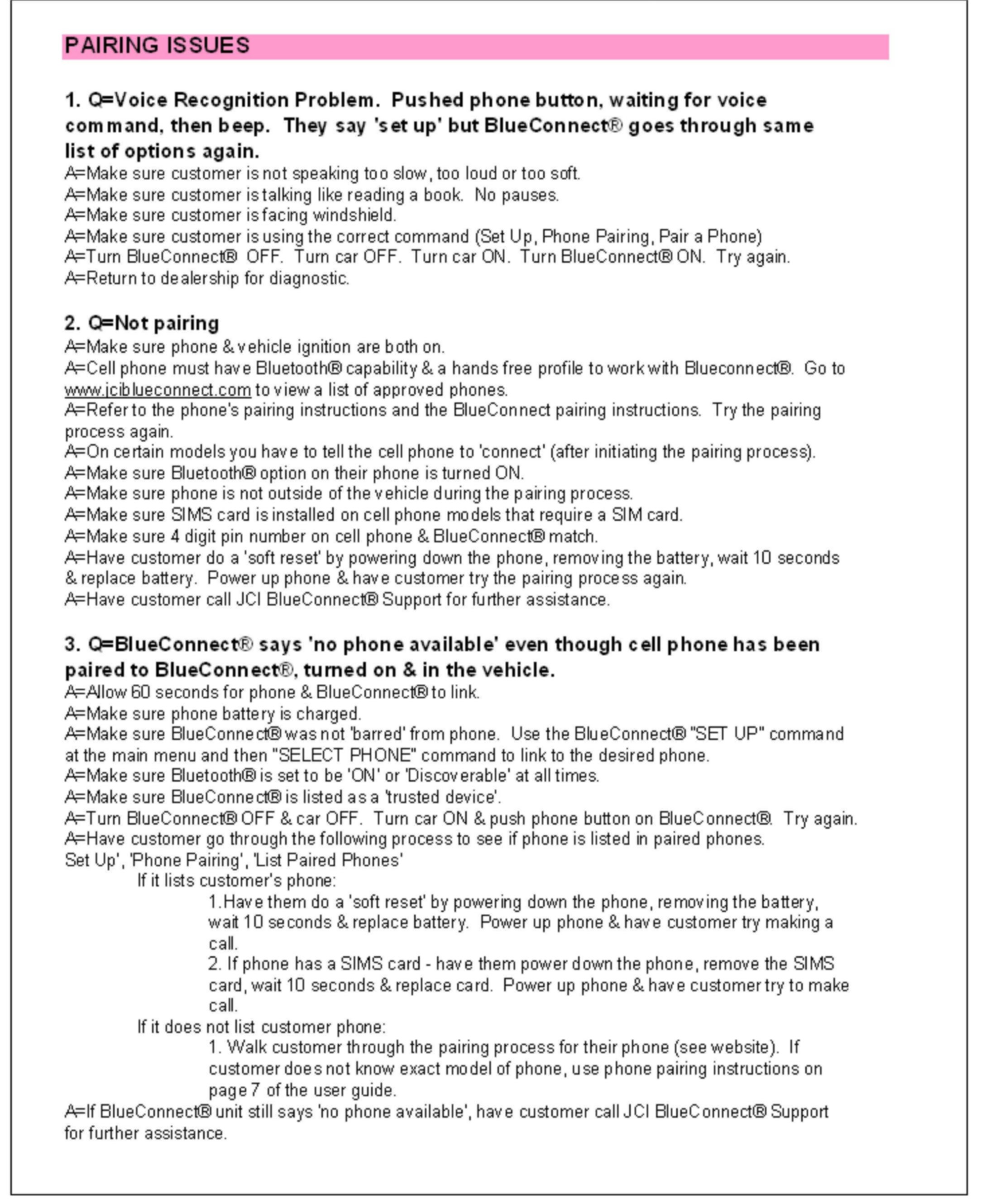
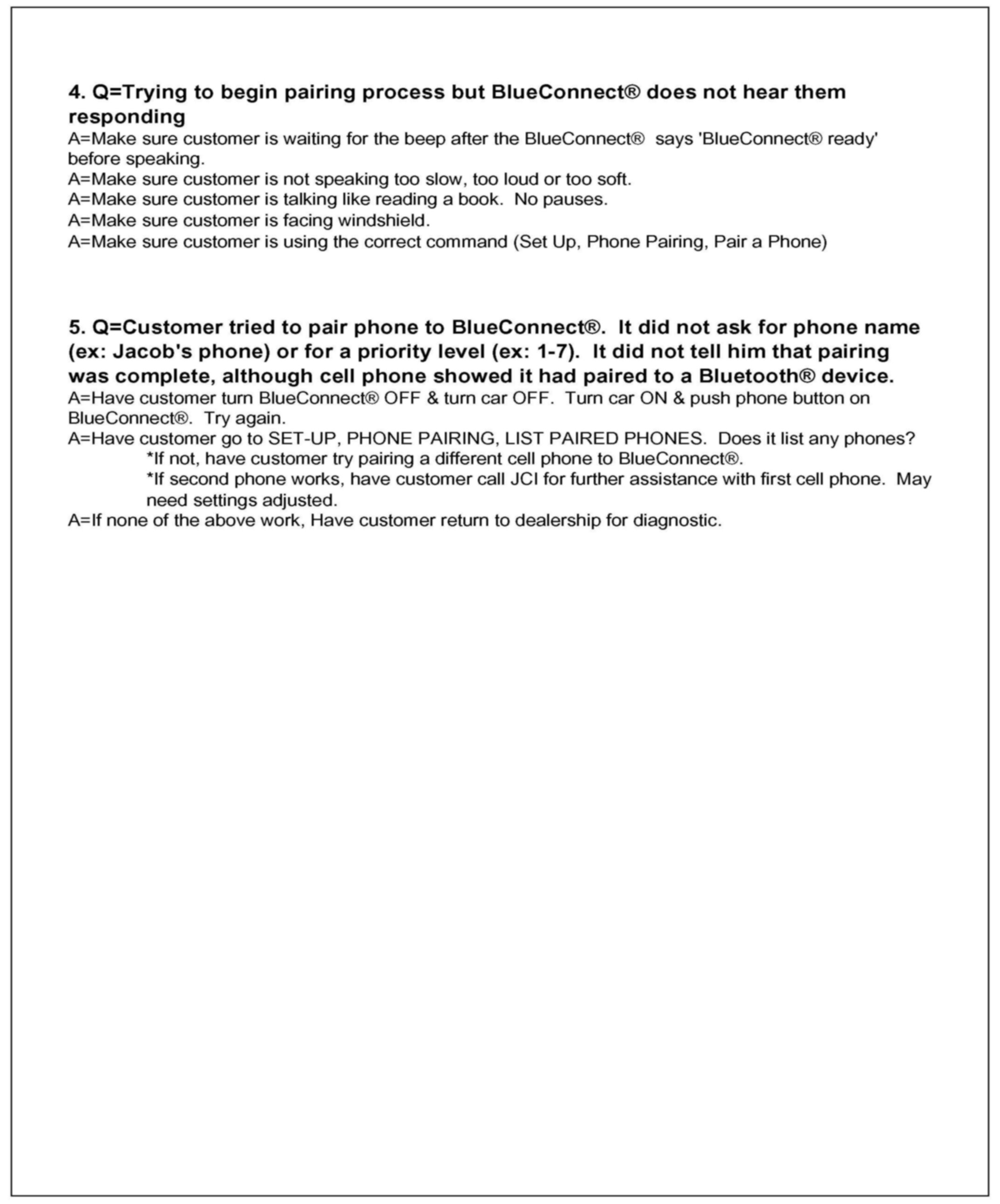
Page 15 - 16 Pairing issues
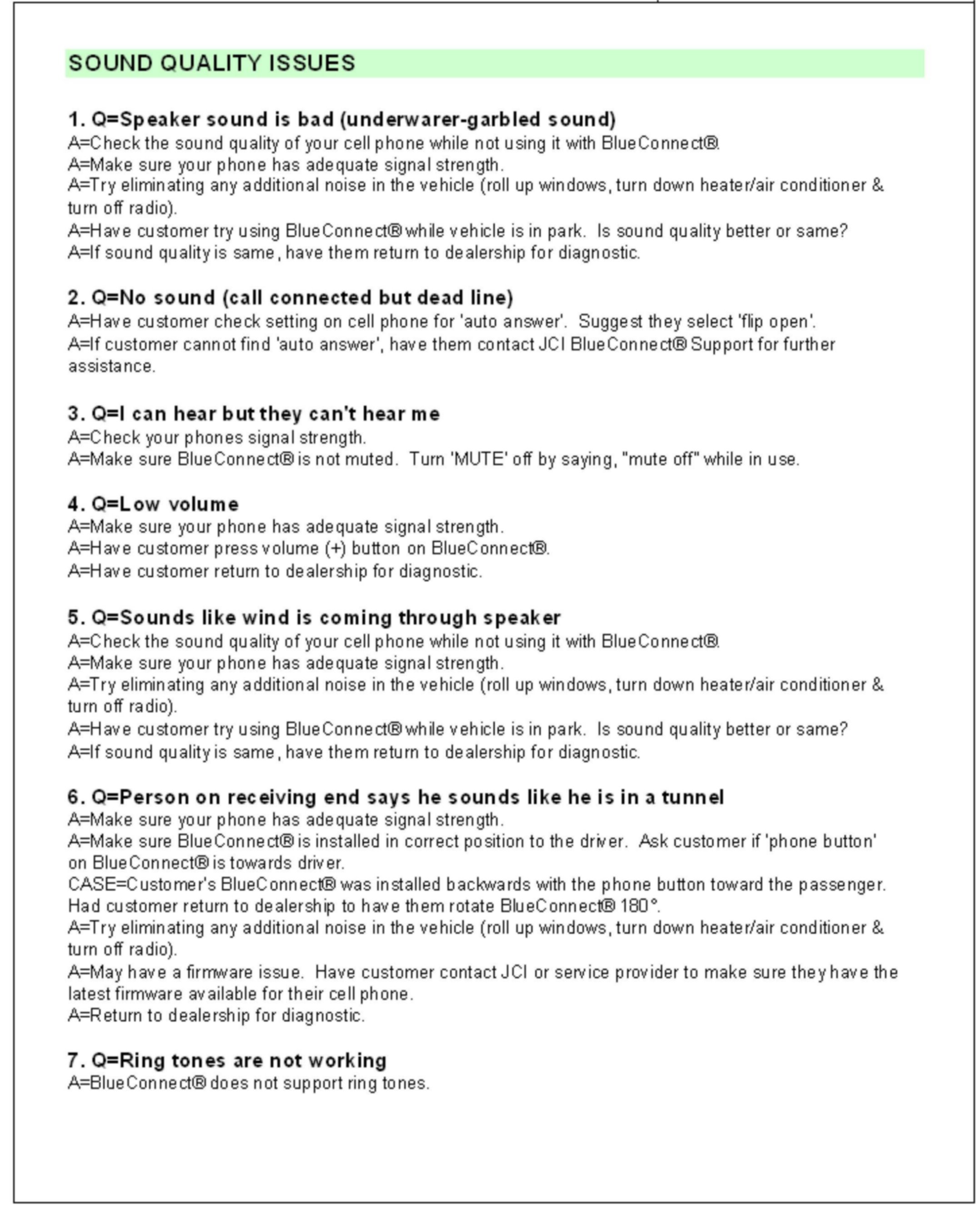
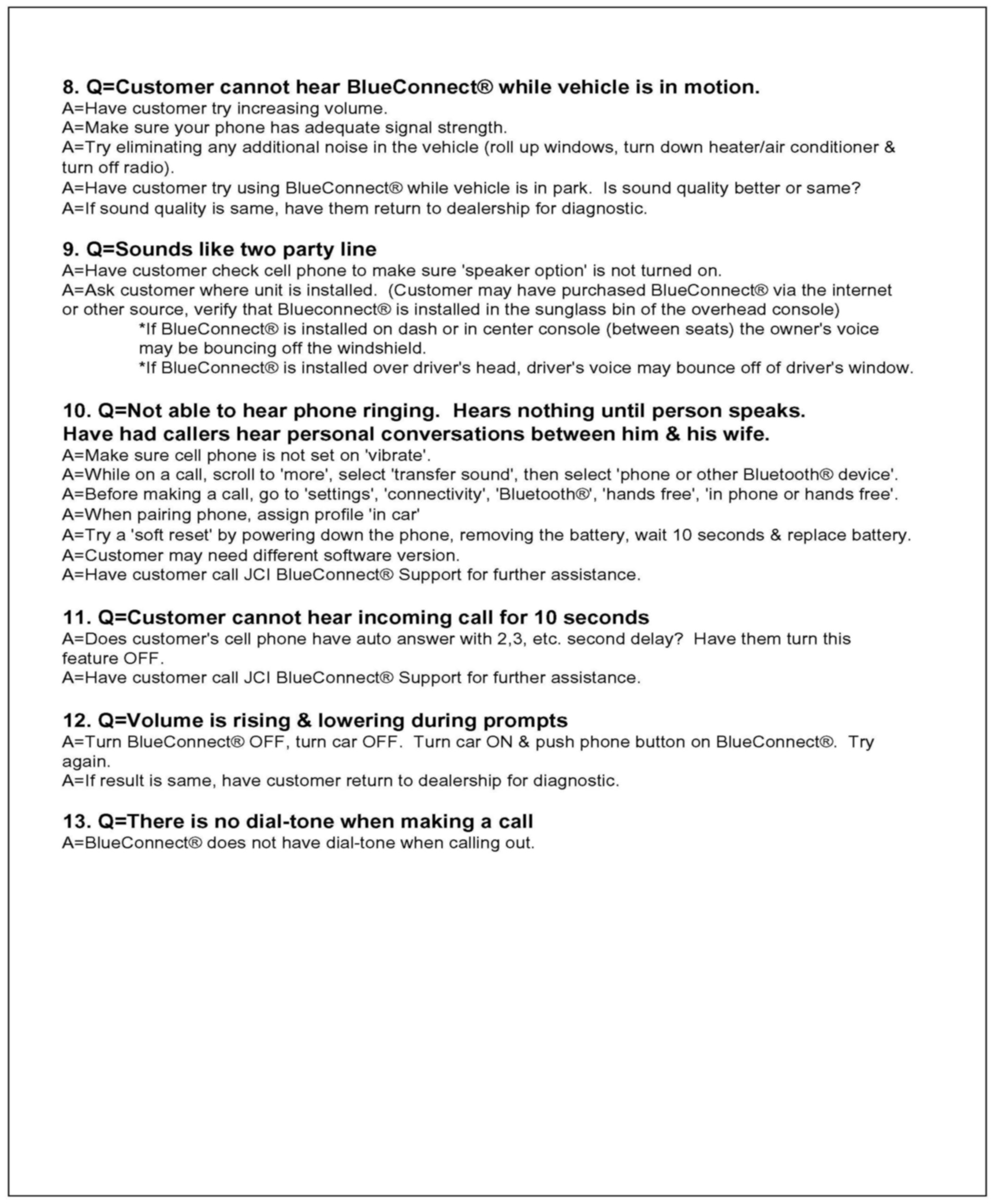
Page 17 - 18 Sound quality issues
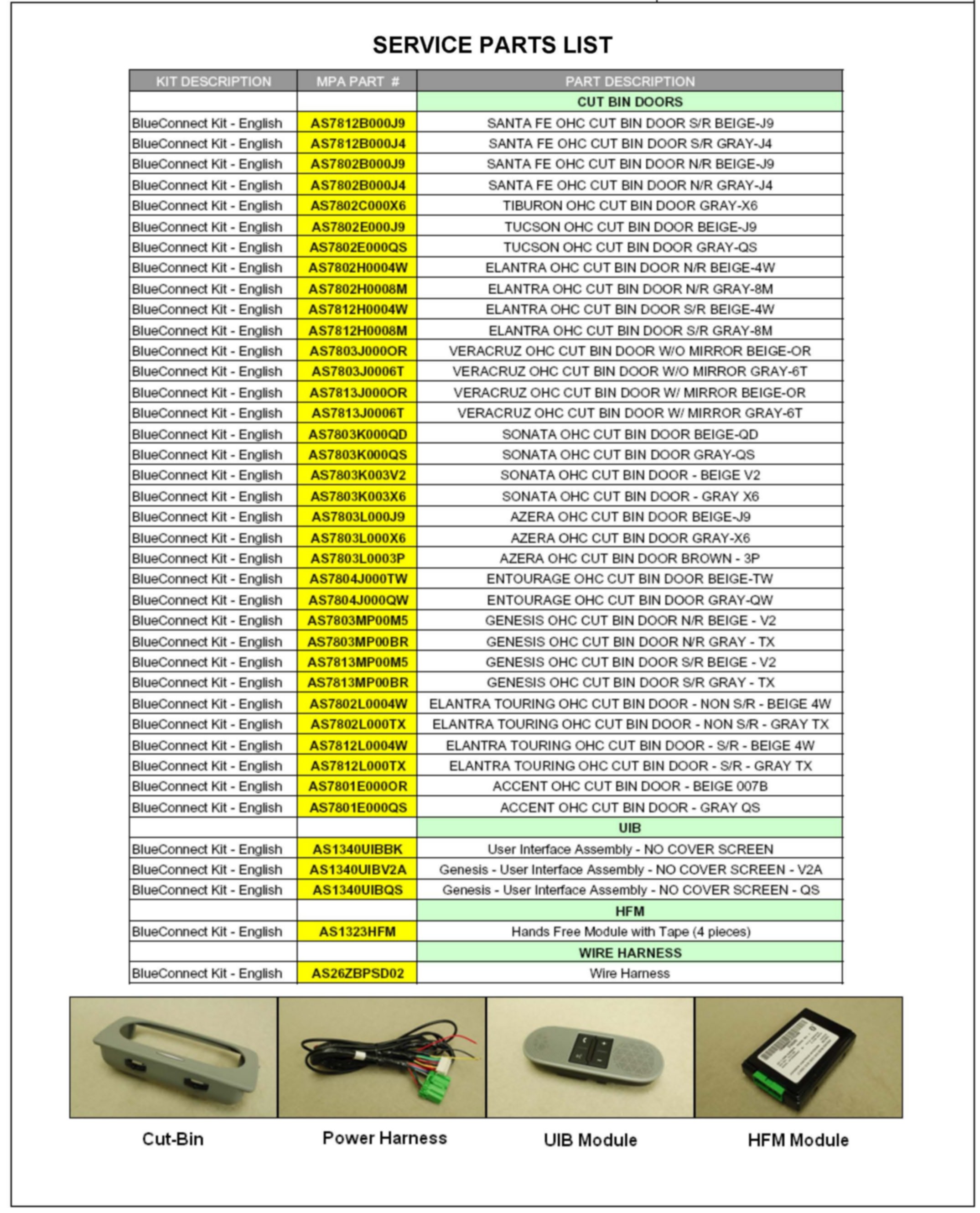
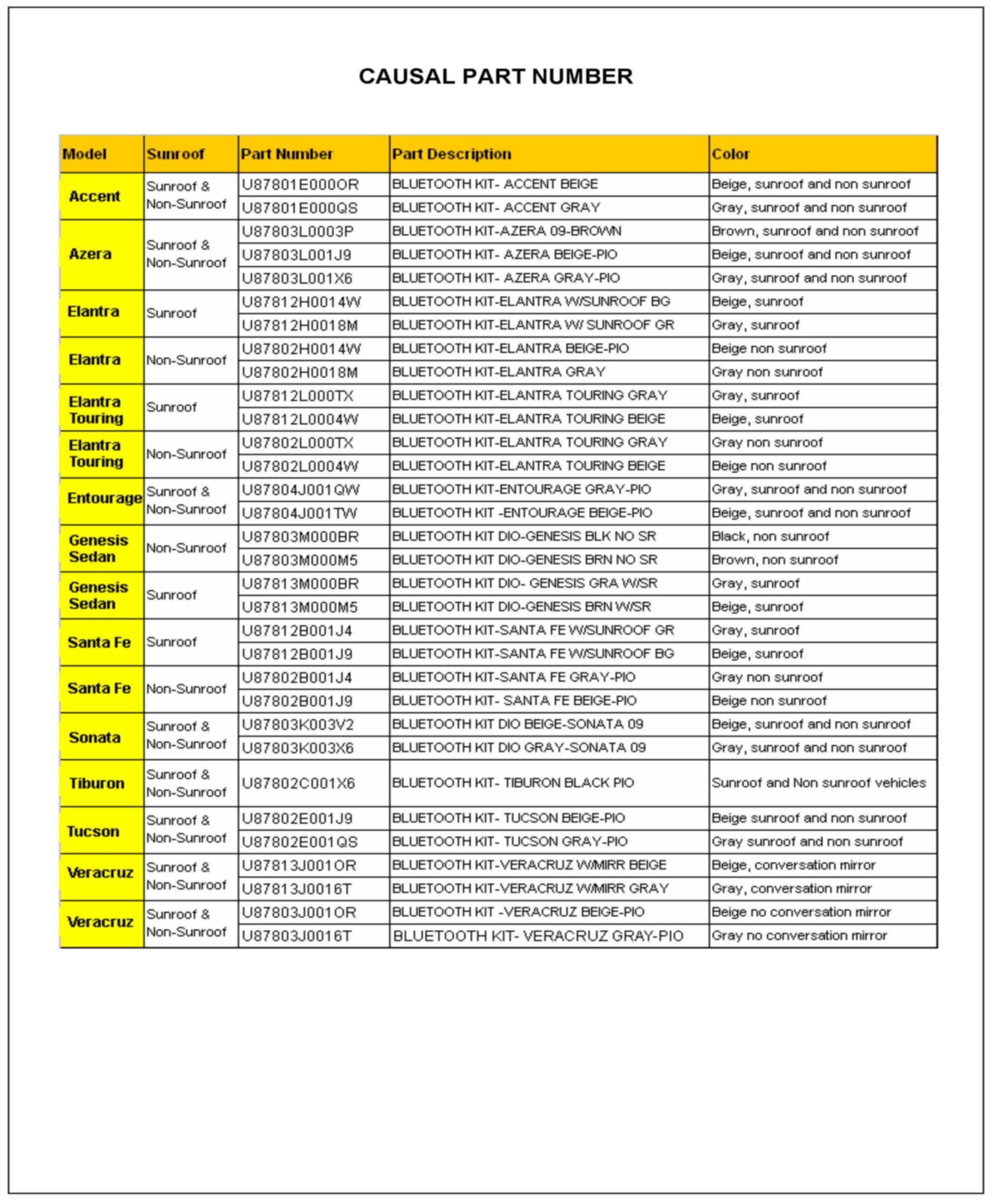
Page 19 - 20 List of Available Replacement Service Parts and Causal Part Numbers
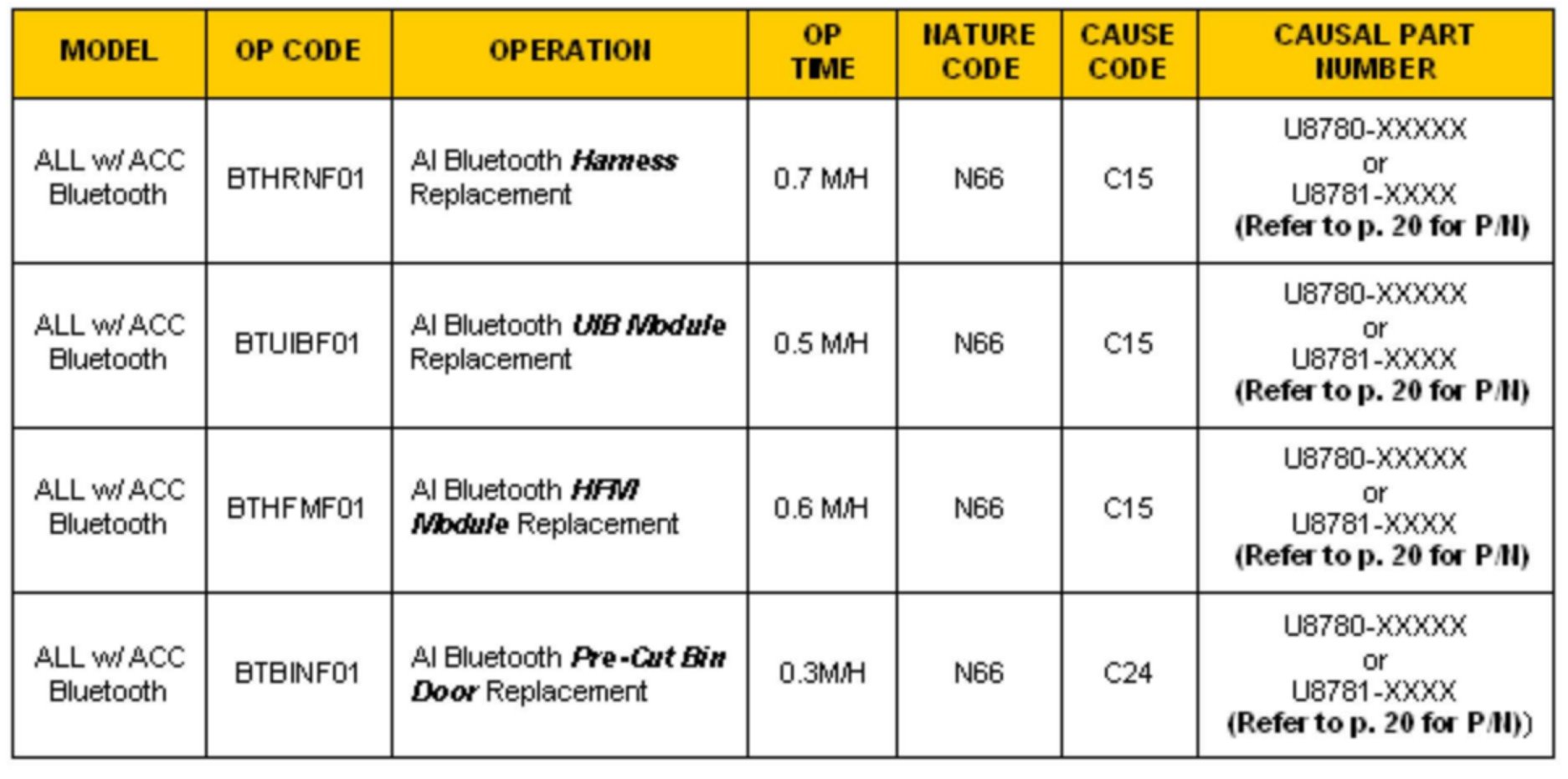
Page 21 Warranty Information (Op Codes)