CONSULT Cruise Test Setting Procedure
Road TestDESCRIPTION
^ The purpose of the test is to determine overall performance of A/T and analyze causes of problems.
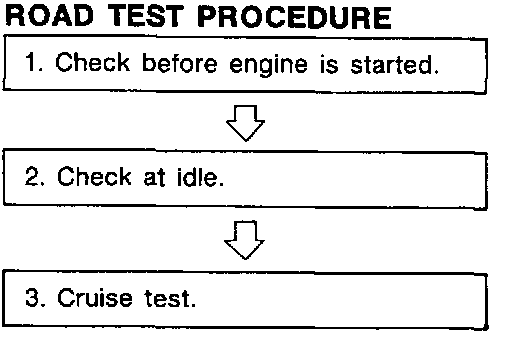
^ The road test consists of problems.
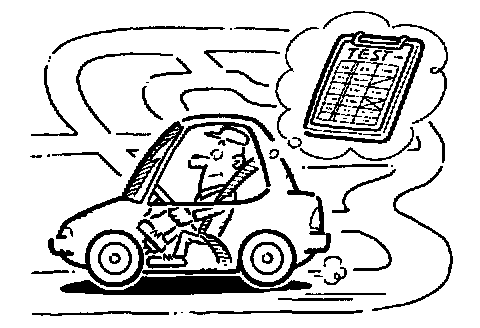
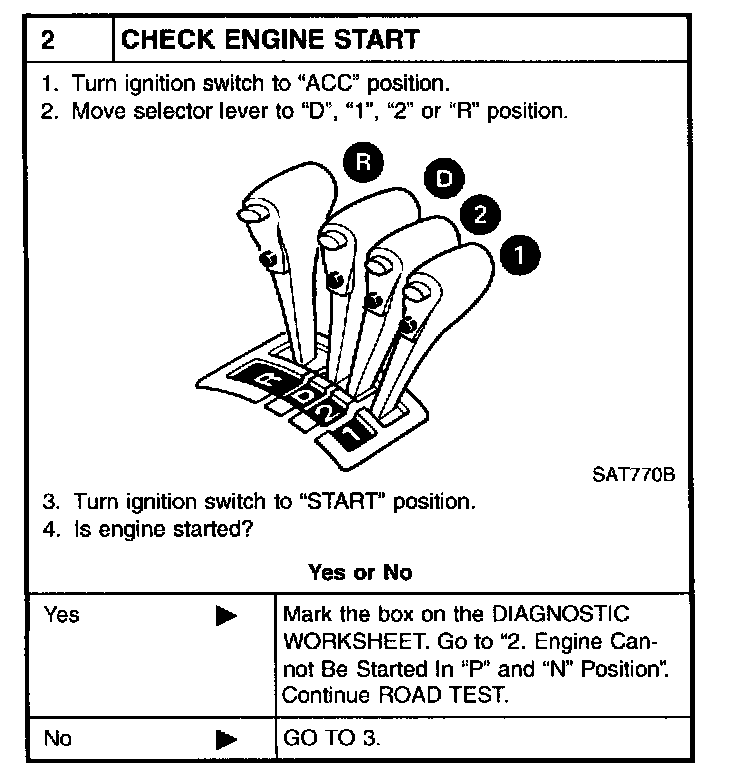
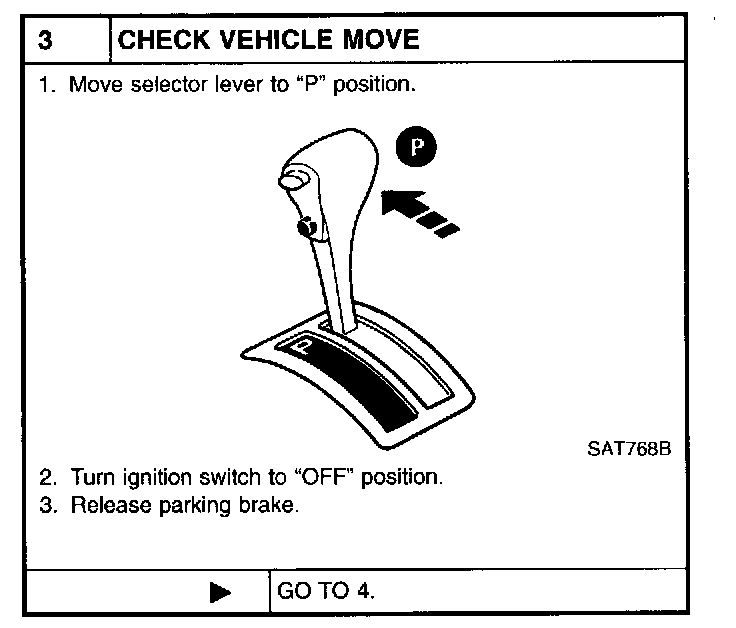
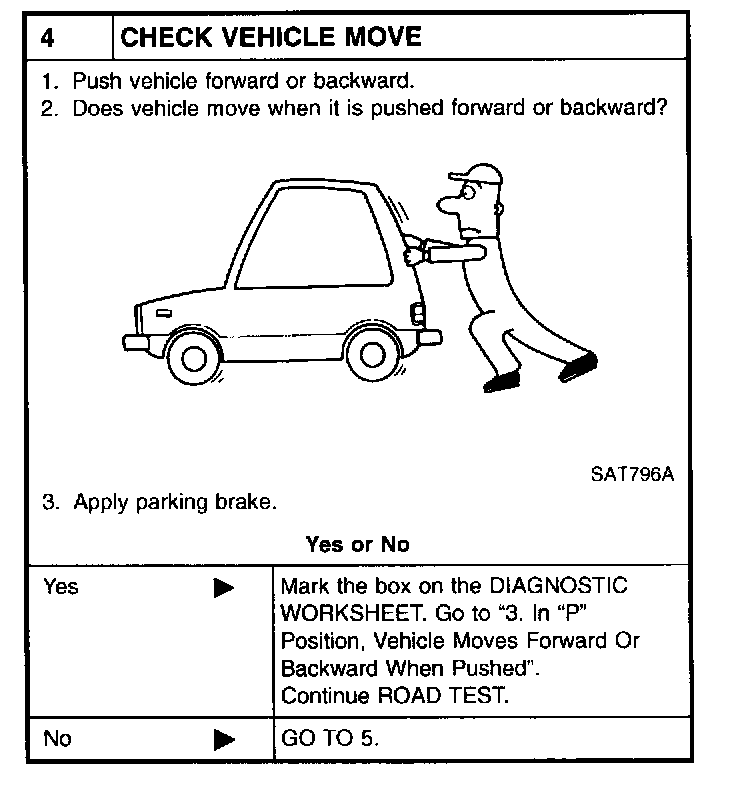
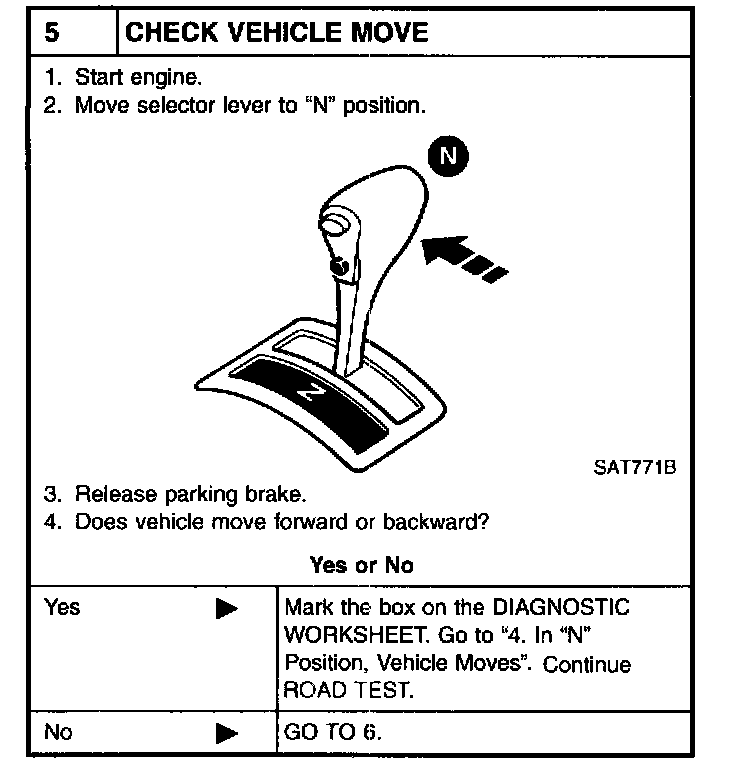
1. Check before engine is started.
2. Check at idle.
3. Cruise test.
^ Before road test, familiarize yourself with all test procedures and items to check.
^ Conduct tests on all items until specified symptom is found. Troubleshoot items which check out No Good after road test. Refer to Transmission Control Systems; Testing and Inspection; Procedures; Transmission Control Diagnosis; Diagnosis By Symptom.
1. CHECK BEFORE ENGINE IS STARTED
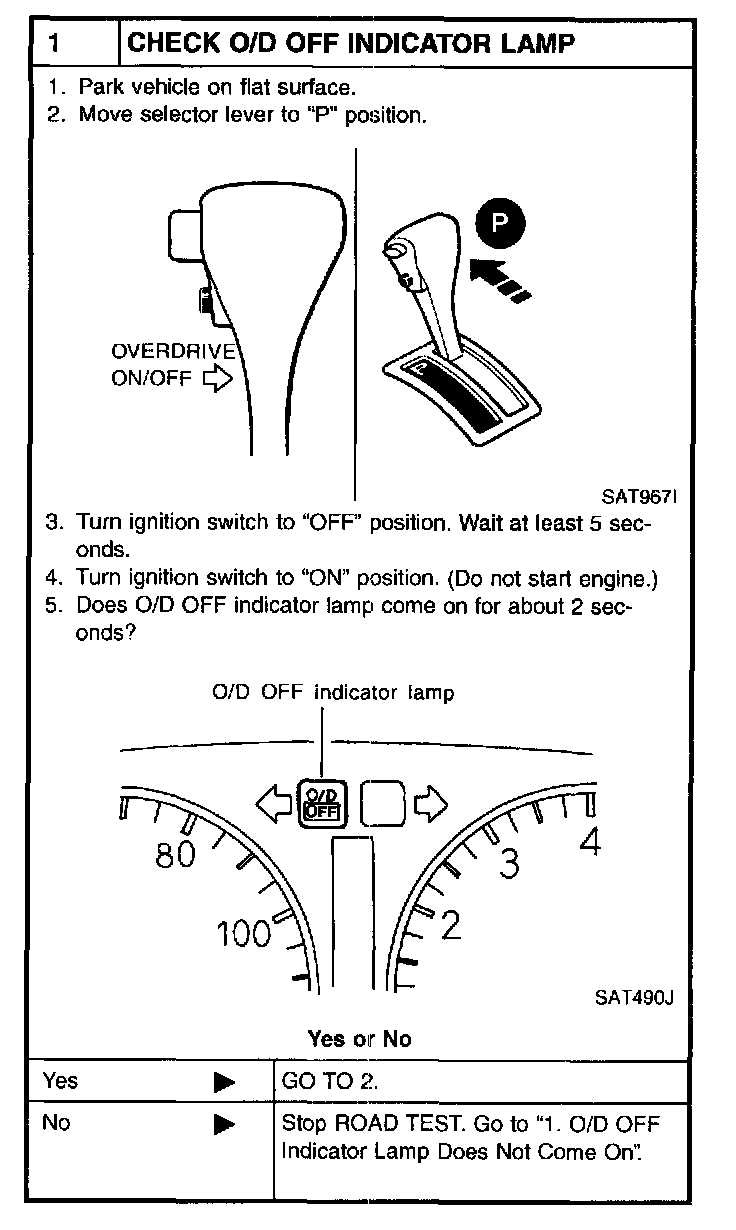
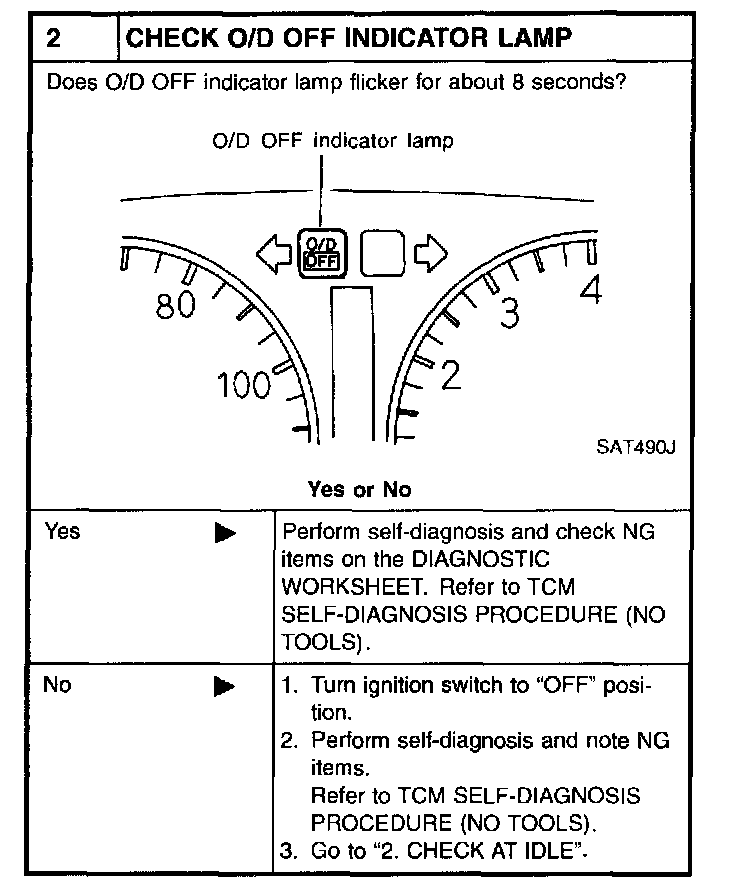
2. CHECK AT IDLE
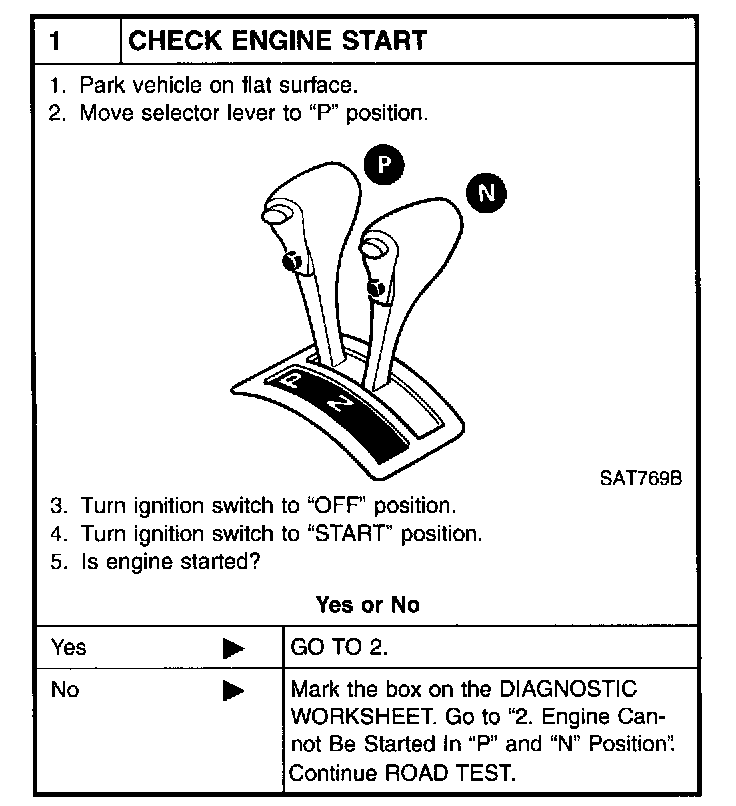
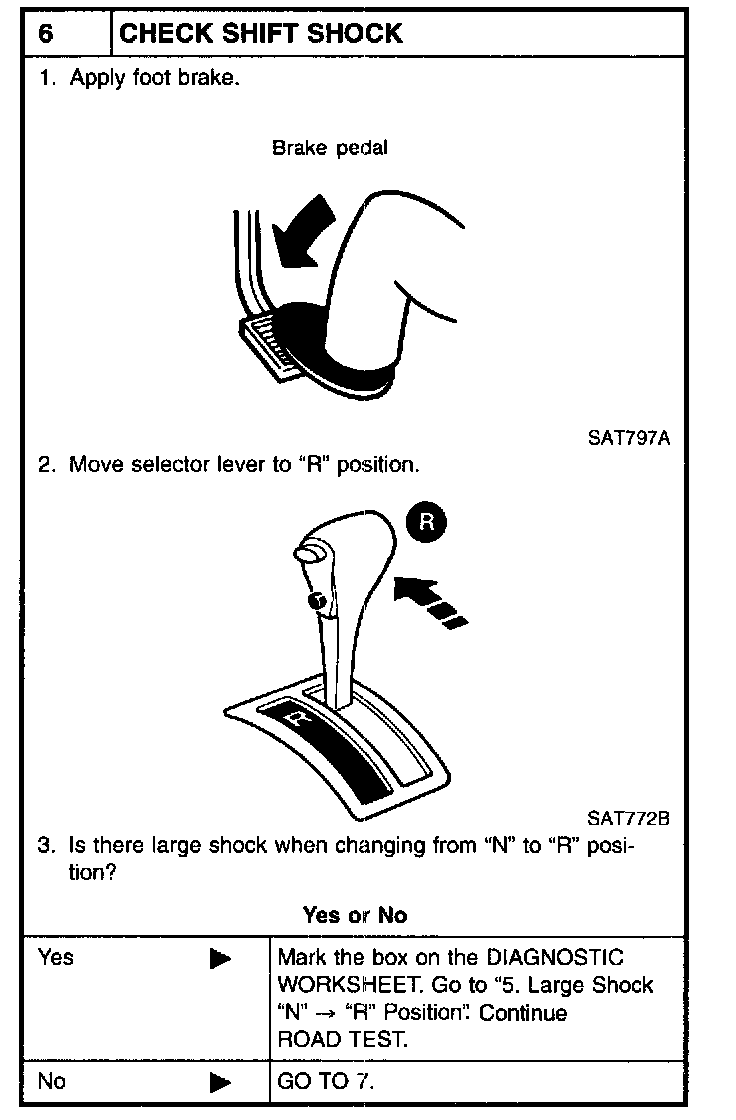
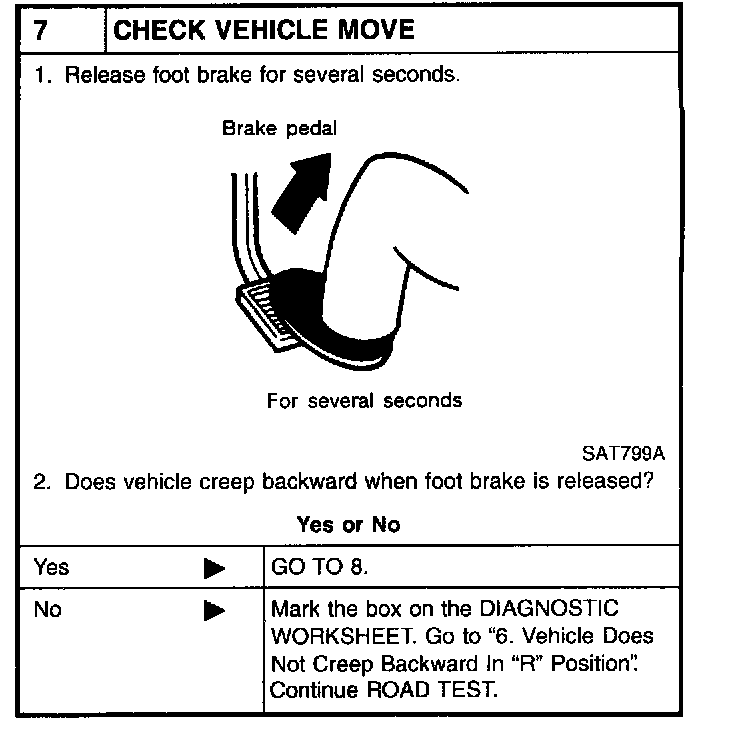
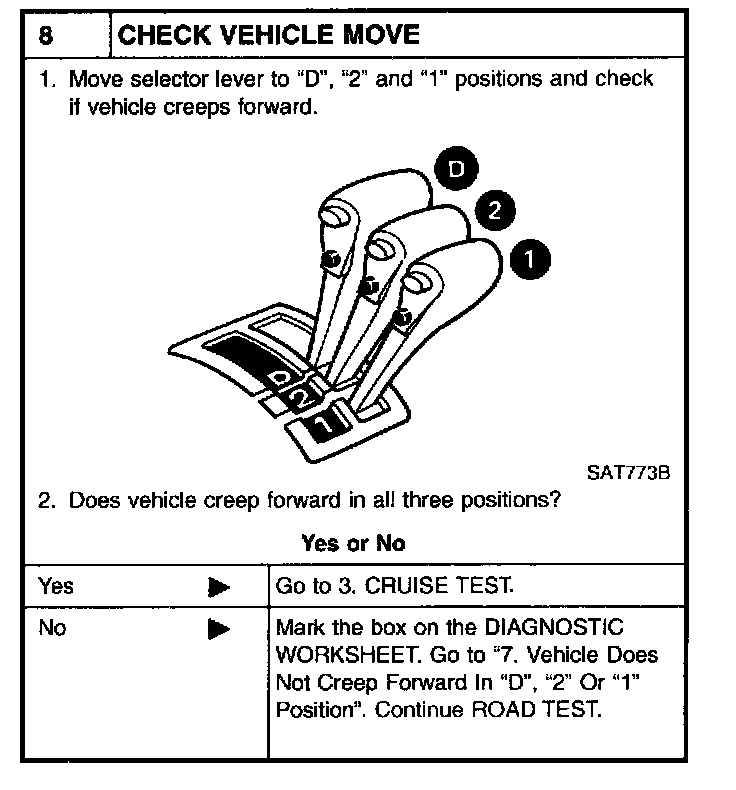
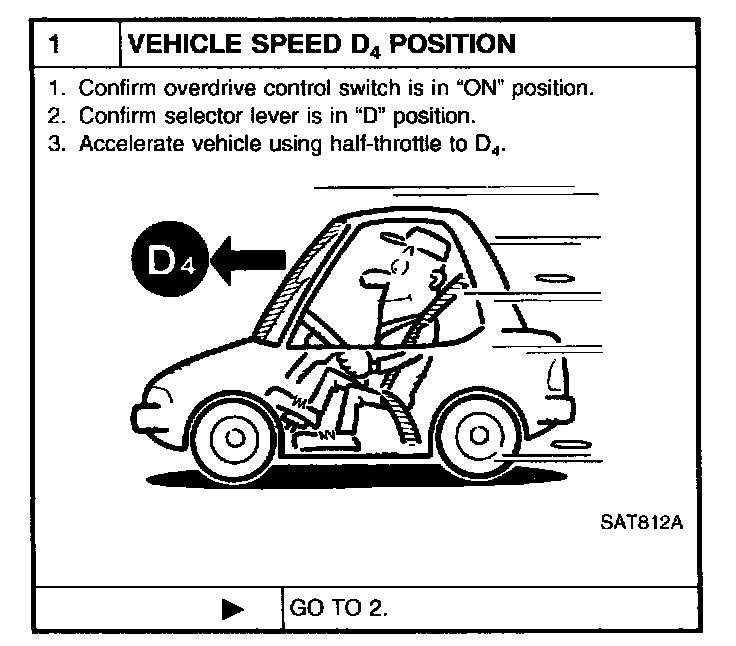
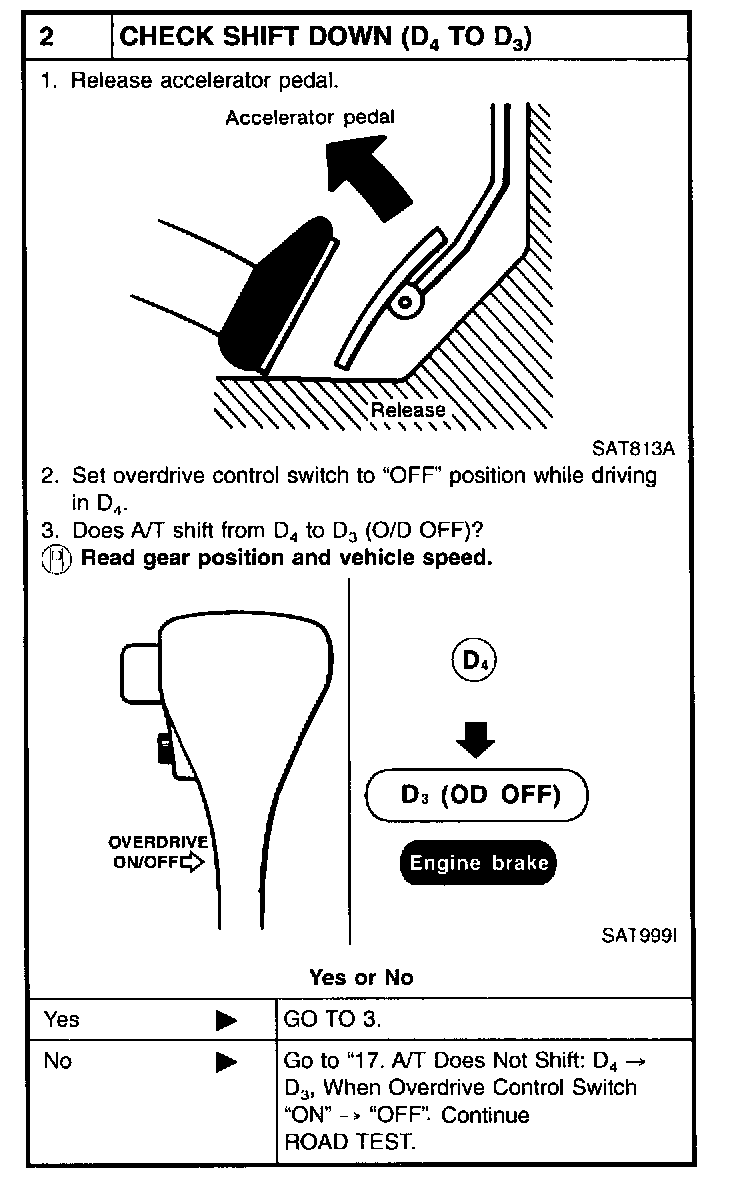
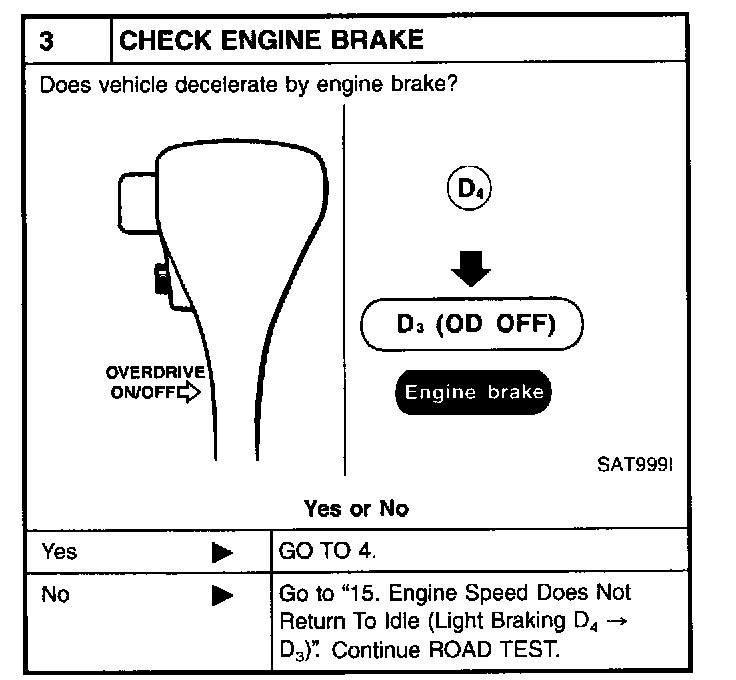
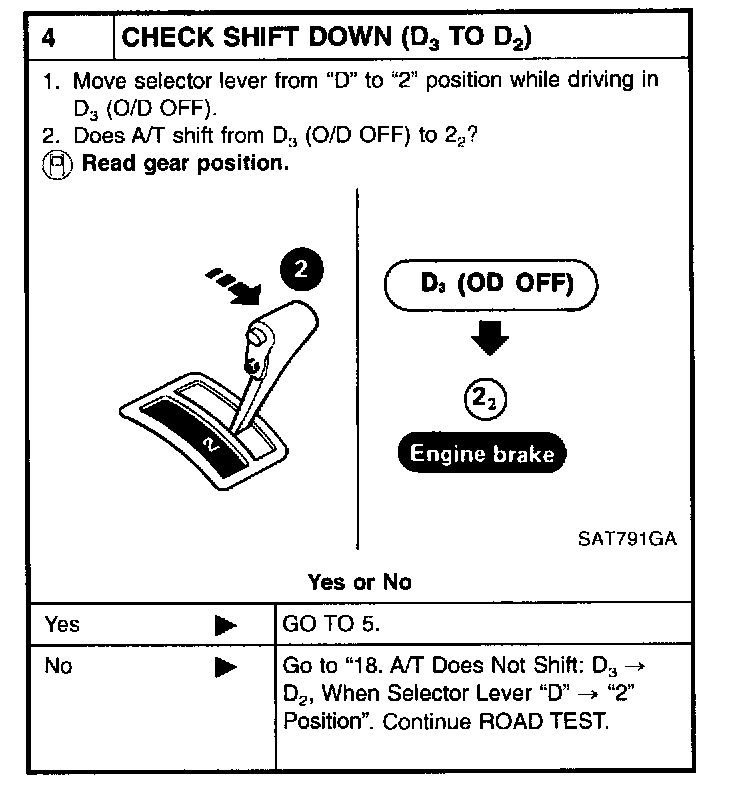
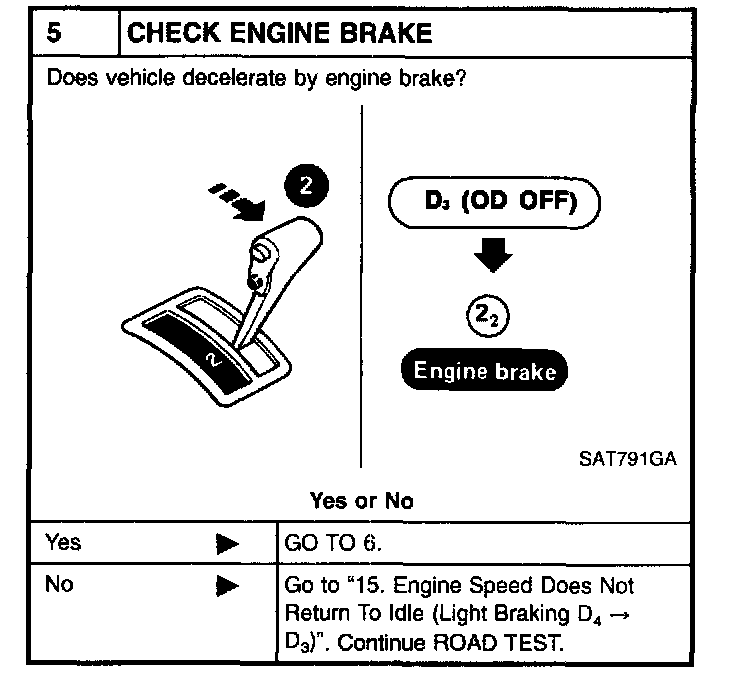
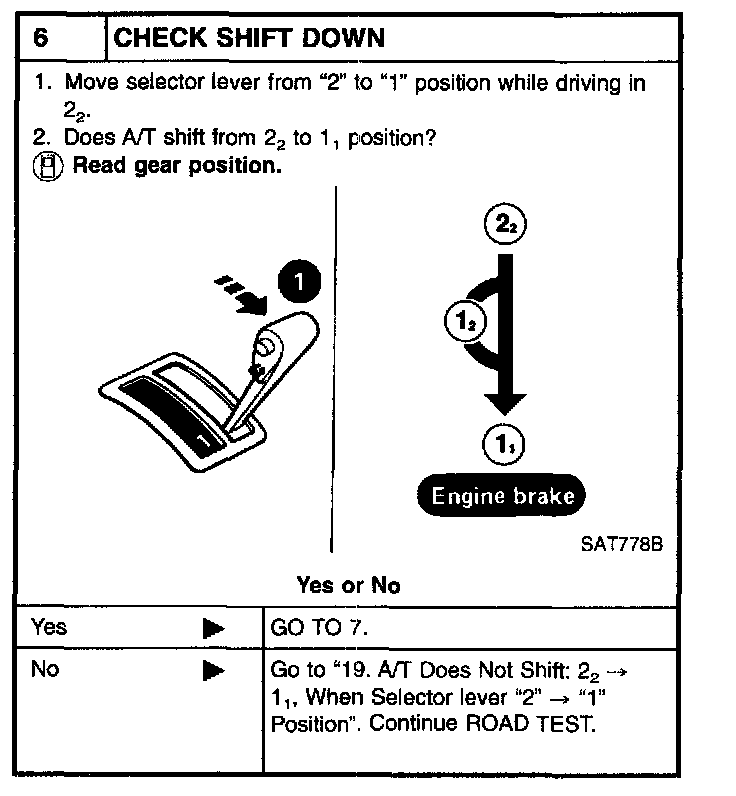
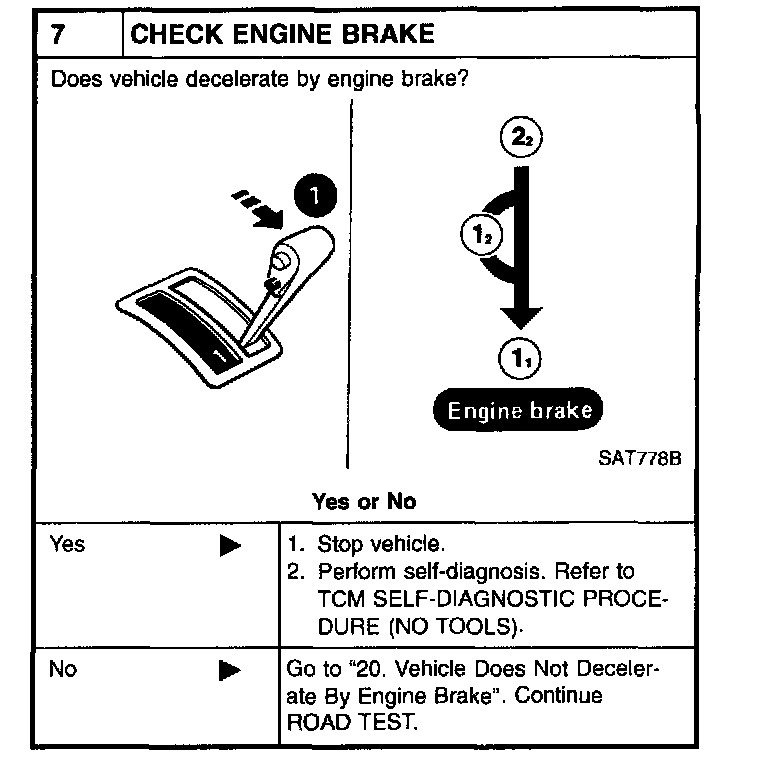
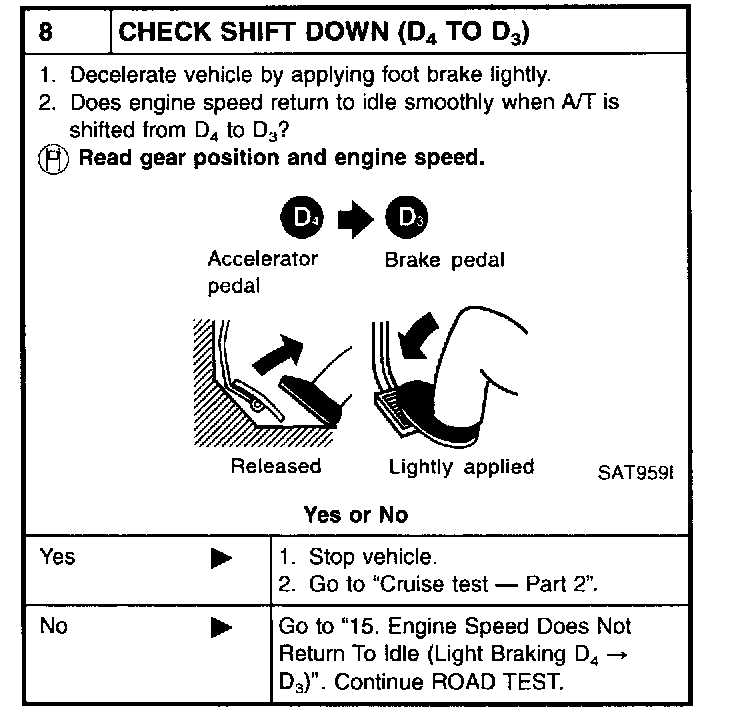
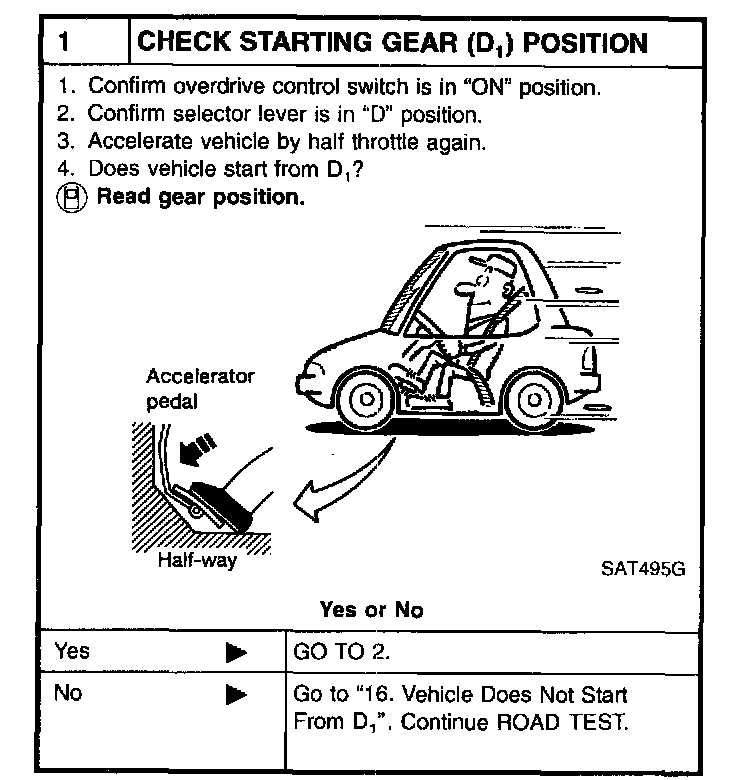
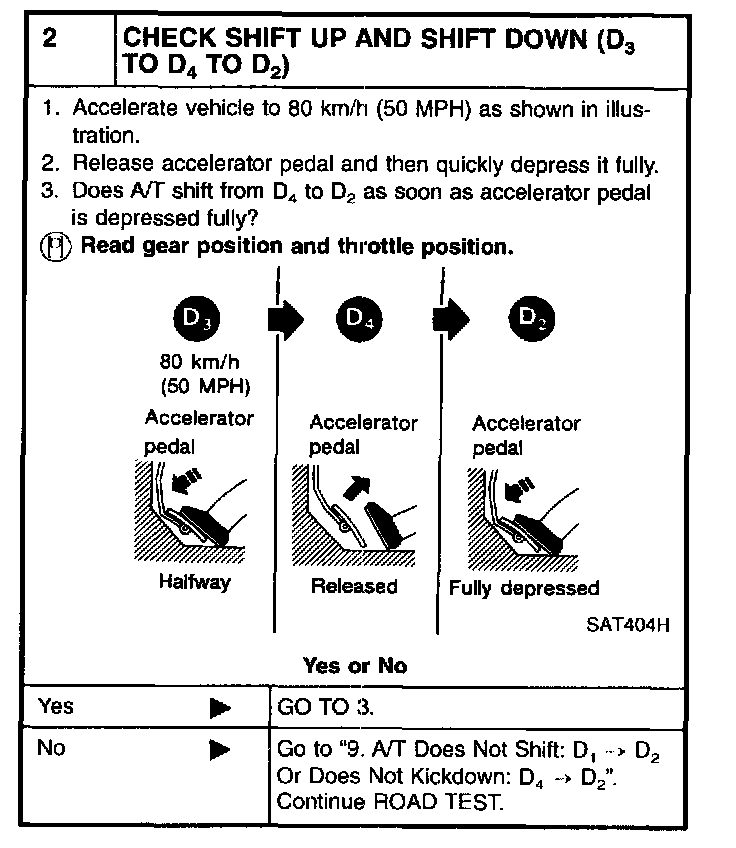
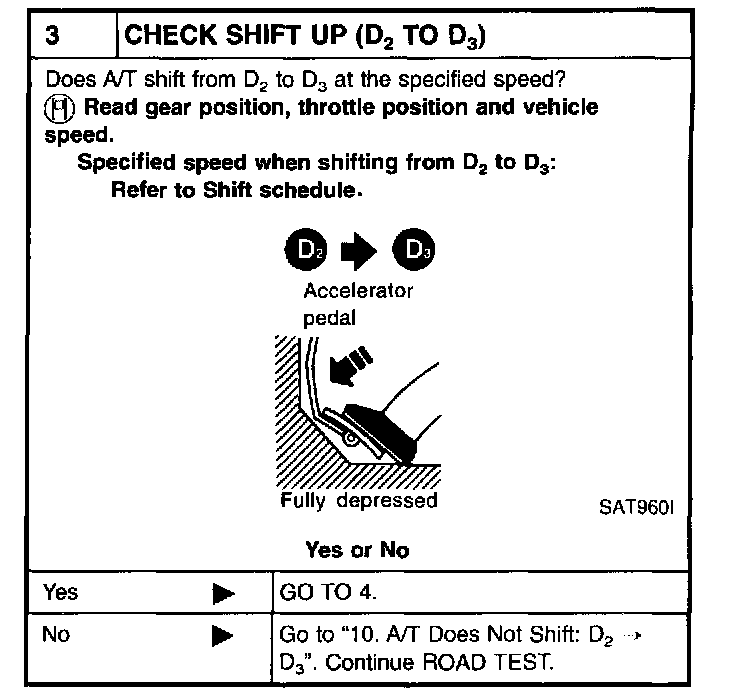
3. CRUISE TEST
Check all items listed in Parts 1 through 3.
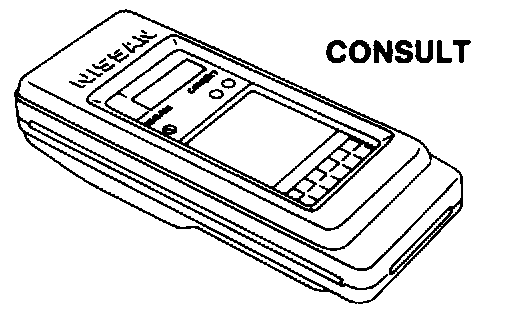
^ Using CONSULT, conduct a cruise test and record the result.
^ Print the result and ensure that shifts and lock-ups take place as per Shift Schedule.
CONSULT Setting Procedure
1. Turn ignition switch "OFF".
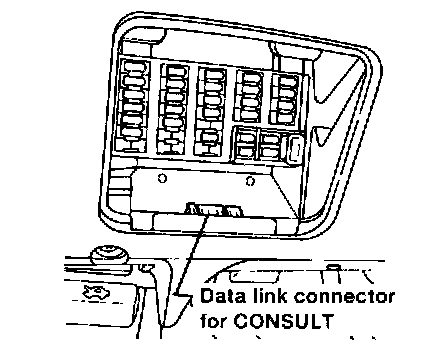
2. Connect CONSULT to Data link connector for CONSULT. Data link connector for CONSULT is located in left side dash panel.
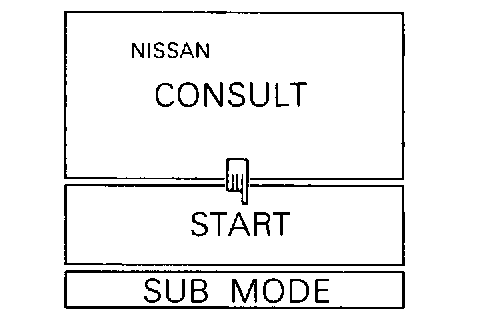
3. Turn ignition switch "ON".
4. Touch "START".
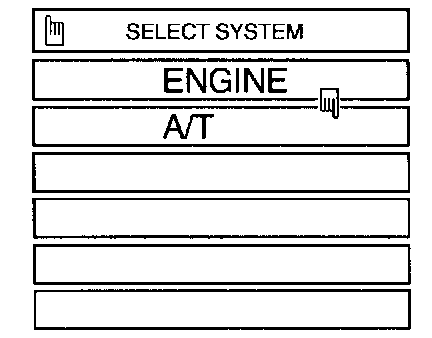
5. Touch "A/T".
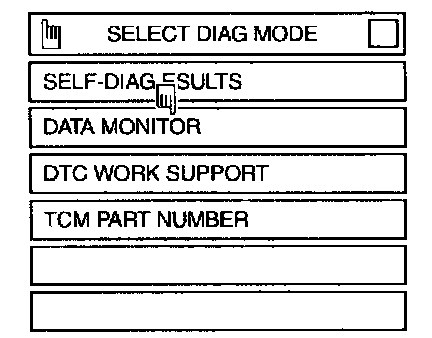
6. Touch "DATA MONITOR".
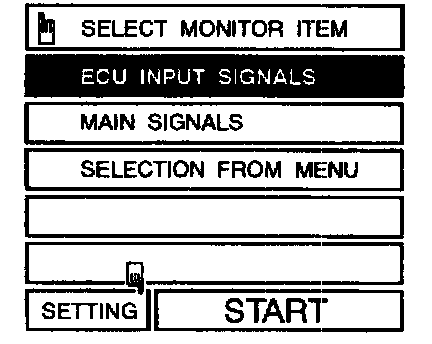
7. Touch "SETTING" to set recording condition.
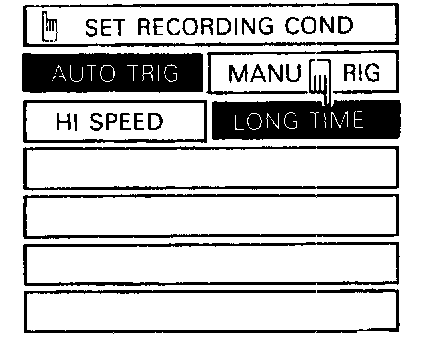
8. Touch "LONG TIME" and "ENTER" key.
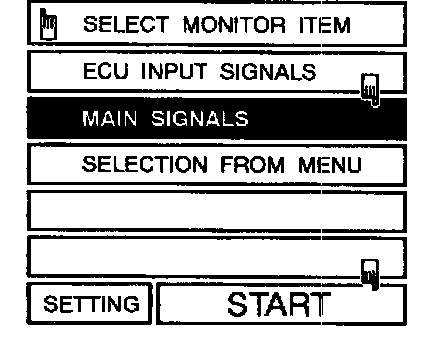
9. Go back to SELECT MONITOR ITEM and touch "MAIN SIGNALS".
10. Touch "START".
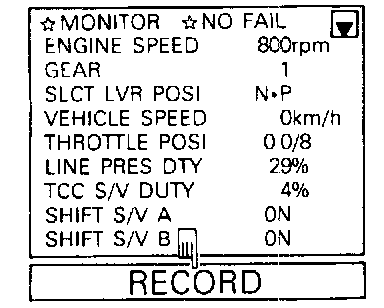
11. When performing cruise test, touch "RECORD".
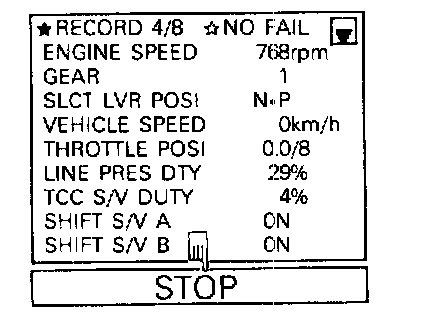
12. After finishing cruise test part 1, touch "STOP".
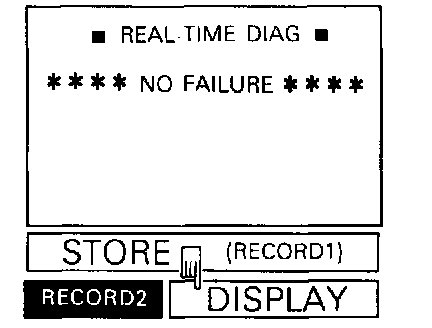
13. Touch "DISPLAY".
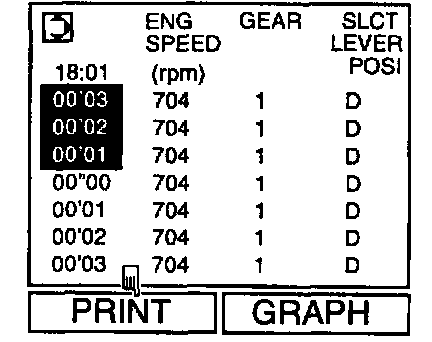
14. Touch "PRINT".
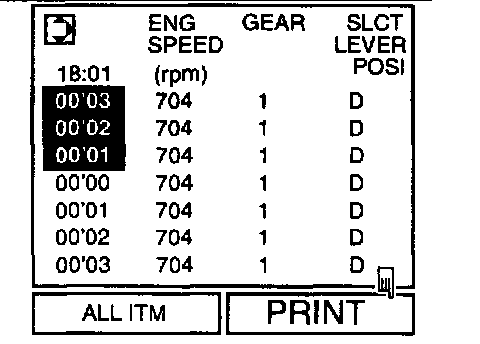
15. Touch "PRINT" again.
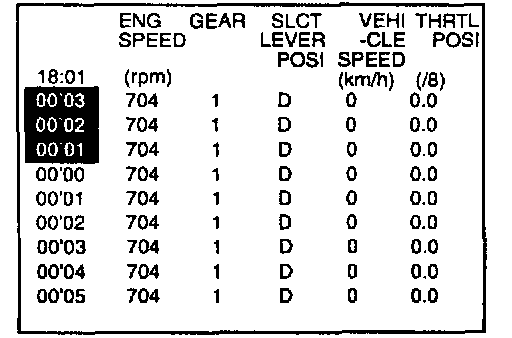
16. Check the monitor data printed out.
17. Continue cruise test part 2 and 3.
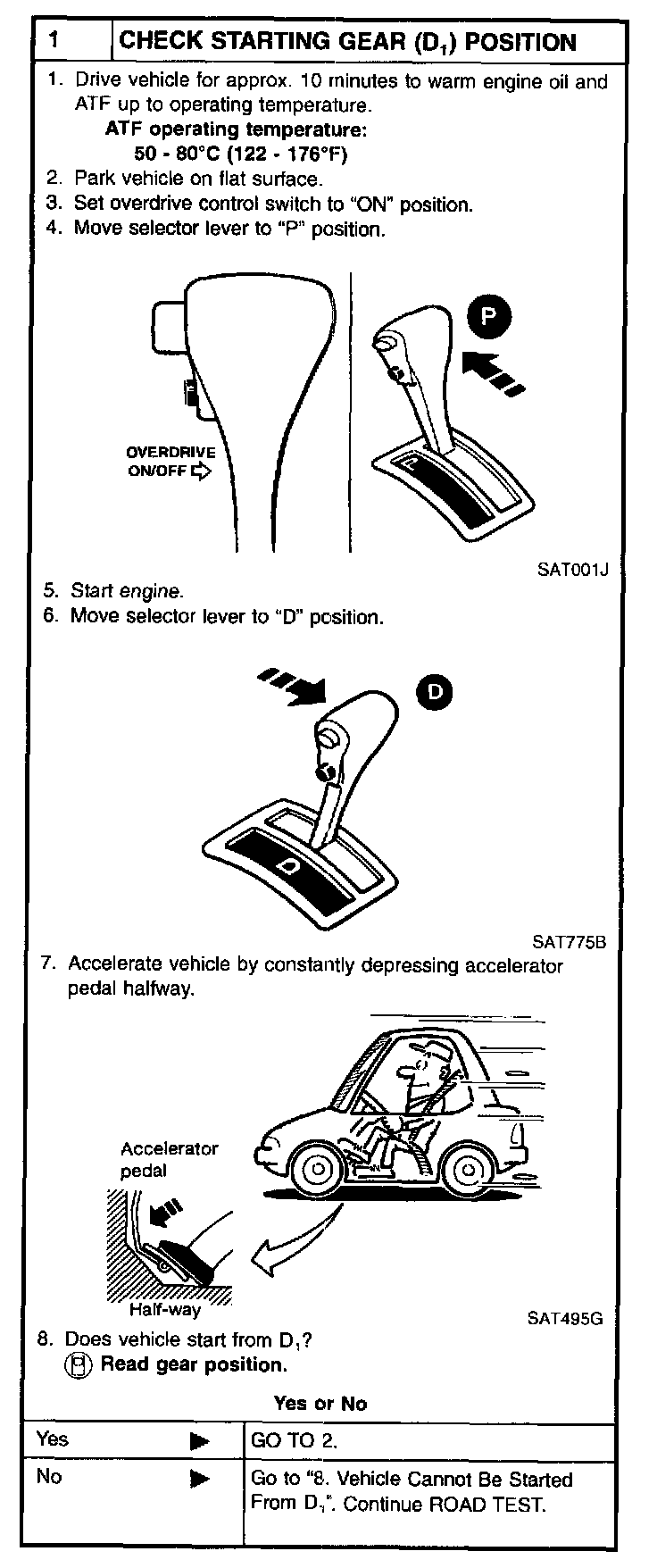
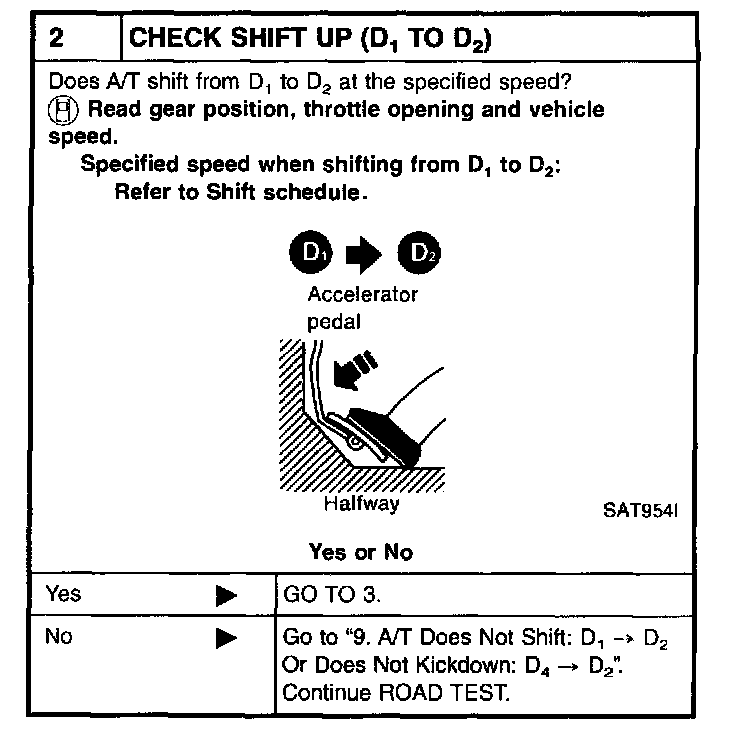
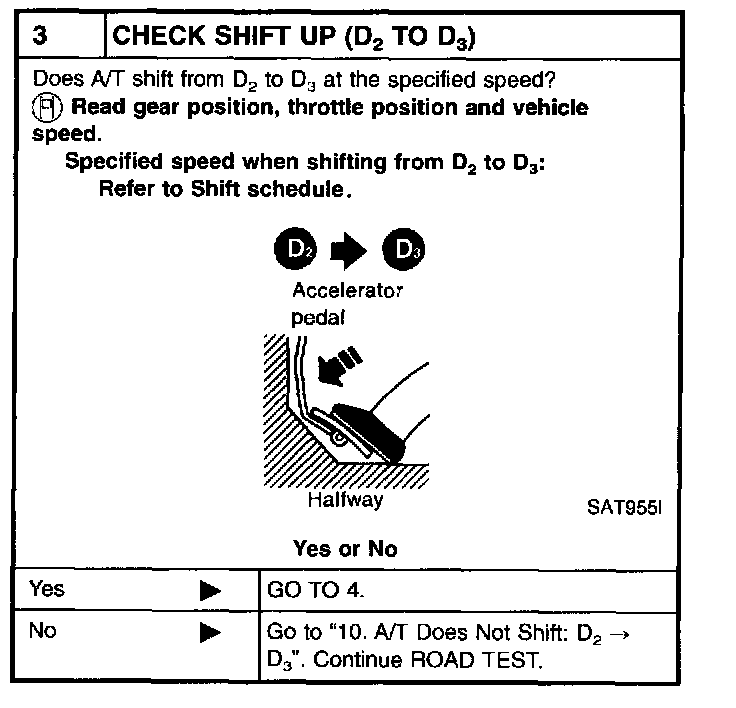
CRUISE TEST - Part 1
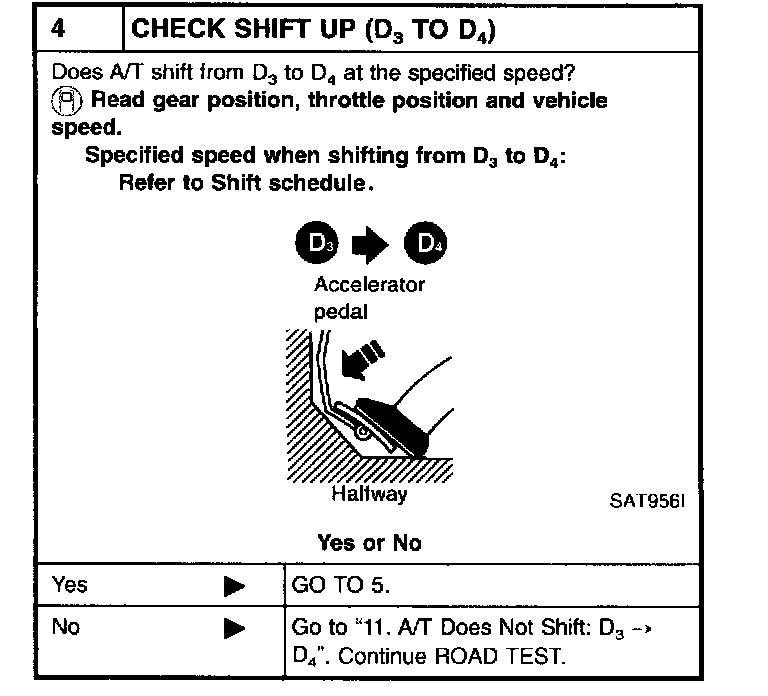
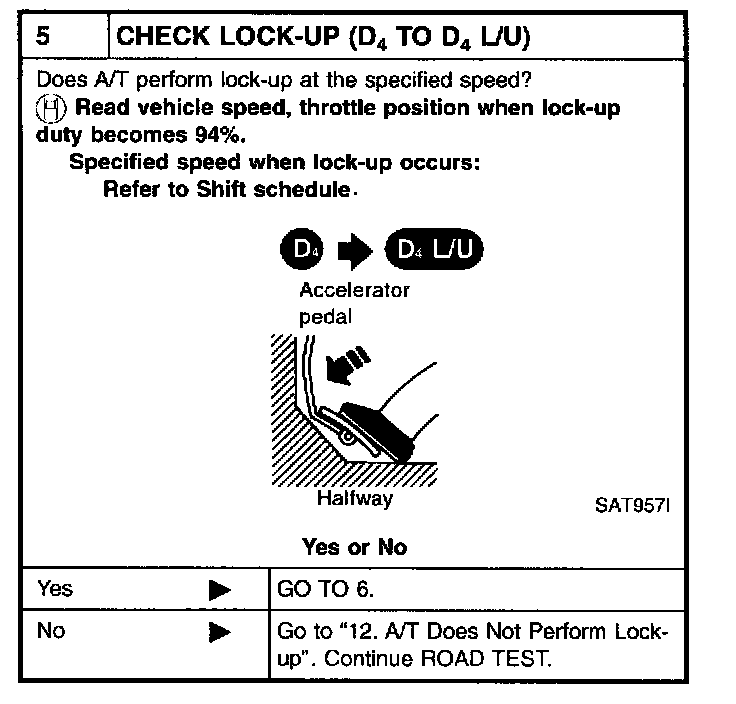
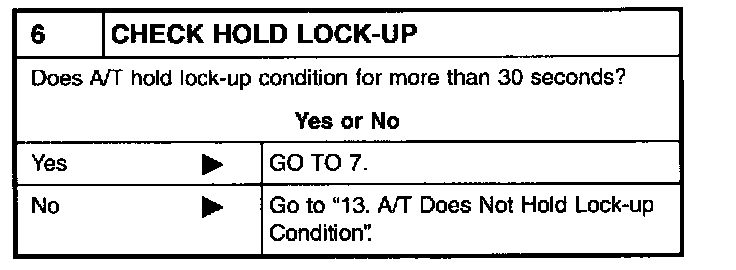
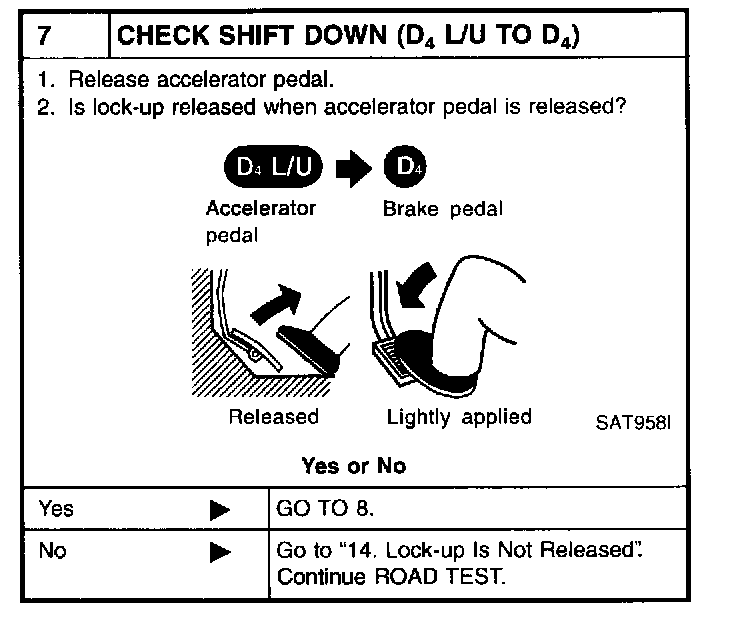
CRUISE TEST - Part 2
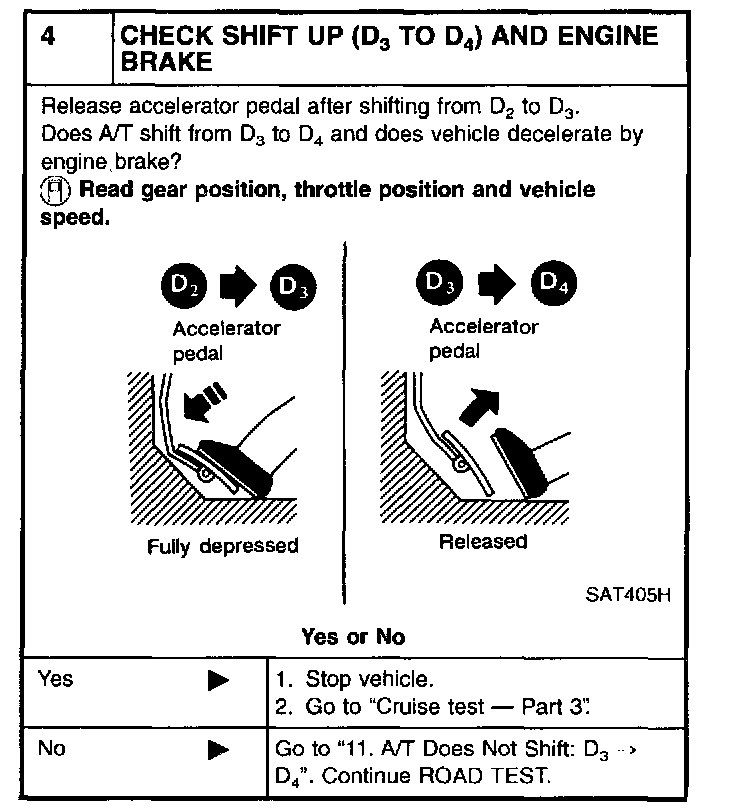
CRUISE TEST - Part 3