Accessing OBD II PID Mode Procedures
NOTE: Start engine and bring up to operating temperature before running Quick Test.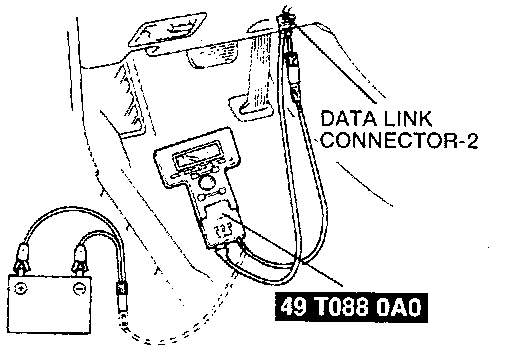
1. Hook up SST (NGS).
2. Select vehicle and engine selection menu.
3. Select vehicle year and model.
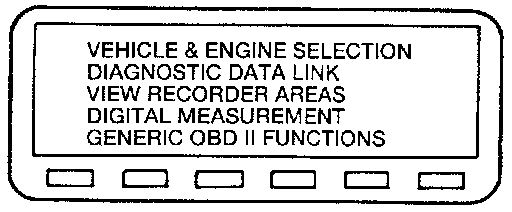
4. Select diagnostic data link.
5. Select PCM.
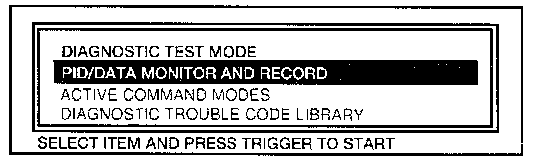
6. Select PID/DATA Monitor and Record.
7. Turn key ON or start engine.
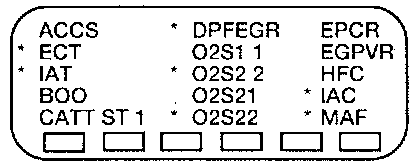
8. Select the PID values to view and press trigger.
9. Select start to begin.
NOTE: Refer to the manufacturer provided instruction manual for further information and additional NGS diagnostic testing procedures.
10. Press trigger to capture data.
11. Press trigger to save data.
12. Select view reading.
13. Press MAX
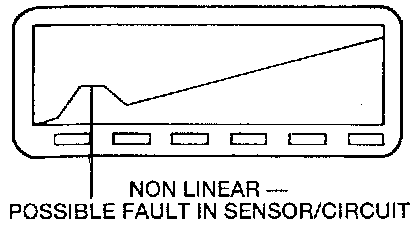
14. Press Graph. Monitor graph for non-linear pattern.
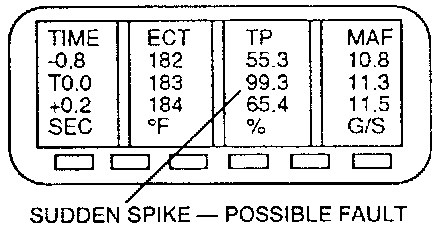
15. Press Table Monitor readings for spike patterns.
NOTE: Although you can choose four PIDS for playback, you can view only two at a time on the graph. By selecting buttons 2 and 9, you can rotate through all selected PIDs. By moving the cursor across the graph or table, you can review a PID value at precise points in time relative to the trigger point.