DSC/RSC HU Air Bleeding
DSC/RSC HU AIR BLEEDING1. Turn the ignition switch off.
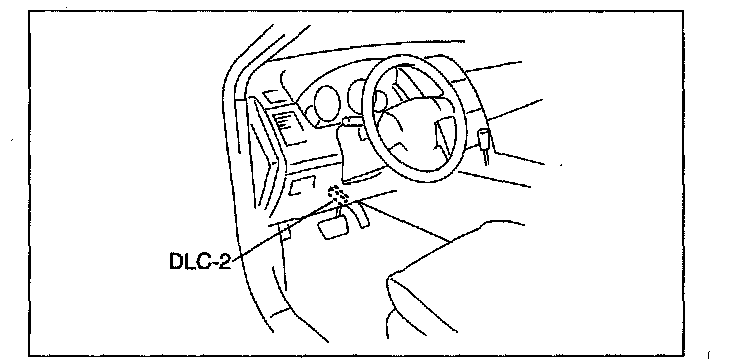
2. Connect the M-MDS to the DLC-2 connector.
3. After the vehicle is identified, select the following items from the initial screen of the M-MDS.
^ When using the IDS (notebook PC)
1. Select the "Toolbox" tab.
2. Select "Chassis".
3. Select "Braking".
^ When using the PDS (pocket PC)
1. Select "All Tests and Calibrations".
4. Then, select the "ABS Service Bleed" from the screen menu.
5. Perform the air bleeding according to the directions on the screen.