Entertainment Systems: Testing and Inspection
ENTERTAINMENT PERSONALIZATION FEATURES SETTING PROCEDURE
Welcome Mode ON/OFF Setting
NOTE:
- Welcome mode is controlled by the instrument cluster. Refer to the instrument cluster description.
1. Refer to Programming and Relearning.
Welcome Sound ON/OFF Setting
With audio unit (without display only)
1. Switch the ignition to ACC or ON.
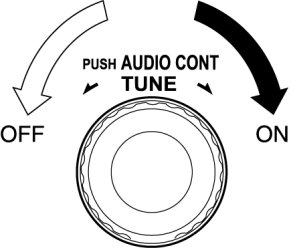
2. Turn the audio unit power to ON.
3. Press the AUDIO CONT switch.
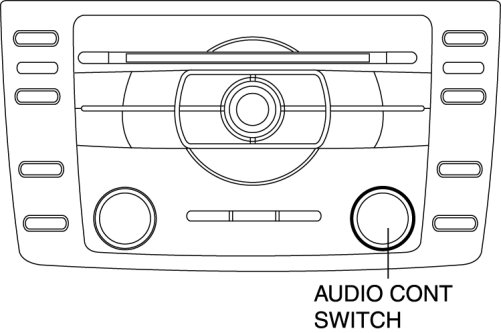
4. Select "Welcome ON" or "Welcome OFF".
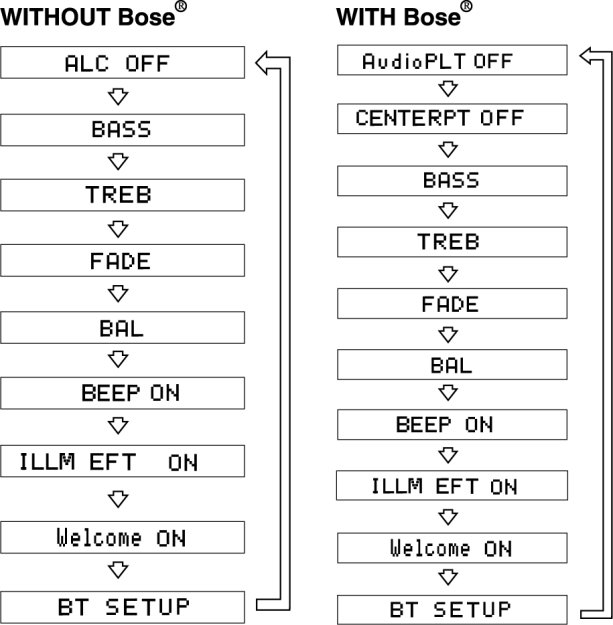
5. Press the AUDIO CONT switch.
6. Select "ON" or "OFF".
With car-navigation unit
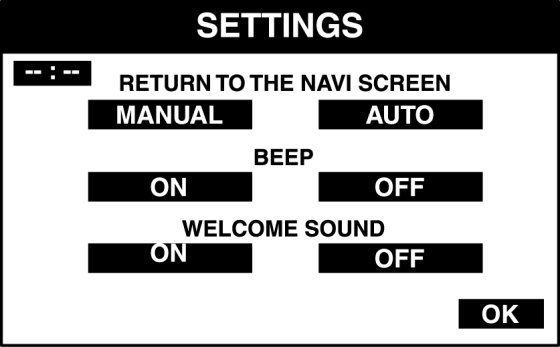
1. Switch the ignition to ACC or ON.
2. Turn the car-navigation unit power to ON.
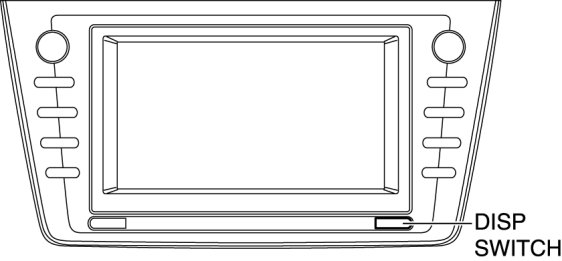
3. Press the DISP switch (panel switch).
4. Select "SETTINGS".
5. Select "ON" or "OFF".