C. Determine Vehicle Data For SCN Coding
1. Follow menu path: Control Units / Information and Communication / IC - Instrument Cluster / Control Unit Adaptations / SCN Coding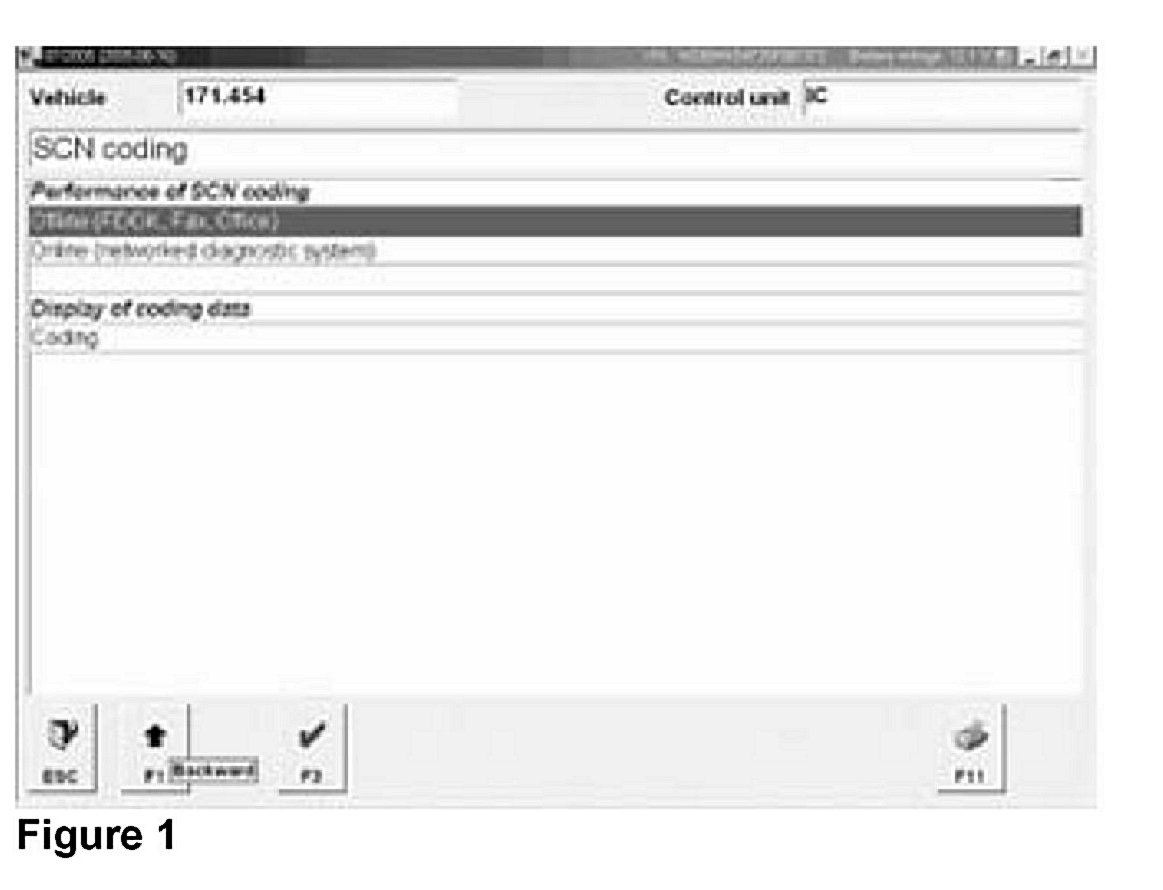
2. Select "Offline (FDOK, Fax, Office)," Press "F3" (Figure 1)
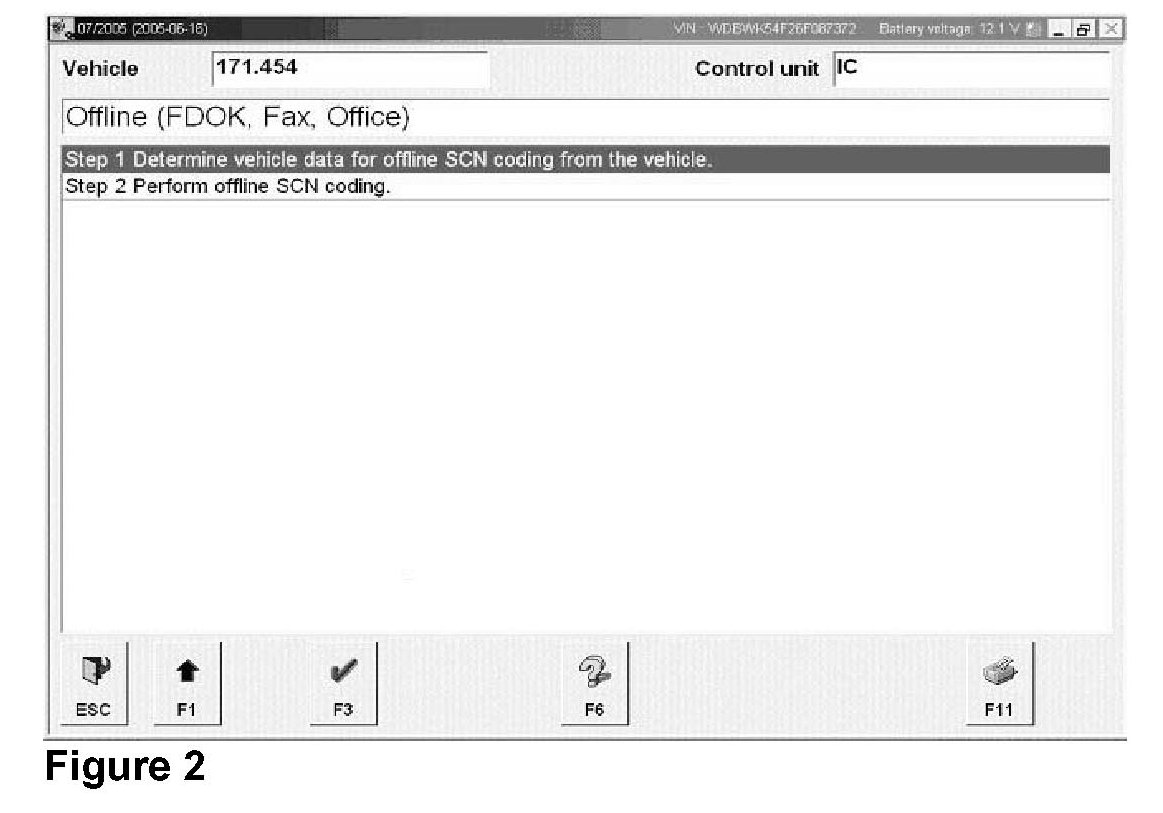
3. Select "Determine vehicle data for SCN Coding,"
Press "F3" (Figure 2)
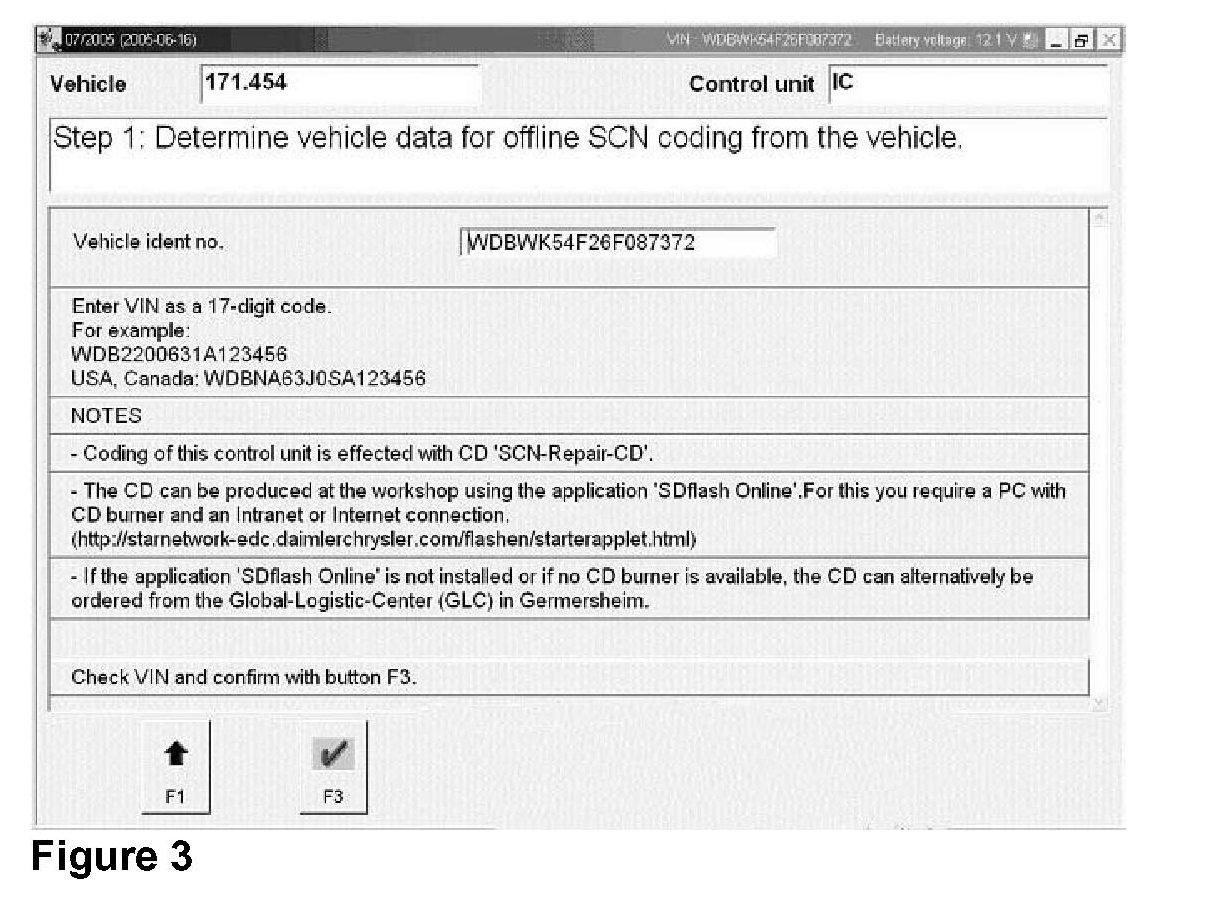
4. Confirm VIN. Press "F3" (Figure 3)
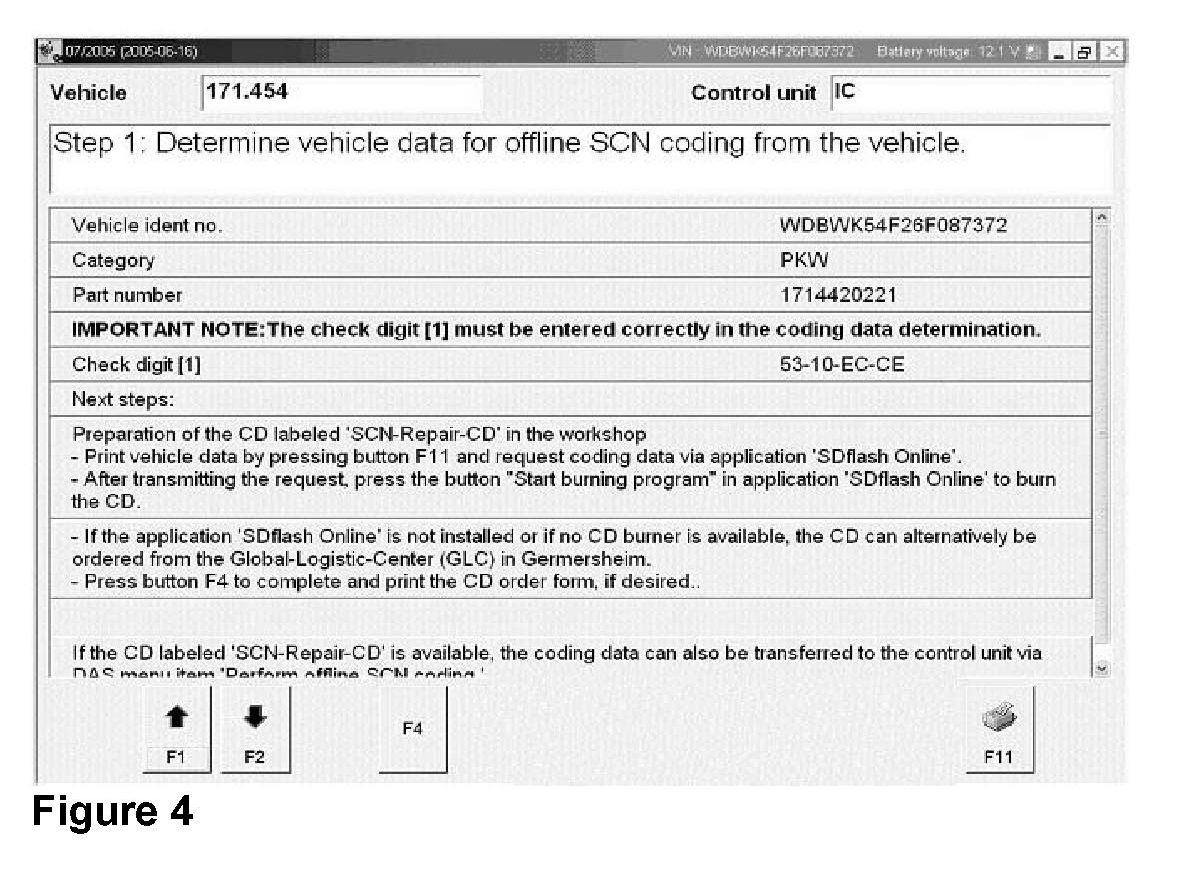
5. Print out vehicle data for SCN Coding by pressing "F11" (Figure 4)
6. Generate and retrieve SCN Code. Refer to section "D" in this document for instructions on generating SCN Codes.
NOTE:
For installation or use of the Online SCN Coding Application, obtaining User ID and password for Online SCN Coding, or troubleshooting questions on the Online SCN Coding Application, please refer to S-B-07.61/38f