With CONSULT-II
ID Code Entry ProcedureKEYFOB ID SET UP WITH CONSULT-II
NOTE: If a keyfob is lost, the ID code of the lost keyfob must be erased to prevent unauthorized use. When the ID code of a lost keyfob is not known, all keyfob ID codes should be erased. After all ID codes are erased, the ID codes of all remaining and/or new keyfob must be re-registered.
1. Turn ignition switch "OFF".
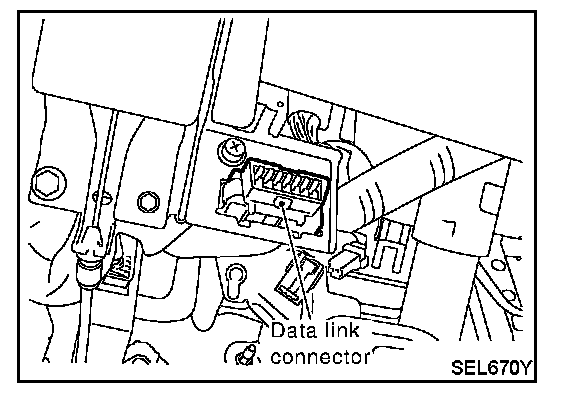
2. Connect "CONSULT-II" and " CONSULT-II CONVERTER" to the data link connector.
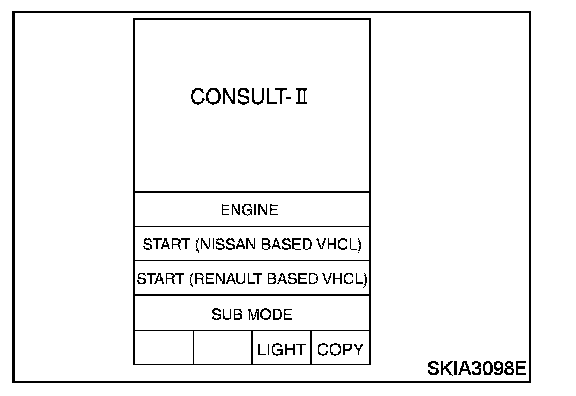
3. Turn ignition switch "ON".
4. Touch "START (NISSAN BASED VHCL)".
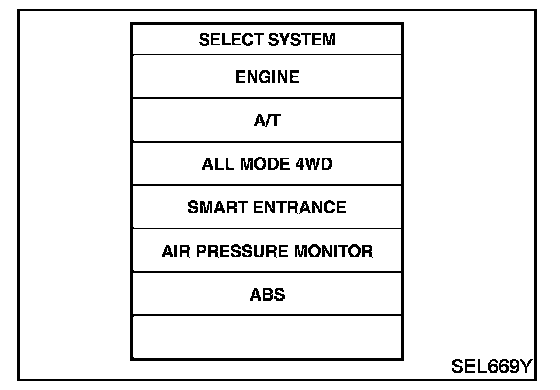
5. Touch "SMART ENTRANCE".
If "SMART ENTRANCE" is not indicated,refer to Keyless Entry/Testing
and Inspection Testing and Inspection
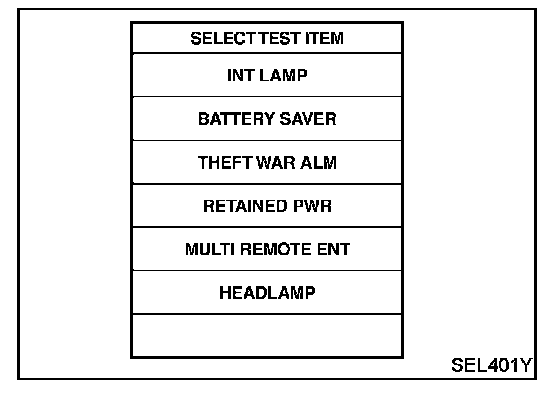
6. Touch "MULTI REMOTE ENT".
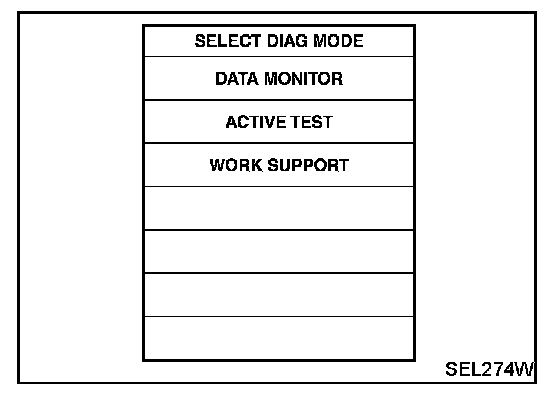
7. Touch "WORK SUPPORT".
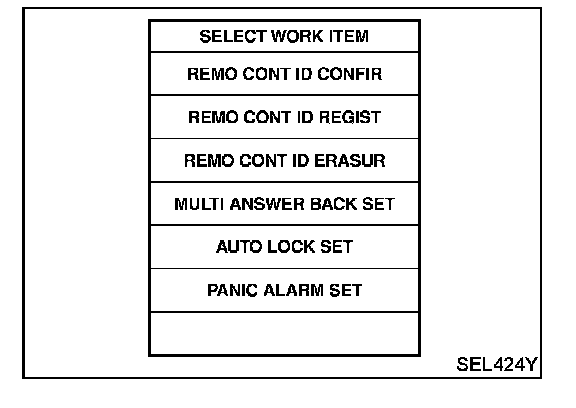
8. The items are shown on the figure can be set up.
- "REMO CONT ID CONFIR"
Use this mode to confirm if a keyfob ID code is registered or not.
- "REMO CONT ID REGIST"
Use this mode to register a keyfob ID code.
NOTE: Register the ID code when keyfob or smart entrance control unit is replaced, or when additional keyfob is required.
- "REMO CONT ID ERASUR"
Use this mode to erase a keyfob ID code.
Refer to the "WORK SUPPORT" in " CONSULT-II Application Items" for the following items. With Manufacturer's Scan Tool (CONSULT-II)
- "MULTI ANSWER BACK SET"
- "AUTO LOCK SET"
- "PANIC ALARM SET"
- "TRUNK OPENER"
- "PW DOWN SET"
NOTE: Even though TRUNK OPENER is actually displayed on the CONSULT-II screen, it is not equipped, therefore, they cannot be activated.