Work Support Mode
WORK SUPPORT MODEEngine brake adjustment

1. Perform "CONSULT-II SETTING PROCEDURE" Refer to "CONSULT-II SETTING PROCEDURE".
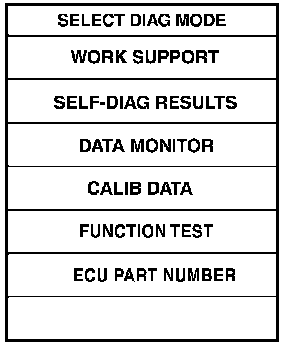
2. Touch "WORK SUPPORT".
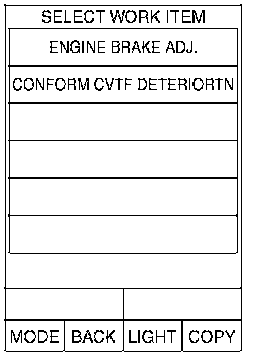
3. Touch "ENGINE BRAKE ADJUSTMENT".
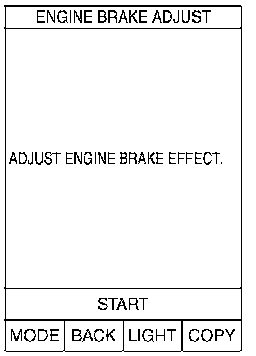
4. Touch "START".
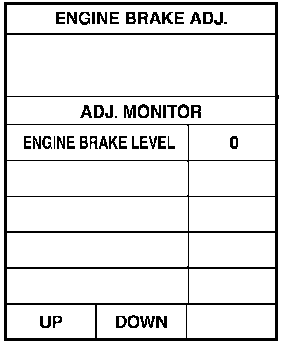
5. Set "ENGINE BRAKE LEVEL" by touching "UP" or "DOWN".
ENGINE BRAKE LEVEL
0: Initial set value (Engine brake level control is activated)
OFF: Engine brake level control is deactivated.
6. Turn ignition switch "OFF", wait at least 5 seconds and then turn ignition switch "ON".
7. Engine brake level set is completed.
CAUTION: Mode of "+1 " "0" "-1 " "-2" "OFF" can be selected by pressing the "UP" "DOWN" on CONSULT screen. However, do not select mode other than "0" and "OFF". If the "+1" or "-1" or "-2" is selected, that might cause the abnormality of driveability.
Check CVT fluid deterioration date
1. Perform "CONSULT-II SETTING PROCEDURE" Refer to "CONSULT-II SETTING PROCEDURE".
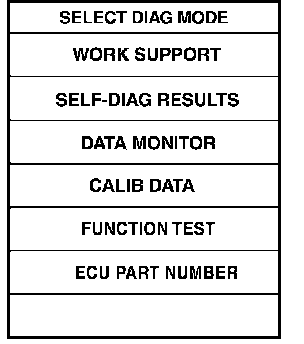
2. Touch "WORK SUPPORT".
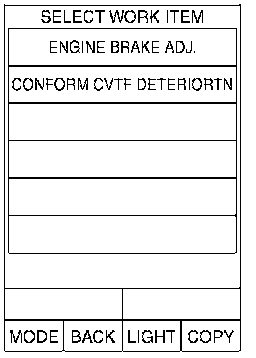
3. Touch "CONFORM CVTF DETERIORTN".
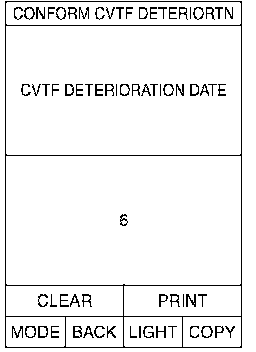
4. Check "CVTF DETERIORATION DATE" CVTF DETERIORATION DATE
More than 210000: It is necessary to change CVT fluid.
Less than 210000: It is not necessary to change CVT fluid.
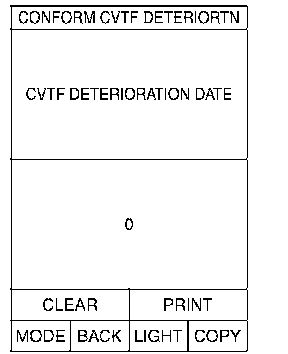
CAUTION: Touch "CLEAR" after changing CVT fluid, and then erase "CVTF DETERIORATION".