Work Support Mode
WORK SUPPORT MODEDisplay Item List:

Engine Brake Adjustment
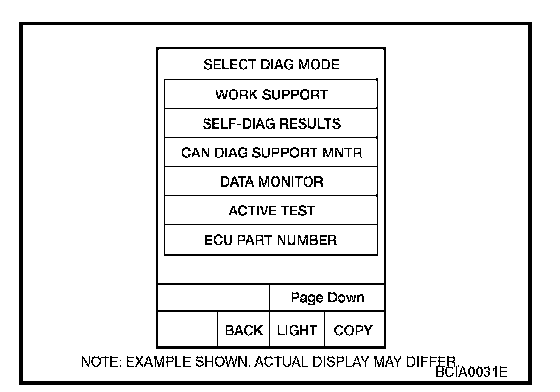
1. Touch "WORK SUPPORT" on "SELECT DIAG MODE" screen.
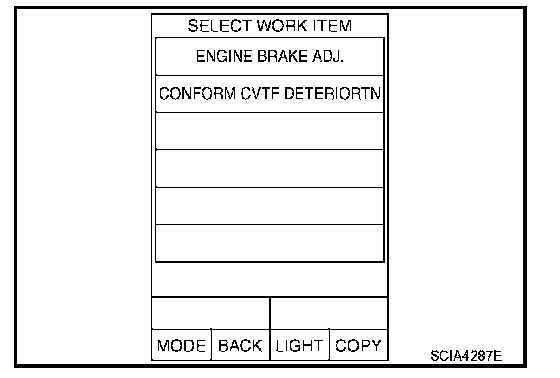
2. Touch "ENGINE BRAKE ADJ".
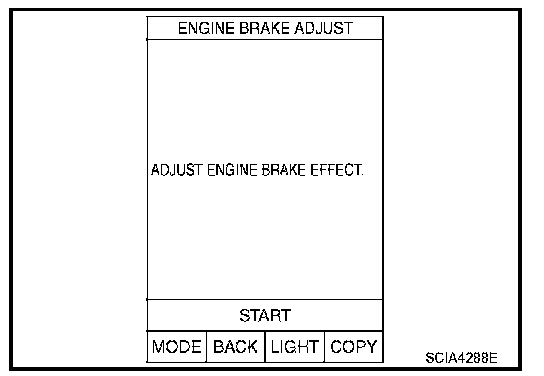
3. Touch "START".
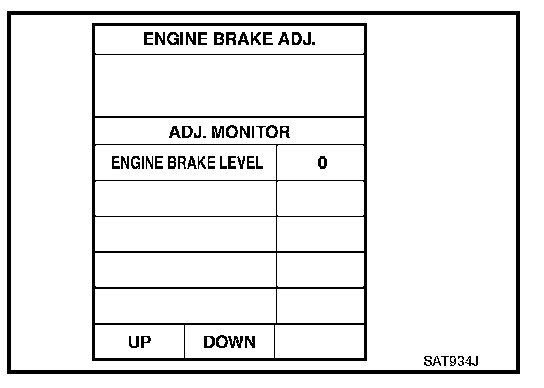
4. Set "ENGINE BRAKE LEVEL" by touching "UP" or "DOWN".
"ENGINE BRAKE LEVEL"
0: Initial set value (Engine brake level control is activated)
OFF: Engine brake level control is deactivated.
5. Turn ignition switch OFF, wait at least 5 seconds and then turn ignition switch ON.
6. Engine brake level set is completed.
CAUTION: Mode of "+1" "0" "-1" "-2" "OFF" can be selected by pressing the "UP" "DOWN" on CONSULT-II screen. However, do not select mode other than "0" and "OFF". If the "+1" or "-1" or "-2" is selected, that might cause the irregular driveability.
Check CVT Fluid Deterioration Date
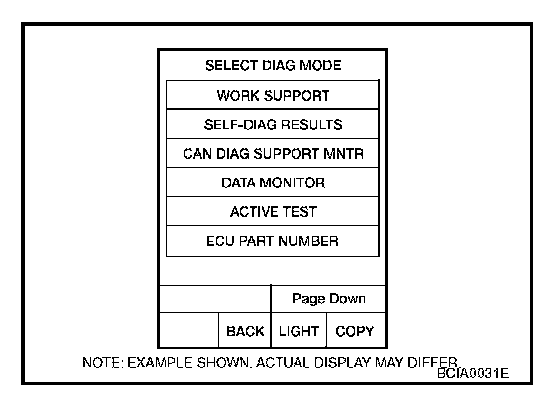
1. Touch "WORK SUPPORT" on "SELECT DIAG MODE" screen.
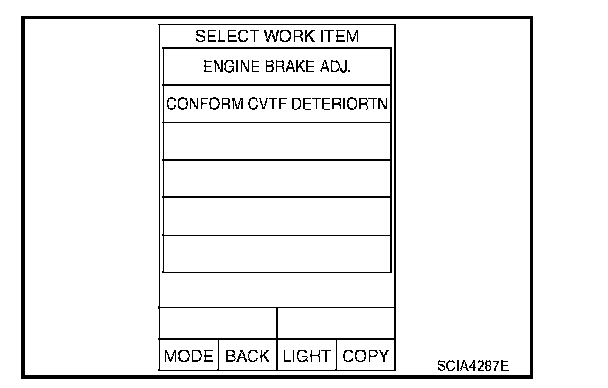
2. Touch "CONFORM CVTF DETERIORTN".
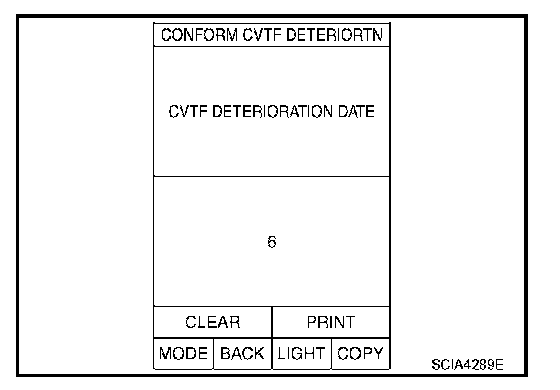
3. Check "CVTF DETERIORATION DATE".
"CVTF DETERIORATION DATE"
More than 210000: It is necessary to change CVT fluid.
Less than 210000: It is not necessary to change CVT fluid.
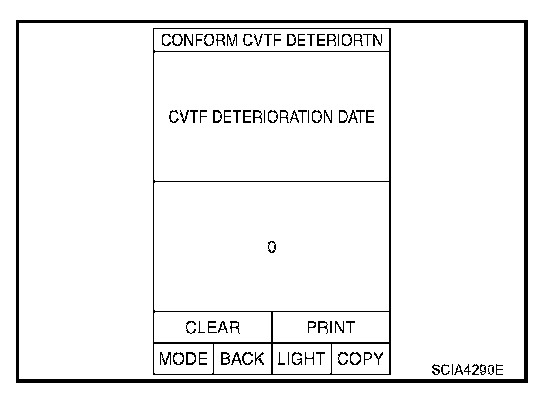
CAUTION: Touch "CLEAR" after changing CVT fluid, and then erase "CVTF DETERIORATION DATE".