Traction Control Switch Replacement
Traction Control Switch Replacement (Oldsmobile)Removal Procedure
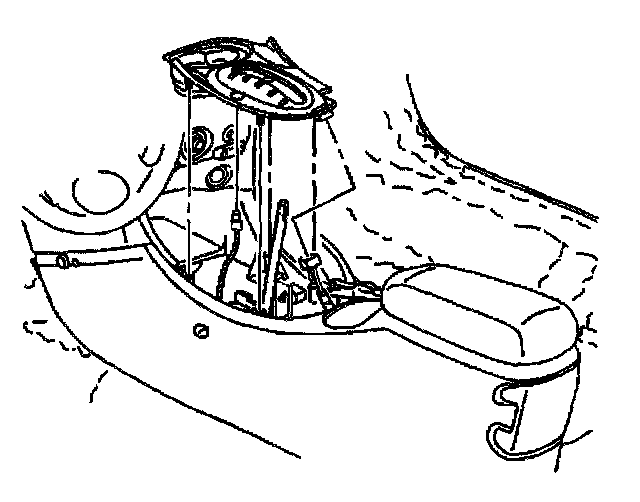
1. Remove the gear selector knob.
2. Carefully pull up on the console trim plate to access the backside of the traction control switch.
3. Disconnect the traction control switch wiring harness connector from the traction control switch.
4. Remove the traction control switch from the console trim plate. To avoid damage to the console trim plate, use a small flat bladed tool on the backside of traction control switch to release the retaining clips.
Installation Procedure
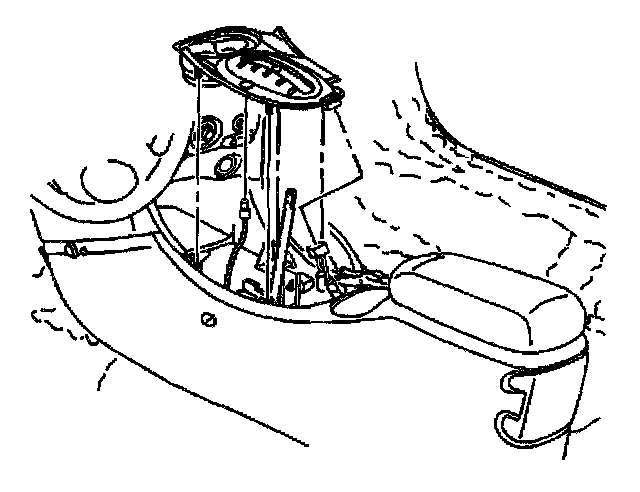
1. Install the traction control switch onto the console trim plate.
2. Connect the traction control switch wiring harness connector to the traction control switch.
3. Align the console trim plate to the floor console and carefully press the retaining clips into the correct mounting holes in the front floor console.
4. Install the gear selector knob.
5. Verify the repair. Refer to Diagnostic System Check - ABS.