Diagnosis System
DIAGNOSIS SYSTEM1. DTC COMBINATION TABLE
NOTE: Complete "CHECK CAN BUS LINE" to confirm that there is no malfunction in the CAN bus line, and then perform troubleshooting according to the given DTC combination table.
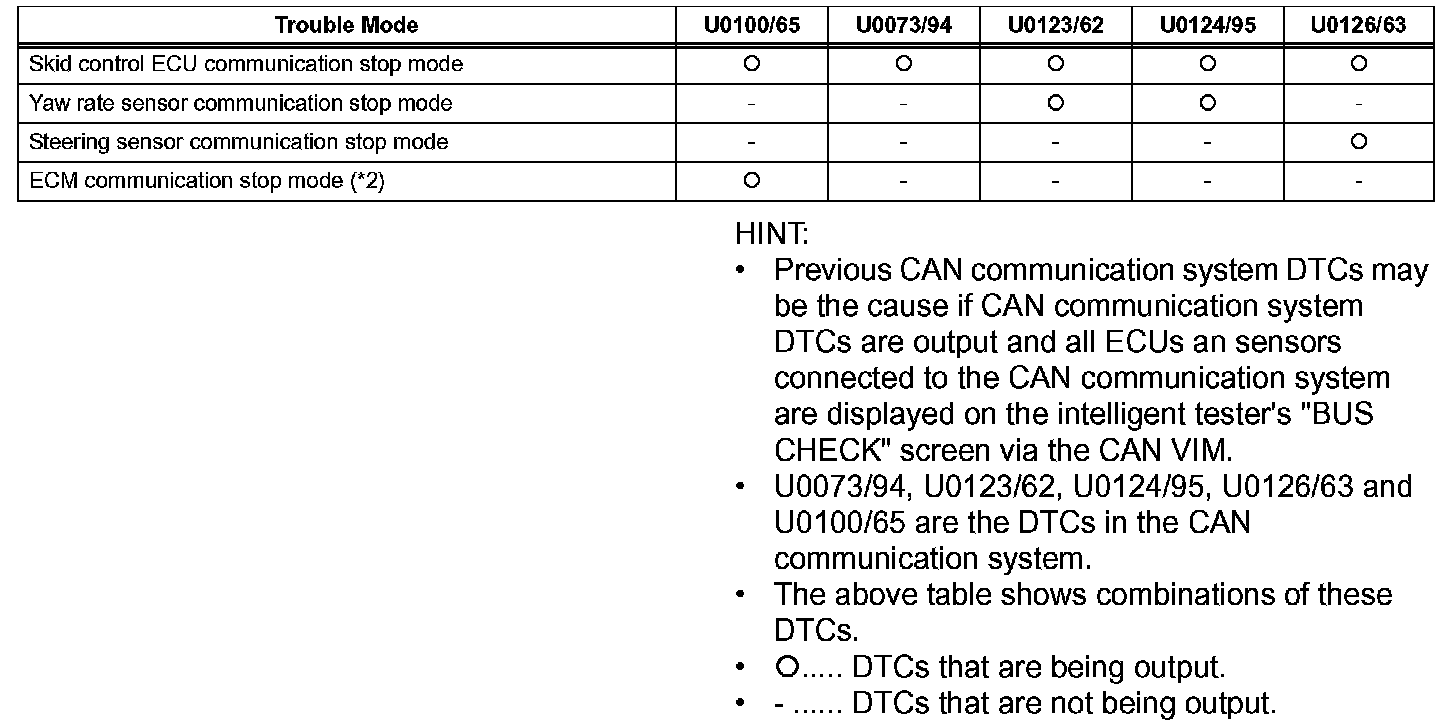
a. Confirm the trouble mode according to the combination of output DTCs.
2. BUS CHECK
HINT: The ECUs and sensors that are properly connected to the CAN communication system can be displayed using the intelligent tester via the CAN VIM.
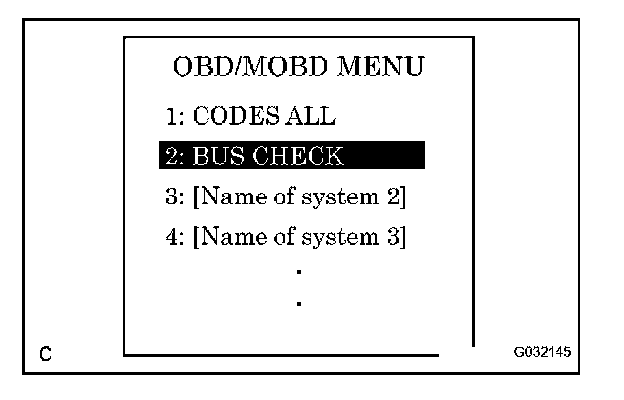
a. Select "BUS CHECK" from the "OBD/MOBD MENU" screen.
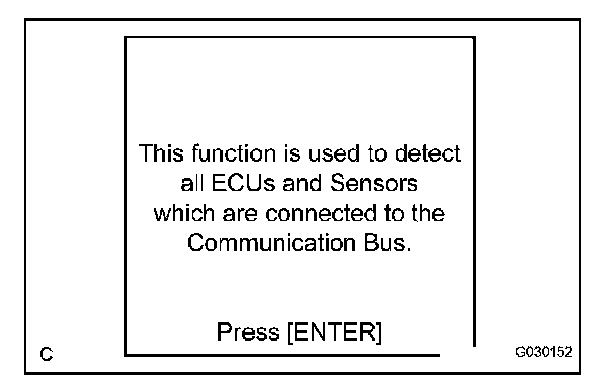
b. Press "ENTER" on the intelligent tester via the CAN VIM.
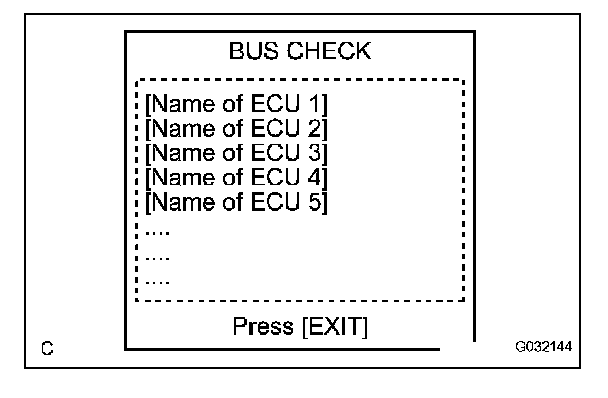
c. The screen displays the ECUs and sensors that are properly connected to the CAN communication system.
HINT: There is a communication stop in the system of any properly connected ECUs or sensors that are not displayed.
3. DTC TABLE BY ECU
HINT: If CAN communication system DTCs are output, trouble cannot be determined only by the DTCs. Perform troubleshooting according to "HOW TO PROCEED WITH TROUBLESHOOTING". How to Proceed With Troubleshooting
a. Skid Control ECU

HINT: DTC communication uses the SIL line.
b. ECM
HINT: The ECM is connected to the CAN communication system but CAN communication system DTCs are not output.