General Module: Service and Repair
REMOVAL1. Disconnect the battery ground cable.
NOTE: Prior to removal of the GEM, it is necessary to upload module configuration information to a diagnostic tool. This information needs to be downloaded into the new module once installed.
2. Remove the floor console. Refer to Console.
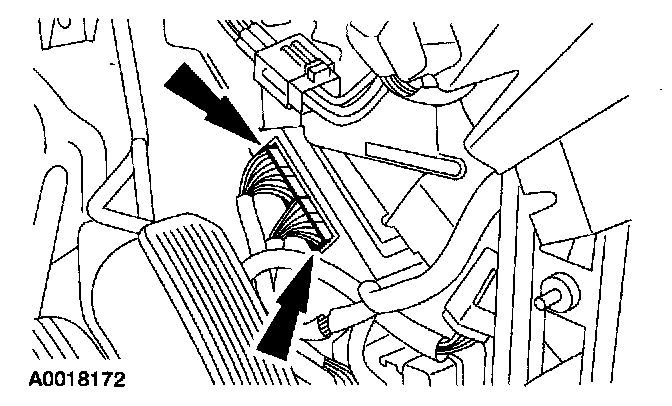
3. Disconnect the GEM electrical connectors.
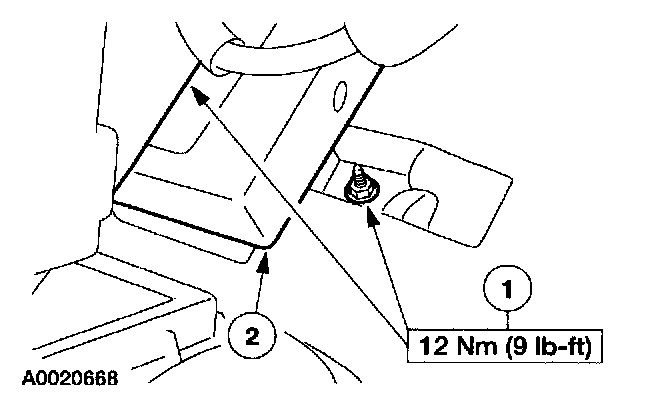
4. Remove the GEM
1 Pull back the insulation and remove the nuts.
2 Remove the GEM.
INSTALLATION
1. To install, reverse the removal procedure.
^ Configure the GEM. Refer to Module Communications Network (Information Bus).