Video System Floor Console
FLOOR CONSOLE - VIDEO SYSTEMREMOVAL
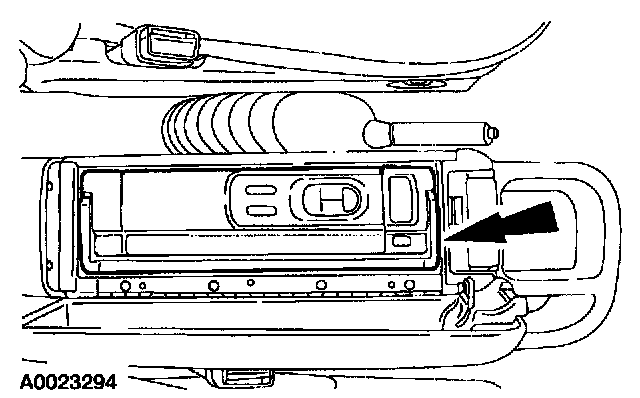
1. NOTE:
- Verify the video cassette player (VCP) anti-theft screw has been removed during pre-delivery inspection (PDI) procedure before removing the VCP from the video system floor console.
- To release the video cassette player (VCP) the release push latch must be depressed.
Release and remove the video cassette player (VCP).
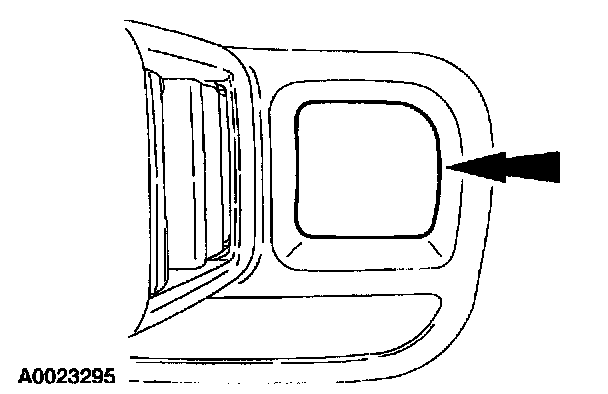
2. Remove the storage bin pad.
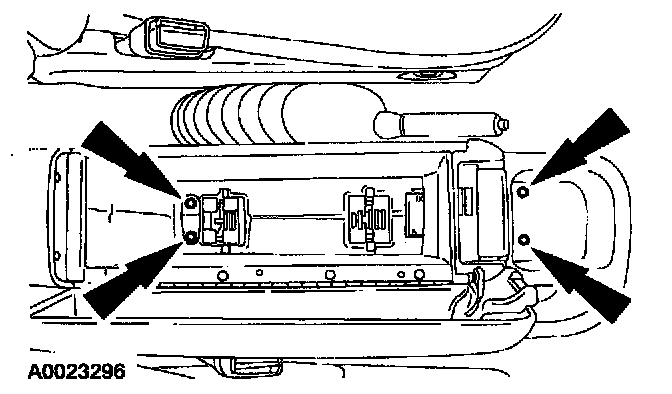
3. Remove the video system console screws.
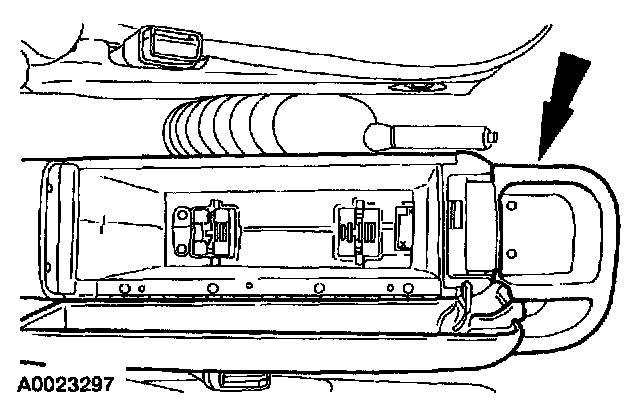
4. Remove the video system console.
- Disconnect the electrical connectors.
INSTALLATION
1. To install, reverse the removal procedure.