Adjust Current Location Mode
"ADJUST CURRENT LOCATION" MODE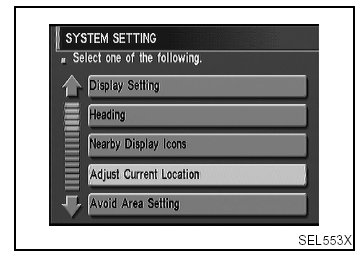
1. Start the engine.
2. Push "OPEN/CLOSE" switch and then open the display.
3. Push "SETTING" switch.
4. Select "System Setting".
5. Select "Adjust Current Location".
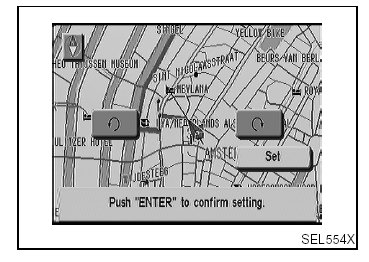
6. Select " " or " " to calibrate the heading direction. (Arrow marks will rotate corresponding to the calibration key.)
7. Select "Set". Then the vehicle mark will be matched to the arrow mark.
8. Display will show "Heading direction has been calibrated" and then go back to the current location map.