Erase DTC Memory (Function 05), End Output (Function 06)
Erase DTC Memory (function 05), End Output (function 06)
Requirements
^ DTC memory was checked
1. Erase DTC Memory (function 05)
^ Press (arow) button.
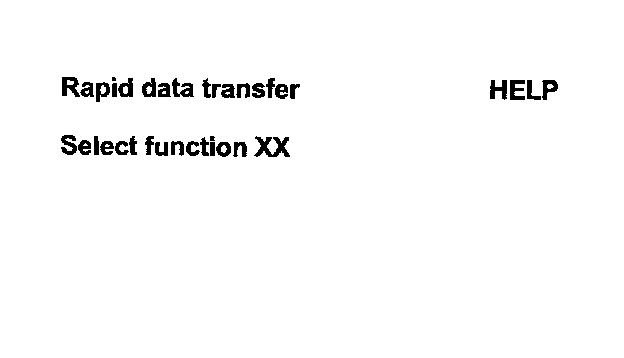
Indicated on display; (Function selection screen)
^ Press buttons 0- and -5- to select "Erase DTC Memory", function 05.

Indicated on display
^ Press -Q- button to confirm input.

Indicated on display
^ Press (arrow) button.

Indicated on display; (Function selection screen)
Notes:
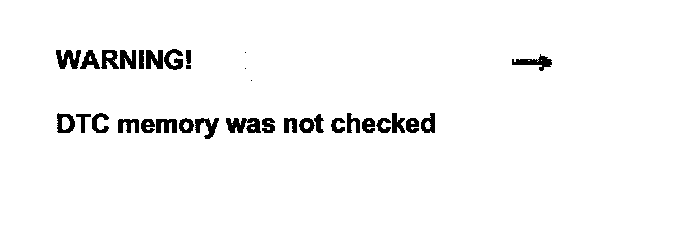
^ If this is displayed, the check sequence has not been carried out.
^ Follow test sequence exactly: First Check DTC Memory, then erase it.
2. End Output (function 06)
^ Press buttons -0- and -6- to End Output.

Indicated on display
^ Press -Q- button to confirm input.

Indicated on display
^ Switch off ignition.
^ Disconnect harness connector for the VAG1551 scan tool
^ Switch on ignition.
The ABS warning light -K47- and the warning light for brake system -K118- must go out after approximately 2 seconds.
^ Perform a road test. Drive for 30 seconds at above 60 km/h.